Sembly AI
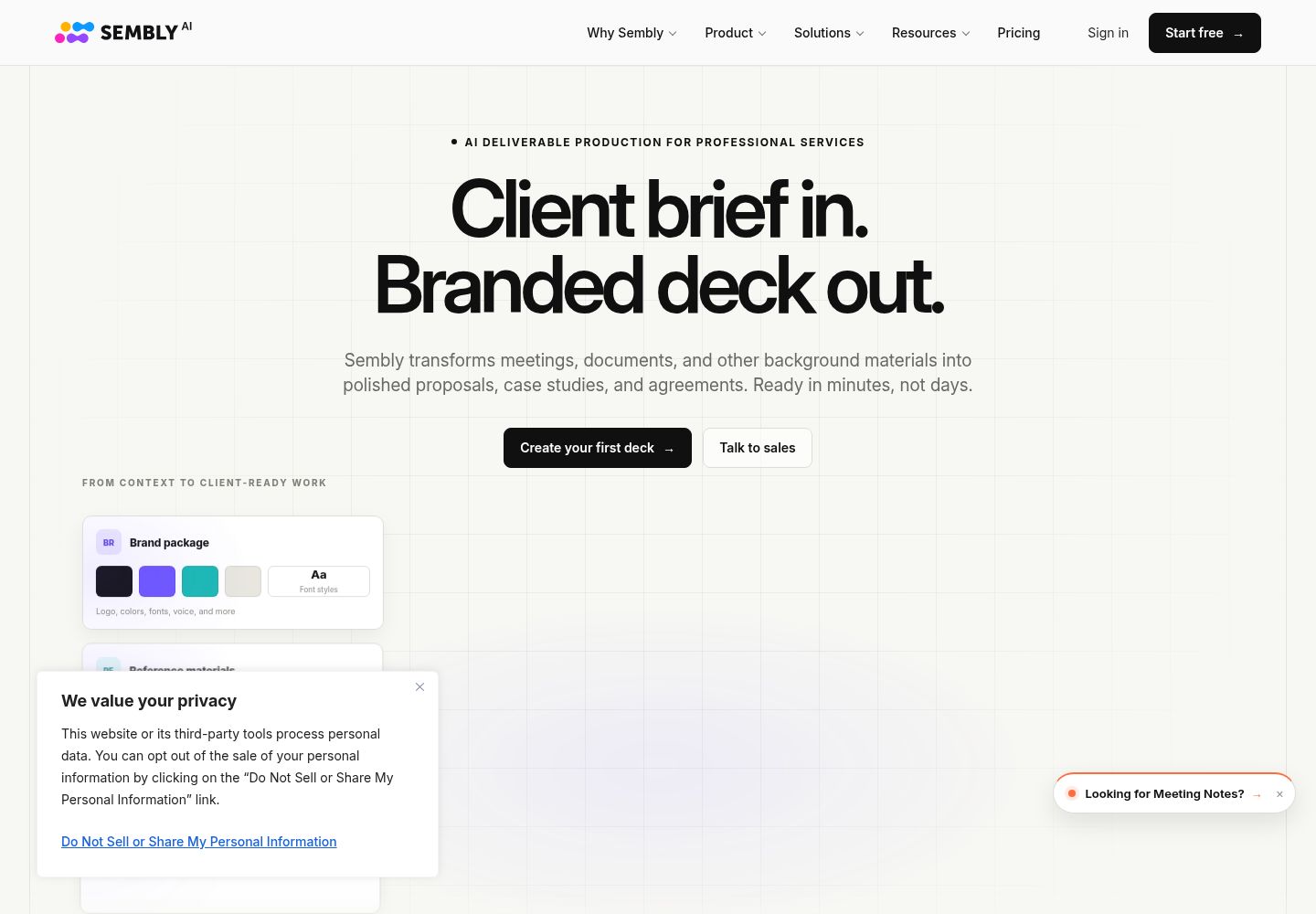
Sembly Studio builds client-facing documents from project materials; Meeting Notes remains a separate optional module.
What to know before choosing
Good fit
Consultants who turn meeting and project context into branded proposals, case studies, or agreements.
Limits and trade-offs
The current default product is Studio, not a meeting-notes inbox. Meeting Notes is optional and listed prices do not identify currency.
Plans and free allowances
Sembly lists a no-card free trial with one meeting hour. Paid prices show a dollar sign but no explicit currency label.
Evidence
Official current Studio homepage ↗ (reviewed 2026-10-15), Official Meeting Notes module ↗ (reviewed 2026-10-15), Official pricing ↗ (reviewed 2026-10-15), Official Studio and Notes overview ↗ (reviewed 2026-10-15)
Official product, plan, and help pages reviewed; no authenticated product test. Last source review is not a date of product testing.
A closer look at Sembly AI
Sembly's current default product is Studio: it combines meeting and document context to prepare branded client deliverables such as proposals, case studies, and agreements. Meeting Notes remains an optional module for transcripts and summaries, so buyers should distinguish it from the broader Studio workflow.
Editorial guidance based on published documentation. The workflow below is a suggested starting point, not a measured product result.
When to choose Sembly AI
- A consultant wants a client proposal draft from call notes and project documents.
- A service team needs an editable case study or agreement draft for review.
When to choose something else
- A user expects the default experience to open in a meeting-notes archive.
- A buyer wants a legally ready agreement without editing and review.
A practical starting workflow
- Collect relevant meeting notes and approved project materials for one deliverable.
- In Studio, choose output type and provide context, facts, and branding requirements.
- Check the draft against sources and remove unsupported promises.
- Export the editable document or deck, then complete legal and brand review.
- Use Meeting Notes separately for transcripts and call recaps.
Check before committing
- The homepage leads with Studio/client deliverables; Meeting Notes is optional and separate.
- Official pages differ on supported-language counts, so no language number is stated.
- The pricing page uses a dollar sign without explicitly naming currency.
- Generated agreements and proposals need factual and legal review before client use.
Common questions
Is Sembly mainly a meeting-notes app?
The homepage leads with Studio for client deliverables and points meeting-note users to a separate area.
Official current Studio homepage ↗ · Official Studio and Notes overview ↗
Can Studio use meetings to draft client documents?
Studio is presented as combining meetings and documents for branded deliverables; review outputs against sources.
Can I export Meeting Notes?
The Meeting Notes page lists PDF, DOCX, HTML, and Markdown formats.
What does the free trial include?
Pricing and overview pages describe a no-card trial with one meeting hour; confirm billing terms before upgrading.
Compare approaches for this task
- MeetGeek — Teams that want meeting notes with configurable sharing and retention practices.
- Fireflies AI — Teams that search meeting records and route reviewed summaries into follow-up work.
- Notta — People who need transcripts, then export or share reviewed records.