Notta
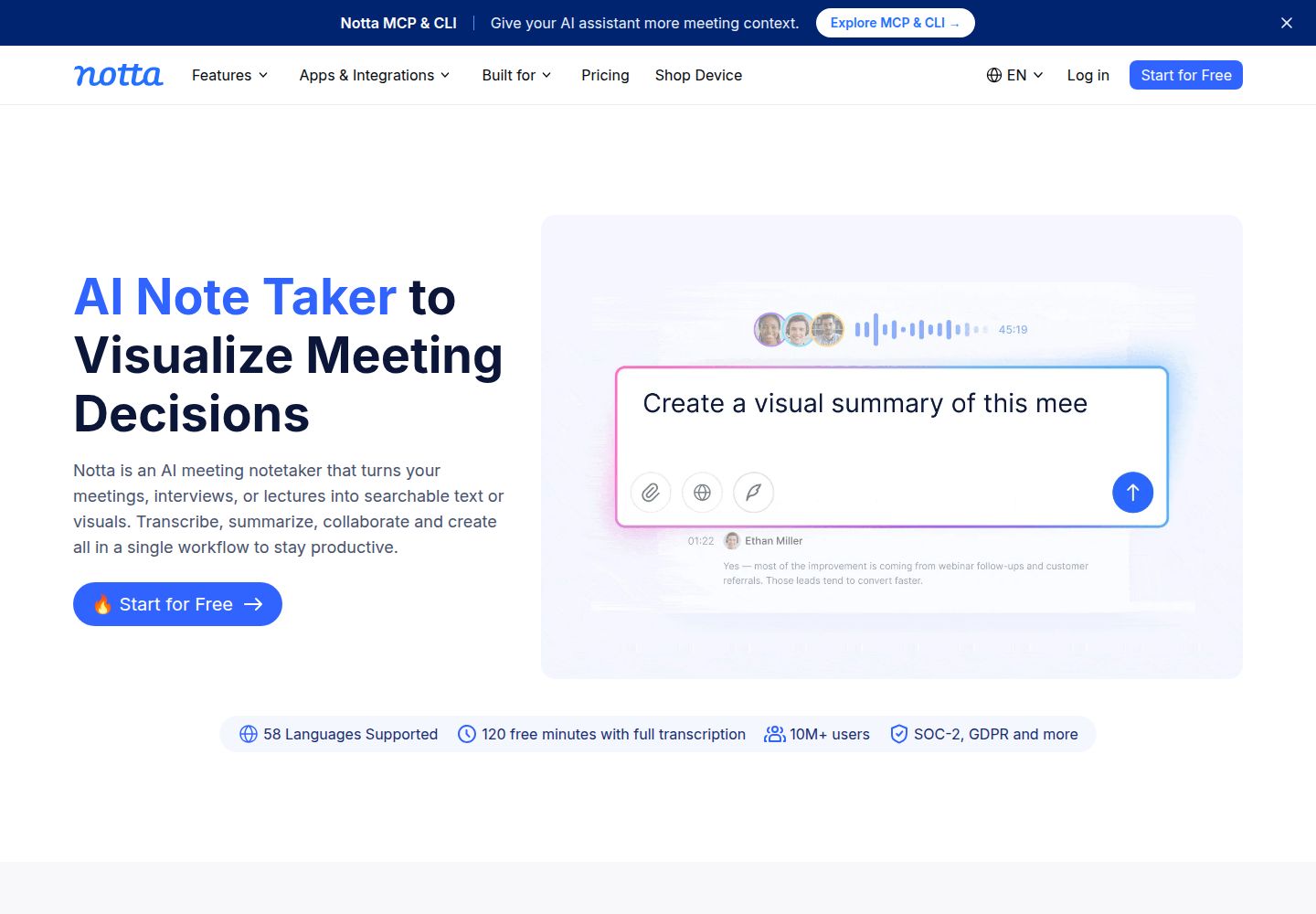
A transcription workspace for meetings and uploaded audio or video, with export and sharing controls.
What to know before choosing
Good fit
People who need transcripts, then export or share reviewed records.
Limits and trade-offs
Free recordings have short per-task limits, transcript downloads require paid access, and privacy modes differ.
Plans and free allowances
The official support page lists Pro at USD $13.49 monthly or $97.99 prepaid annually; Business is USD $27.99 per seat monthly or $199.99 per seat annually.
Evidence
Official USD pricing ↗ (reviewed 2026-10-15), Official plan quotas ↗ (reviewed 2026-10-15), Official export requirements ↗ (reviewed 2026-10-15), Official bot-free capture and consent ↗ (reviewed 2026-10-15), Official local Privacy Mode ↗ (reviewed 2026-10-15), Official public link controls ↗ (reviewed 2026-10-15), Official plan comparison and desktop/mobile access ↗ (reviewed 2026-10-15)
Official product, plan, and help pages reviewed; no authenticated product test. Last source review is not a date of product testing.
A closer look at Notta
Notta handles meeting and uploaded-media transcription with exports and external sharing. Its desktop Privacy Mode is local for supported workflows, but pauses cloud summaries, sync, and team collaboration; choose the capture mode before relying on it.
Editorial guidance based on published documentation. The workflow below is a suggested starting point, not a measured product result.
When to choose Notta
- A user needs to transcribe a call or uploaded audio/video and export a reviewed document.
- A team needs expiry or password controls on an external record link.
When to choose something else
- A Free user needs an individual transcription longer than the documented three-minute cap.
- A team needs cloud summaries, sync, and collaboration during local Privacy Mode.
A practical starting workflow
- Choose bot, bot-free desktop capture, file upload, or Privacy Mode for the task.
- Notify participants and obtain consent, including in bot-free mode.
- Review speaker labels and transcript text, correcting errors before export.
- Check plan and role for required download formats.
- For external links, set expiry or password and verify access with recipients.
Check before committing
- Free lists 120 minutes/month but caps each transcription at 3 minutes; paid plans differ.
- Downloads require Pro or higher and download permission.
- Privacy Mode pauses cloud summaries, sync, and collaboration; verify device requirements.
- Bot-free capture does not notify attendees; users remain responsible for notice and consent.
Common questions
Can I download transcripts on Free?
Downloads require Pro or higher and an account role with editing and download permission.
What changes in Privacy Mode?
Notta describes local transcription on supported desktop setups; cloud summaries, sync, and team collaboration pause.
Does bot-free recording notify attendees?
The mode has no visible bot and does not notify other attendees; the user remains responsible for consent.
Can I restrict an external link?
Public links support controls such as expiry and passwords; confirm settings before sharing sensitive material.
Compare approaches for this task
- Fireflies AI — Teams that search meeting records and route reviewed summaries into follow-up work.
- Fathom — People who want to review and share summaries from supported online meetings.
- Krisp — People who want cleaner call audio and may separately enable meeting capture.