Devin Desktop (formerly Windsurf)
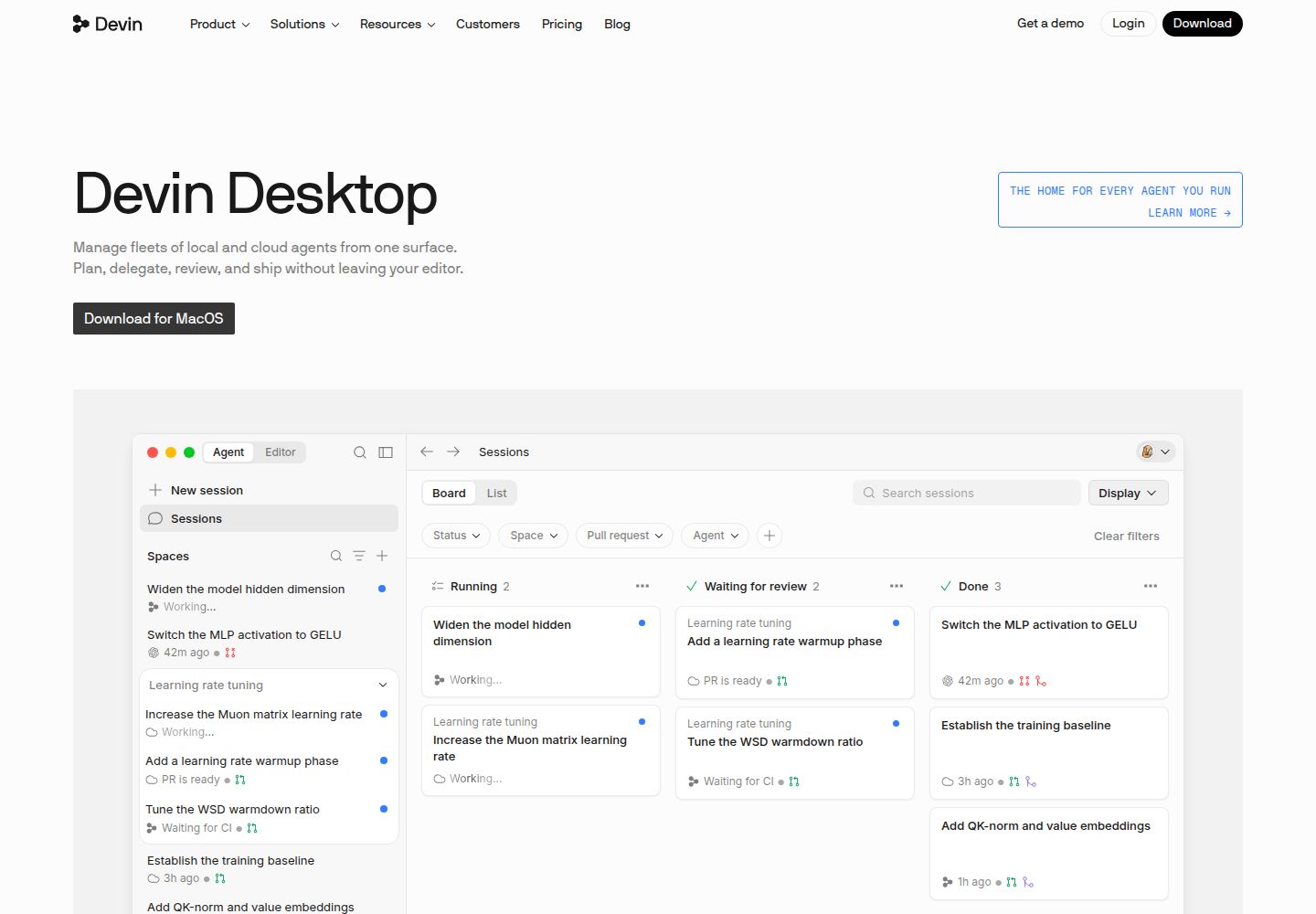
Windsurf, now called Devin Desktop, is an AI coding IDE with local and cloud agent workflows.
What to know before choosing
Good fit
Developers who want IDE-based coding assistance and the option to delegate scoped work to local or cloud agents.
Limits and trade-offs
The official desktop page now uses the Devin Desktop name; confirm existing Windsurf account and plan compatibility before switching. Agent output and cloud actions require diff review, tests, and access checks.
Plans and free allowances
The current official desktop page lists Free at $0/month, Pro at $20/month, and Max at $200/month. Currency is not explicitly labeled; verify checkout, agent scope, and existing account or plan migration before purchase.
Evidence
Devin Desktop, the current Windsurf-branded product page ↗ (reviewed 2026-10-15), Official Windsurf plugin changelog ↗ (reviewed 2026-10-15), Windsurf master services agreement ↗ (reviewed 2026-10-15)
Official published documentation reviewed; no product test. Last source review is not a date of product testing.
A closer look at Devin Desktop (formerly Windsurf)
Devin Desktop is the current name for Windsurf. The official page describes the existing IDE alongside local and cloud agent workflows. Compare the current product, account path and plan terms with the work you need to do before adopting it.
Editorial guidance based on published documentation. The workflow below is a suggested starting point, not a measured product result.
When to choose Devin Desktop (formerly Windsurf)
- A developer wants an IDE-centered assistant for a scoped code change and is prepared to review the diff.
- A team wants to compare local IDE assistance with delegated cloud-agent tasks before choosing a workflow.
When to choose something else
- A buyer needs legacy Windsurf pricing or account migration terms confirmed before changing a working setup.
- A project cannot permit agent access to source files or cannot review generated changes and commands.
A practical starting workflow
- Confirm the current product name and account or subscription path before installing or migrating.
- Start from a clean branch and describe one task with acceptance criteria.
- Ask the agent to inspect relevant files and propose a plan before allowing edits.
- Review the diff and terminal activity, then run tests and security checks.
- Check whether work is local or cloud-based and review related data and access settings.
Check before committing
- The current official product page uses Devin Desktop branding; older Windsurf pages may not describe the current purchase flow.
- Listed dollar amounts are not explicitly labeled USD in the reviewed page.
- This review does not test agent output or account migration.
Common questions
What is the current name of Windsurf?
The current official desktop page is branded Devin Desktop and states that Devin Desktop is the new name for Windsurf.
Does the product include local and cloud agent workflows?
The current desktop page describes both local and cloud agents alongside the IDE; review current settings for task execution scope.
What does the current pricing page list?
The page lists Free, Pro, and Max tiers with dollar amounts, but does not explicitly label currency. Verify amount and migration terms in checkout.
Compare approaches for this task
- Cursor — Developers who want repository-aware coding help and reviewable edits inside an IDE.
- Github Copilot — Developers who want coding help in a supported editor or GitHub workflow and can review suggestions before merging.
- Cline — Developers who want to choose an inference provider and approve an IDE agent's file and command actions.