Cline
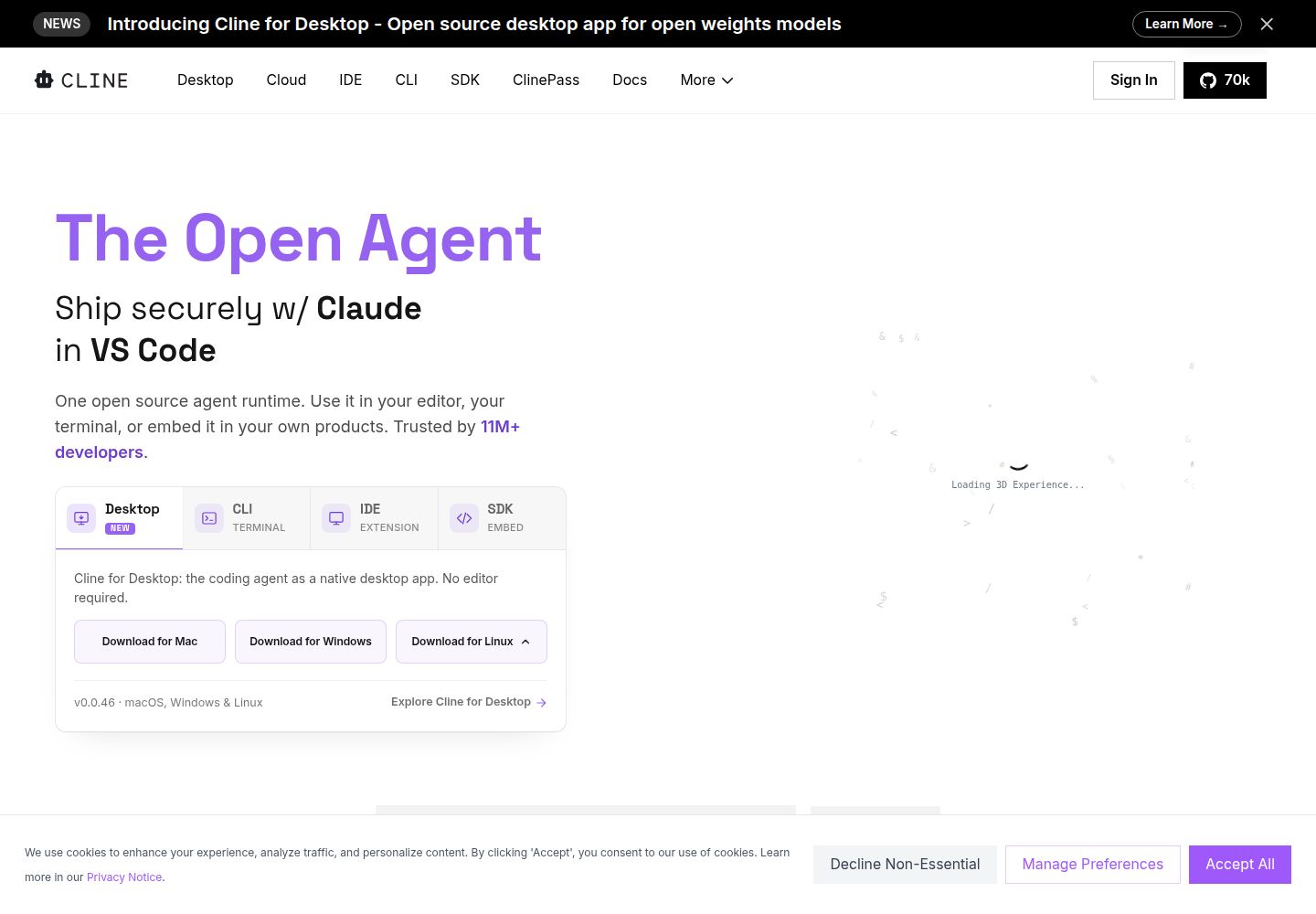
An open-source coding agent for IDE and CLI workflows that can use hosted providers or local models.
What to know before choosing
Good fit
Developers who want to choose an inference provider and approve an IDE agent's file and command actions.
Limits and trade-offs
A free client does not make hosted model inference free; provider rates and context size affect costs. Tool calls can alter files or run commands, so review permissions, diffs, and test results.
Plans and free allowances
The open-source client is free for individual developers; model inference is billed separately through a provider or Cline credits, while local models use the user's hardware. Documentation lists ClinePass at $9.99/month, but currency is not explicitly labeled; check provider and current terms.
Evidence
Cline pricing and inference options ↗ (reviewed 2026-10-15), Cline IDE workflows and editor support ↗ (reviewed 2026-10-15), Cline tasks, cost tracking, and model usage ↗ (reviewed 2026-10-15), Official public homepage and desktop download platforms ↗ (reviewed 2026-10-15)
Official published documentation reviewed; no product test. Last source review is not a date of product testing.
A closer look at Cline
Cline is an open-source coding agent for supported editors and CLI workflows that can use a hosted provider, Cline credits, or a local model. It suits developers who want provider choice and control over tool approvals, but model use is a separate cost and changes need normal code review.
Editorial guidance based on published documentation. The workflow below is a suggested starting point, not a measured product result.
When to choose Cline
- A developer wants an IDE agent that asks for approval before tool calls and shows reviewable changes.
- A team wants to compare provider-managed inference, its own API key, and local-model workflows.
When to choose something else
- A user expects a completely free coding workflow while relying on paid hosted inference.
- A team cannot install developer tooling or review commands, file changes, provider access, and model costs.
A practical starting workflow
- Create a clean branch and write one scoped task with acceptance checks and files to avoid.
- Select a provider or local model, then check provider rates and spending controls.
- Ask for a plan before action; approve only tool calls needed for the task.
- Inspect diffs and checkpoints, run tests, and check for unexpected dependencies or secret exposure.
- Review the task cost estimate and compare it with the final provider bill before larger work.
Check before committing
- The client is free, but cloud inference is billed by a provider or through Cline credits; rates vary by model and context.
- Displayed cost is an estimate and may differ from provider billing or rounding.
- Human approval and checkpoints do not prove code is correct or safe.
Common questions
Is Cline free?
The open-source client is free for individual developers, but cloud model inference is charged separately; users can bring an API key or use Cline credits.
Can I choose how the model runs?
The pricing page describes BYOK, Cline-provider credits, and local models; local models require user hardware.
Cline pricing and inference options ↗ · Cline tasks, cost tracking, and model usage ↗
How should I control agent changes?
Cline documents Plan and Act modes, approvals for tool calls, visual diffs, and checkpoints. Still inspect changes and run tests.
Are cost estimates exact?
Cline says usage estimates use provider pricing and may differ slightly from the final provider bill.
Compare approaches for this task
- Cursor — Developers who want repository-aware coding help and reviewable edits inside an IDE.
- Aider — An AI coding assistant to edit code, manages files, and integrates with Git via command-line interface.
- Github Copilot — Developers who want coding help in a supported editor or GitHub workflow and can review suggestions before merging.