AI pair programming in your terminal, with a codebase map, Git commits, and lint-and-test loops.
At a glance
Free · Source review 2026-10-25
Price & billing
Aider's official linked repository publishes its software under Apache License 2.0, with a no-charge, royalty-free grant. You provide the model: paid APIs, free providers with limits, or local hardware. The software licence does not make external LLM usage or computing free.
Aider's official linked repository publishes its software under Apache License 2.0, with a no-charge, royalty-free grant. You provide the model: paid APIs, free providers with limits, or local hardware. The software licence does not make external LLM usage or computing free.
Developers who work in a local Git repository and want an LLM to edit code with them from the command line.
Limits and trade-offs
You supply the model access yourself, and results depend heavily on the capability of the model you connect.
Plans and free allowances
Aider's official linked repository publishes its software under Apache License 2.0, with a no-charge, royalty-free grant. You provide the model: paid APIs, free providers with limits, or local hardware. The software licence does not make external LLM usage or computing free.
Official-site collection and source-backed editorial review
Dates: Last reviewed 2026-10-25. Last reviewed is the latest source or editorial review date; it is not a content-change date.
A closer look at Aider
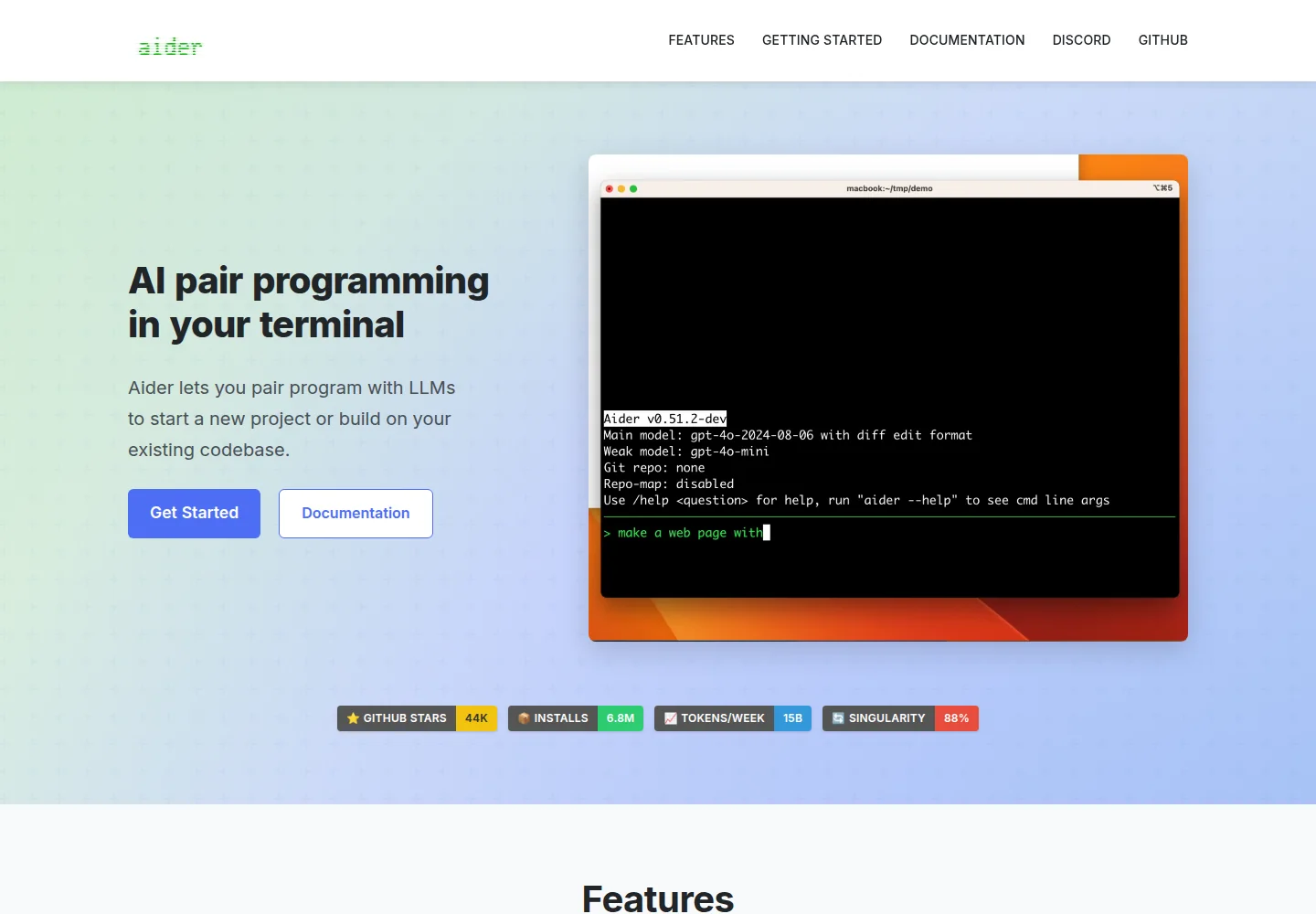
Aider is AI pair programming in your terminal: it lets you pair program with LLMs to start a new project or build on an existing codebase. The homepage highlights a map of your entire codebase for context, support for 100+ code languages, automatic Git commits with sensible commit messages, and automatic linting and testing after changes. Aider connects to cloud and local models, with documentation covering OpenAI, Anthropic, Gemini, DeepSeek, Ollama, and OpenAI-compatible APIs.
Editorial guidance based on published documentation. The workflow below is a suggested starting point, not a measured product result.
When to choose Aider
A developer who lives in the terminal and wants AI edits applied directly to a local Git repo.
A user who wants to bring their own model, including local models via Ollama, instead of a bundled subscription model.
A maintainer who wants every AI change committed with a message so it can be diffed or undone with Git tools.
When to choose something else
A user who wants a graphical editor experience with nothing to install or configure.
A beginner who does not want to choose a model or manage API keys.
A practical starting workflow
Install Aider with the pip-based installer shown on the official site.
Change into your codebase and start Aider with a model flag and your provider API key.
Add the files you want to work on and describe the change in the chat.
Let Aider edit the files, run configured linting and tests, and commit the change automatically.
Review the diff with your usual Git tools and undo or refine as needed.
Check before committing
This review covers published product information, not a hands-on test.
The documentation warns that Aider may not work well with less capable models, and that weak models can fail to return edits Aider can apply.
Model costs are separate from Aider itself and depend on the provider and model you connect.
Common questions
How much does Aider cost?
Aider's official linked repository licenses its software under Apache License 2.0 with a no-charge grant. You supply the model/API or local hardware, so provider usage and computing costs may still apply.
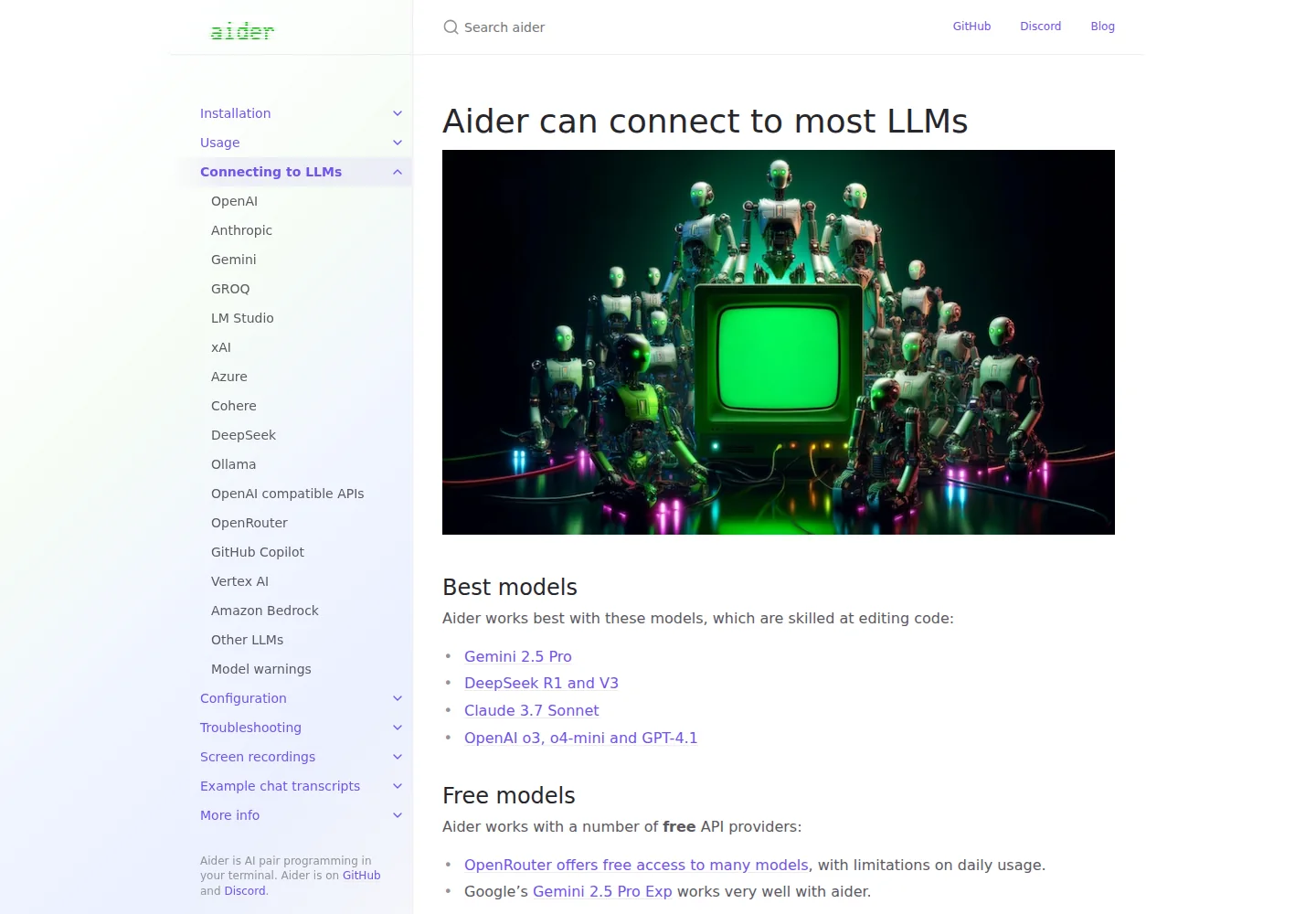
The documentation says Aider can connect to most LLMs, and the homepage says it works best with models such as Claude 3.7 Sonnet, DeepSeek R1 & Chat V3, OpenAI o1, o3-mini & GPT-4o, plus local models.
Yes. The homepage states that Aider automatically commits changes with sensible commit messages, and that you can use familiar Git tools to diff, manage, and undo AI changes.
Aider is a terminal-based coding assistant for starting projects or changing an existing repository with an LLM. It uses a repository map for code context, integrates with Git commits and diffs, and can run configured linting and tests after changes. Developers can provide images, web pages, typed requests, or transcribed voice instructions, with connections to cloud and local models.
Capabilities and conditions
Runs an AI pair-programming workflow in the terminal. Source ↗
Builds a codebase map to provide project context. Source ↗
Automatically commits changes and supports reviewing or undoing them with Git tools. Source ↗
Can lint and test code after making changes. Source ↗
Spoken coding instructions are transcribed into the aider chat session. Source ↗
Price and free allowance
This captured source profile does not include a pricing claim. See the separately reviewed plans and cost information on this page, then confirm current vendor terms.
Published-source profile · collected 2026-10-17. Automated collection followed by editorial review. These are vendor-published claims, not hands-on product test results.
Verified key facts
Aider software is licensed under Apache License 2.0, with no subscription charge for the software itselfVerified
Aider can connect to most LLMs, works best with capable models, and also works with local models, for example using OllamaVerified
Aider charges no subscription for the software; model use is billed by the provider you choose or runs on your own hardware, with no universal monthly totalSource noted
Aider git-commits all of its changes so they are easy to track and undo, and the /undo command can undo AI changesVerified
Aider may not work well with less capable models, and weak models may fail to return edits Aider can applyVerified
Each fact above is bound to a frozen official-source excerpt; facts marked Conflict noted carry the conflict note on this page.
Review a small change on a revertible branch
Keep the change small and checkable: use the code repair workbench to run the fixed example, then record the repro, expected result, diff and check evidence in your own repair notes. Merge only after the checks and a real-caller review.
Choose this tool by condition
Check whether this tool is confirmed for your conditions before choosing a plan. The check only treats a requirement as confirmed when the linked vendor source states it.
Tools the catalogue itself links to Aider: an editor lists them as related, an editorial comparison or switching guide covers the pair, or both are reviewed picks for the same task. Each reason below can be checked on the tool pages. This is not a quality ranking.
An AI coding IDE with agents that can inspect a repository, edit files, run commands, and review changes.
Why it is listed Same category: Code & Dev · Covered in an editorial comparison with Aider · Listed by editors as related to Aider · Shares 1 task (Build and debug code)
When this listing’s recorded facts changed, from what to what. Dates are the day (UTC) the change was recorded in the ByTask data, not the day the vendor changed anything. Only changes that can be traced in the data history appear here; a fact that has not changed shows nothing.
Recorded (UTC)
Links & sourcesOfficial sources on file: 2 added, 1 re-checked

 Official site reference


