Published-source facts and editorial guidance. No product test is implied. Confirm current conditions before purchase.
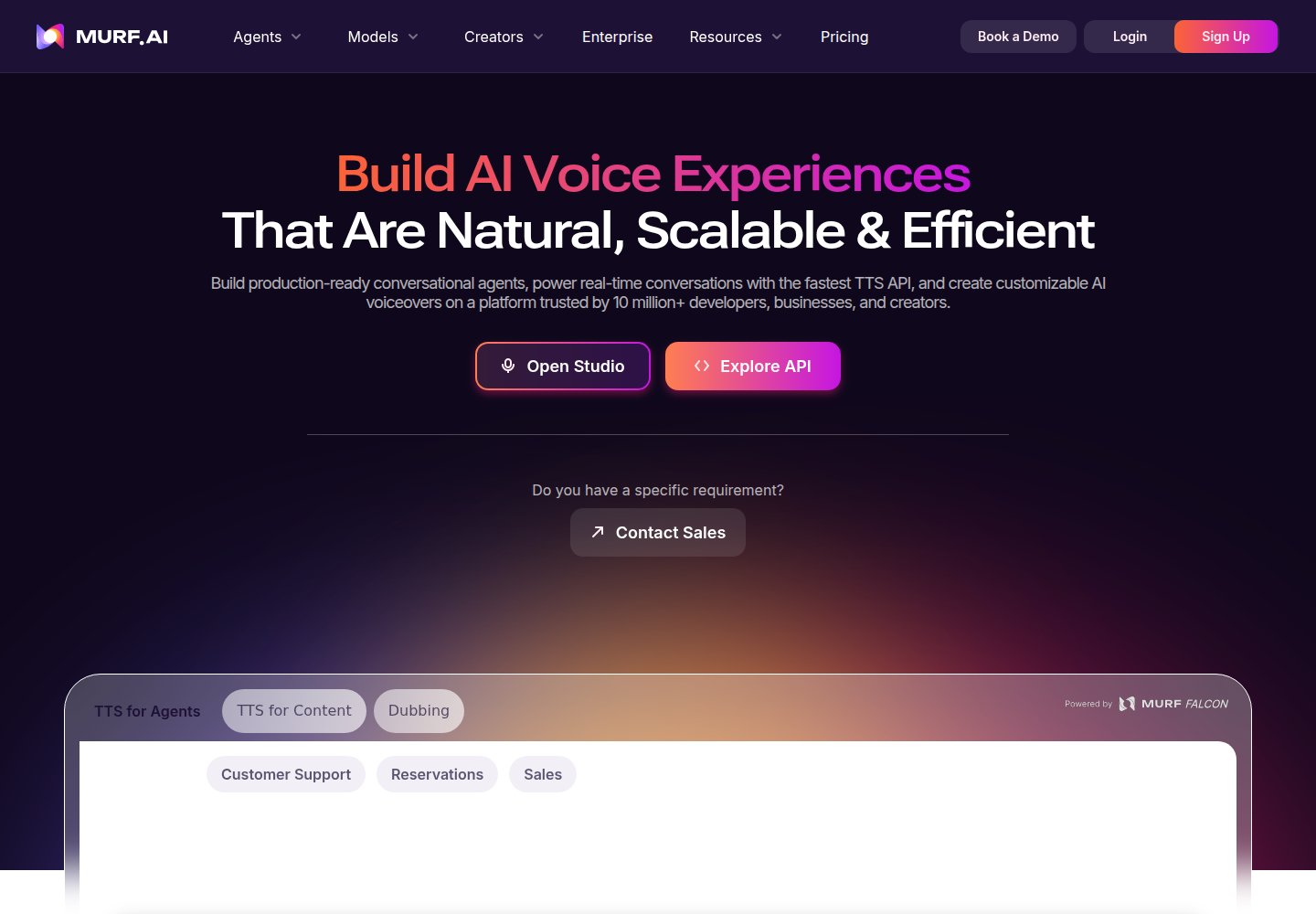
Official website; English-locale reshoot · Captured 2026-10-18 · Source ↗
This listing has 1 image; no further gallery images exist.
What to know before choosing
Good fit
Building a narrated draft from text, auditioning delivery settings, and placing a reviewed voiceover into a media workflow.
Limits and trade-offs
New accounts are described as receiving a free trial with preview and transcription allowances but no downloads; downloads and other use depend on a paid plan.
Plans and free allowances
Free free; Falcon 2.1 API USD 0.01/USD/1000 characters
Official published documentation reviewed; not a product test
Dates: Last reviewed 2026-11-24. Last reviewed is the latest source or editorial review date; it is not a content-change date.
A closer look at Murf.ai
Murf is a text-to-speech and voiceover workspace with controls for pronunciation, pacing, emphasis, and related media workflows. Use the trial to preview a short script, but plan for a paid tier if the finished audio must be downloaded or used in a production deliverable.
Editorial guidance based on published documentation. The workflow below is a suggested starting point, not a measured product result.
When to choose Murf.ai
A presenter wants to compare voice and pacing options for a narrated slide deck or product tutorial.
A training editor needs to revise a script and rework selected lines before adding narration to media.
A team wants a voiceover workflow that can connect with tools such as presentation or design apps.
When to choose something else
A user expects to download an audio deliverable during the free trial.
A production needs voice cloning without the speaker's explicit permission and the rights required by the service terms.
A project needs a verified language/accent match but has not checked the available voice for the exact script.
A practical starting workflow
Break the script into short scenes and mark pronunciations, pauses, and any text that must remain exact.
Preview a representative segment in the target voice and inspect names, numbers, and emphasis.
Revise the text or delivery settings, then regenerate only the sections that need a change.
If the voiceover will accompany slides or video, align narration with scene transitions and review the whole sequence.
Check the selected plan's download entitlement and commercial terms before committing to an export date.
Check before committing
The help center describes the free-trial account as including 10 minutes of voice generation and 10 minutes of transcription, but no project download.
Murf's pricing page labels a $0 Free tier while its help article calls the automatic signup access a free trial; verify the account's current entitlement.
The terms require explicit written consent for voice cloning and restrict misuse of voices; users remain responsible for permissions and intended use.
Common questions
Can I download a voiceover during the free trial?
Murf's help center says project downloads are available on paid plans; the trial is for previewing and sharing rather than exporting a finished file.
The help center lists 10 minutes of voice generation and 10 minutes of transcription for the free-trial access. Check the account page because the pricing page uses a separate Free label.
Tools the catalogue itself links to Murf.ai: an editor lists them as related, an editorial comparison or switching guide covers the pair, or both are reviewed picks for the same task. Each reason below can be checked on the tool pages. This is not a quality ranking.
Generate and revise spoken audio from scripts with a range of synthetic voices.
Why it is listed Same category: Audio & Voice · Covered in an editorial comparison with Murf.ai · Listed by editors as related to Murf.ai · Shares 1 task (Turn a script into speech) · Access in common: Web + API · Same pricing type: Free + paid
Produce synthetic voiceovers with controls for tone, pacing, and pronunciation.
Why it is listed Same category: Audio & Voice · Covered in an editorial comparison with Murf.ai · Listed by editors as related to Murf.ai · Shares 1 task (Turn a script into speech) · Access in common: Web
A transcript-led editor for recording, editing, captioning, and exporting audio or video.
Why it is listed Different category: Video (Murf.ai is Audio & Voice) · Covered in an editorial switching guide with Murf.ai · Listed by editors as related to Murf.ai · Access in common: Web · Same pricing type: Free + paid
AI realistic text-to-speech voice generator - Can train your own voice.
Why it is listed Same category: Audio & Voice · Covered in an editorial comparison with Murf.ai · Its review lists Murf.ai as related · Same pricing type: Free + paid
When this listing’s recorded facts changed, from what to what. Dates are the day (UTC) the change was recorded in the ByTask data, not the day the vendor changed anything. Only changes that can be traced in the data history appear here; a fact that has not changed shows nothing.
Recorded (UTC)
Price & plansPlan type: Trial available → Free + paid
Price & plansPrice and plan wording changed
Links & sourcesOfficial sources on file: 1 added, 1 re-checked


 Official site reference


