A tool to automate browsing, research, analysis, and reporting.
At a glance
Free + paid · Source review 2026-11-24
Price & billing
A free plan is listed at $0 with 200 starter credits, 10 GB storage and pay-per-use AI tools. Plus is $16/month ($192 billed yearly, 2,000 credits/month), Pro is $40/month ($480 yearly, 5,000 credits/month) and Max is $80/month ($960 yearly). One-time credit packs from $5 to $500 never expire.
Published-source facts and editorial guidance. No product test is implied. Confirm current conditions before purchase.
Official website; English-locale capture · Captured 2026-11-29 · Source ↗
This listing has 1 image; no further gallery images exist.
What to know before choosing
Good fit
Teams turning web and file data into cleaned, charted, and reported insights without code.
Limits and trade-offs
Plan amounts are shown in $ without a named currency; every listed plan caps concurrent browser tasks at 3; daily free credits are described as limited-time.
Plans and free allowances
A free plan is listed at $0 with 200 starter credits, 10 GB storage and pay-per-use AI tools. Plus is $16/month ($192 billed yearly, 2,000 credits/month), Pro is $40/month ($480 yearly, 5,000 credits/month) and Max is $80/month ($960 yearly). One-time credit packs from $5 to $500 never expire.
Official published documentation reviewed; not a product test
Dates: Last reviewed 2026-11-24. Last reviewed is the latest source or editorial review date; it is not a content-change date.
A closer look at AllyHub
AllyHub is an AI data platform that turns raw web data into insights in one flow: point it at websites, pages, or files, and it scrapes, cleans, structures, analyzes, and reports — with charts, summaries, and spreadsheets — without code, formulas, or exporting between tools. It also offers standalone AI data tools for social, ecommerce, and the open web, and 'Ally' watchers that keep monitoring on a schedule.
Editorial guidance based on published documentation. The workflow below is a suggested starting point, not a measured product result.
When to choose AllyHub
Teams whose numbers live on marketplaces, review sites, directories, dashboards, or in files: the Data Analysis pipeline is built exactly for web-born data.
Ecommerce, marketing, real-estate, recruiting, research, and operations users who need competitor pricing, review data, creator/lead data, listings, or sourcing data cleaned and charted.
Users who need a repeatable pipeline: save the scrape-clean-analyze flow as a Service and rerun it when data updates; or run a single tool (for example social listening, follower tracking, or a hook generator) on its own.
Non-technical users: describe what you want in natural language; no code or formulas are required.
When to choose something else
Work needing more than 3 concurrent browser tasks: every listed plan caps concurrent browser tasks at 3.
Work whose data does not live on the web or in files: the Point step requires websites, pages, or files as the source, so offline-only data with no web or file source has nothing to point at.
Heavy continuous collection beyond the largest listed tier: the top plan lists 20,000 credits per month, so usage far above that band would exceed the largest tier shown.
A practical starting workflow
Point: name the websites, pages, or files that hold the data.
Collect: AllyHub scrapes the web data (including dynamically loaded content and pages behind your own login) or reads uploaded files.
Clean: duplicates, formatting issues, and noise are resolved into a tidy dataset, then structured into tables.
Analyze: run comparisons, surface trends, outliers, and plain-language takeaways, and visualize with charts.
Deliver: results arrive as spreadsheets, charts, and insight summaries (CSV, Excel, reports).
Reuse: save the pipeline as a Service and rerun it when the data updates.
Check before committing
Plan amounts are shown in $ without a named currency, so no charge fact is recorded; daily free credits are described as limited-time, so no recurring free tier is recorded.
FAQ answers on the features page are accordion-collapsed in the text capture; the FAQ answers in this entry are drawn from the feature page body text, not from expanded accordion text.
This page is based on public website text only (text fetch); no scrape, analysis, or monitoring job was run.
Common questions
Do I need to know code or formulas?
No: describe the data you want and the questions you have in natural language — AllyHub handles the scraping, cleanup, and analysis steps, without code, formulas, or exporting between tools.
CSV files, spreadsheets (Excel), reports with charts, comparisons, and key takeaways, and saved Services (the full scrape-clean-analyze pipeline saved to run again on fresh data).
Consensus — People who need a first-pass map of published research with citations to verify.
Elicit — Researchers who want to structure academic searches, extract study details into a table, or export references for checking.
Alternatives to AllyHub
Tools the catalogue itself links to AllyHub: an editor lists them as related, an editorial comparison or switching guide covers the pair, or both are reviewed picks for the same task. Each reason below can be checked on the tool pages. This is not a quality ranking.
When this listing’s recorded facts changed, from what to what. Dates are the day (UTC) the change was recorded in the ByTask data, not the day the vendor changed anything. Only changes that can be traced in the data history appear here; a fact that has not changed shows nothing.


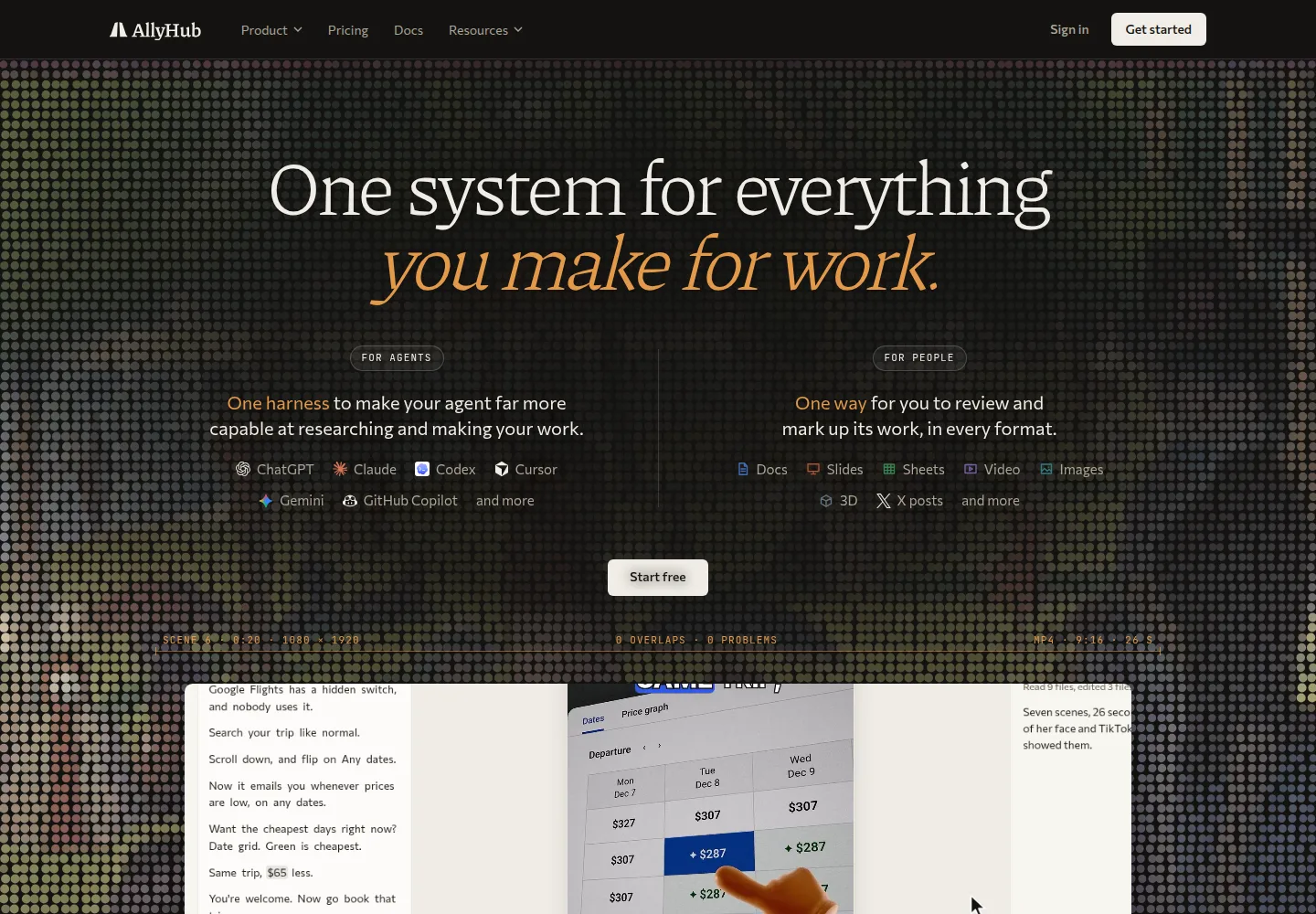
 Official site reference


