Elicit
A literature research workspace for finding papers, asking source-linked questions, extracting evidence, and organizing reviews.
What to know before choosing
Good fit
Researchers who want to structure academic searches, extract study details into a table, or export references for checking.
Limits and trade-offs
Usage limits and export options depend on plan, and evidence and full-text availability vary by paper. Review extracted values and citations against the original paper before relying on them.
Plans and free allowances
Basic is free with limited Research Agent and Research Reports usage. The official pricing page displays multiple dollar-price variants and annual-billing views, without explicitly labeling currency; confirm the applicable plan and usage limits at checkout.
Evidence
Elicit plans and usage ↗ (reviewed 2026-10-15), Elicit research workflow selection ↗ (reviewed 2026-10-15), Elicit exports and plan limits ↗ (reviewed 2026-10-15), Elicit workflow changes and legacy sessions ↗ (reviewed 2026-10-15)
Official published documentation reviewed; no product test. Last source review is not a date of product testing.
A closer look at Elicit
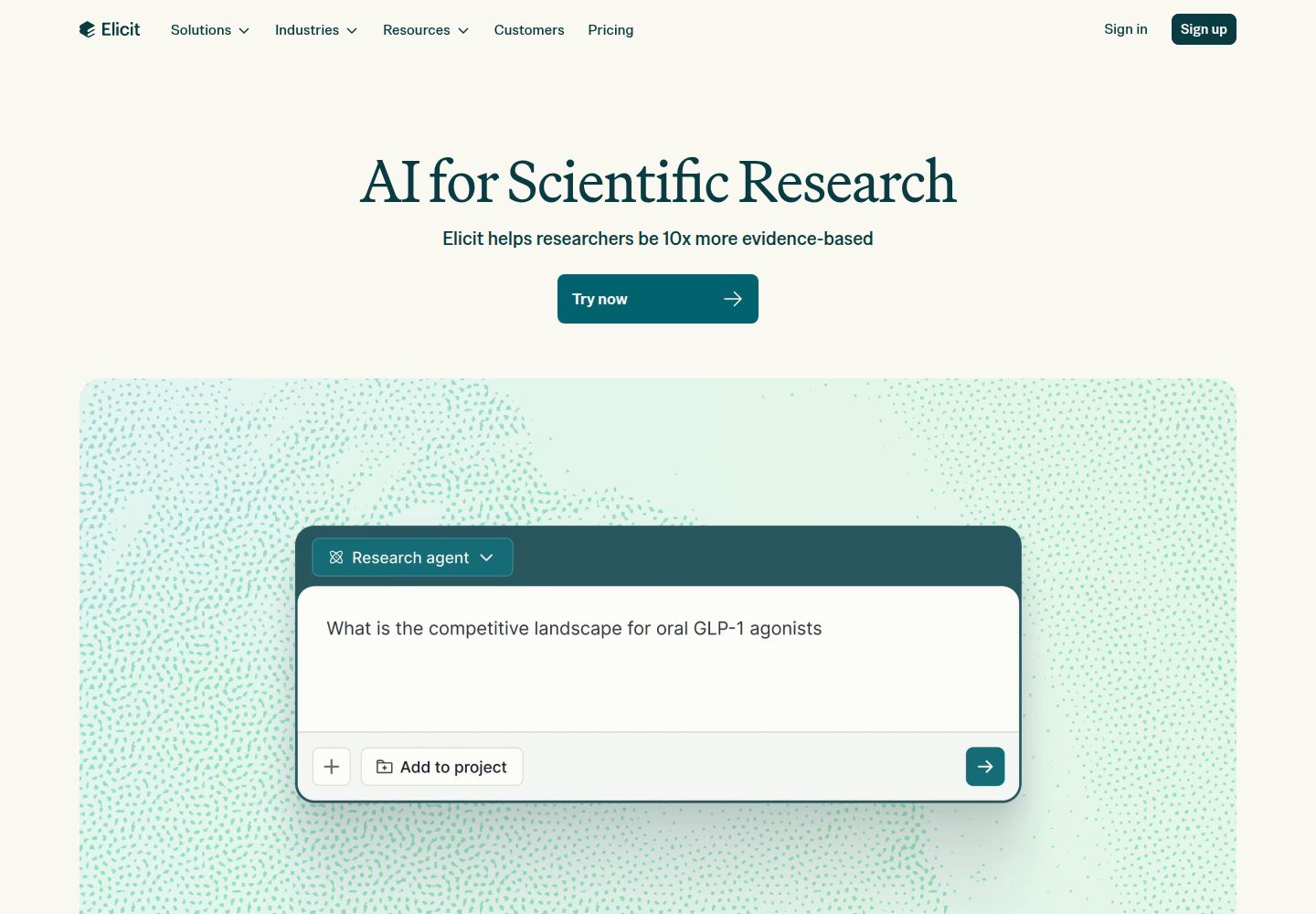
Elicit combines paper search, Research Agent sessions, reports, and structured review workflows; standalone Find Papers, Extract Data, and Chat with Papers moved into Research Agent in September 2026. It can organize evidence gathering, but reviewers still need to validate paper selection, full text, extracted data, and citations.
Editorial guidance based on published documentation. The workflow below is a suggested starting point, not a measured product result.
When to choose Elicit
- A researcher has a defined question and wants to collect candidate papers and compare selected details in a table.
- A reviewer wants to export reports, tables, or references into a document or reference manager for checking.
When to choose something else
- A reviewer needs a systematic review without a protocol, documented screening decisions, or human verification.
- A project depends on current plan pricing or unrestricted full-text access that has not been checked for its account.
A practical starting workflow
- Write the research question and inclusion/exclusion criteria before searching.
- Choose Research Agent for exploration, Research Report for an overview, or Systematic Review for controlled screening and extraction.
- Upload or select relevant papers and define the table columns needed.
- Check each paper and extracted value against source text; record missing or ambiguous evidence.
- Export the report, table, and references, then validate citations in your reference manager.
Check before committing
- Research Agent and Reports are subject to plan usage limits; systematic-review access and exports vary by tier.
- Search coverage and full-text access differ across papers; finding a paper does not mean all contents are available.
- Legacy standalone sessions are view-only and may be removed in 2027; export or carry forward material you need.
Common questions
Which Elicit workflow should I choose?
Elicit recommends Research Agent for flexible research, Reports for a topic overview, and Systematic Review for structured control over search, screening, and extraction.
What happened to Find Papers and Extract Data?
On September 30, 2026, those tools became skills within Research Agent; existing sessions are view-only but may be exported or carried into a new session.
What can I export?
Elicit documents report exports as PDF or Word, eligible tables as CSV or Excel, and references as RIS or BIB.
Does Basic provide unlimited research work?
No. The pricing page describes limited Research Agent and Report usage. Check the selected workflow, available exports and account allowance before planning a long review.
Compare approaches for this task
- Scite — Researchers who want to inspect how later papers cite a study or check references for citation context and notices.
- Consensus — People who need a first-pass map of published research with citations to verify.
- Gemini Notebook (formerly NotebookLM) — Summarizing an approved packet and locating cited passages for a draft, course outline, or evidence review.