A platform that ingests data to generate analyses, visualizations, forecasts, and exportable reports.
At a glance
Free + paid · Source review 2026-11-24
Price & billing
A free plan is listed at $0.00/month with 5 files and 15 AI requests per month. Plus is $19.99/month and Pro is $39.99/month; paid plans include a 14-day free trial with no credit card required.
A free plan is listed at $0.00/month with 5 files and 15 AI requests per month. Plus is $19.99/month and Pro is $39.99/month; paid plans include a 14-day free trial with no credit card required.
Published-source facts and editorial guidance. No product test is implied. Confirm current conditions before purchase.
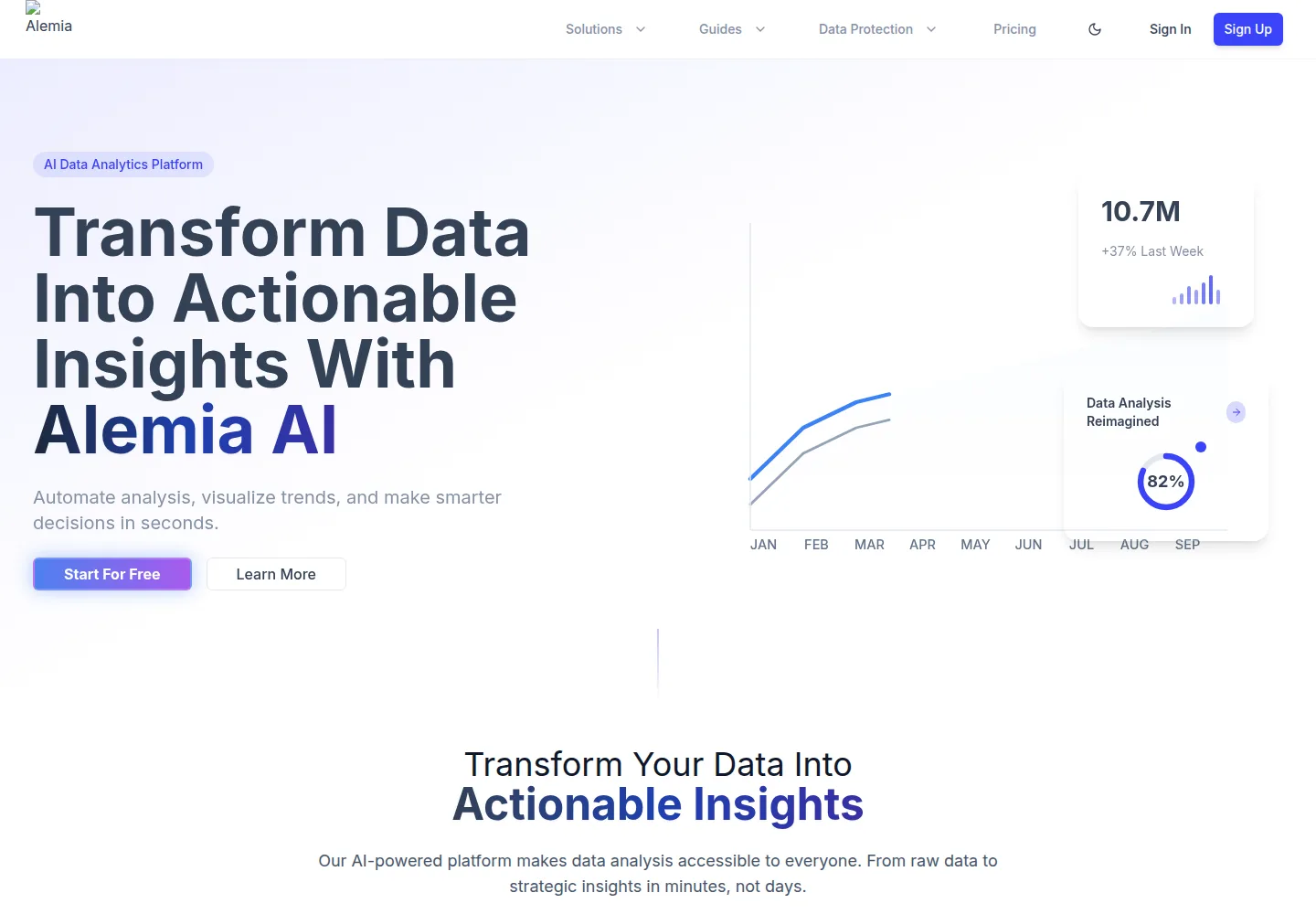
Official website; English-locale capture · Captured 2026-11-29 · Source ↗
This listing has 1 image; no further gallery images exist.
What to know before choosing
Good fit
Analysts who want to connect or upload data and ask plain-English questions for charts, reports and recommendations.
Limits and trade-offs
The workflow presupposes a dataset to connect or upload; outputs are analytics-shaped (charts, reports, recommendations).
Plans and free allowances
A free plan is listed at $0.00/month with 5 files and 15 AI requests per month. Plus is $19.99/month and Pro is $39.99/month; paid plans include a 14-day free trial with no credit card required.
Official published documentation reviewed; not a product test
Dates: Last reviewed 2026-11-24. Last reviewed is the latest source or editorial review date; it is not a content-change date.
A closer look at Alemia AI
Alemia AI is an AI data-analytics platform: connect or upload data, ask questions in plain English, and receive charts, reports and recommendations. The homepage is thin and states no plan, price or limit, so pricing is unverified, but the product identity and workflow are confirmed on the official site.
Editorial guidance based on published documentation. The workflow below is a suggested starting point, not a measured product result.
When to choose Alemia AI
Non-technical users can query data in plain English instead of writing analysis code.
Multiple entry routes: spreadsheet upload, database connection or tool integration.
Results arrive as charts, reports and recommendations, not raw query output.
When to choose something else
The workflow presupposes a dataset to connect or upload; without data there is nothing to analyze.
Output is analytics-shaped (charts, reports, recommendations); it is not presented as a general document, chat or writing tool.
A practical starting workflow
Connect data by uploading spreadsheets, connecting a database or integrating another tool.
Ask a question in plain English about the data.
Receive charts, detailed reports and actionable recommendations in seconds.
Refine with follow-up questions and export the results.
Check before committing
Price unverified: the homepage says 'Start for free today' but lists no plan, amount or limit, so no price and no confirmed recurring free tier are recorded.
This page is based on public website text only (text fetch); the product was not run and no account was created.
The homepage is thin and self-promotional (including an unsourced 'Rating: 4.8 (150 ratings)' line); feature claims are reported as homepage claims, not verified results.
Common questions
What is Alemia AI?
Alemia is an AI data analyst tool that helps businesses make data-driven decisions without manual analysis, by uploading data and asking questions in natural language.
Altavize — A tool to analyze and categorize text directly in Excel.
AxonSheet — Excel users who extract document data, fill empty cells in bulk and audit sheets with AI.; Analysts who run deep-research agents and bulk transformations inside their spreadsheets.
Alternatives to Alemia AI
Tools the catalogue itself links to Alemia AI: an editor lists them as related, an editorial comparison or switching guide covers the pair, or both are reviewed picks for the same task. Each reason below can be checked on the tool pages. This is not a quality ranking.
When this listing’s recorded facts changed, from what to what. Dates are the day (UTC) the change was recorded in the ByTask data, not the day the vendor changed anything. Only changes that can be traced in the data history appear here; a fact that has not changed shows nothing.


 Official site reference