Excel users who extract document data, fill empty cells in bulk and audit sheets with AI.; Analysts who run deep-research agents and bulk transformations inside their spreadsheets.
Fit is editorial guidance, not a measured result.
Platforms
Access: not separately verified. Operating systems not separately verified.
Published-source facts and editorial guidance. No product test is implied. Confirm current conditions before purchase.
Official website; English-locale capture · Captured 2026-11-29 · Source ↗
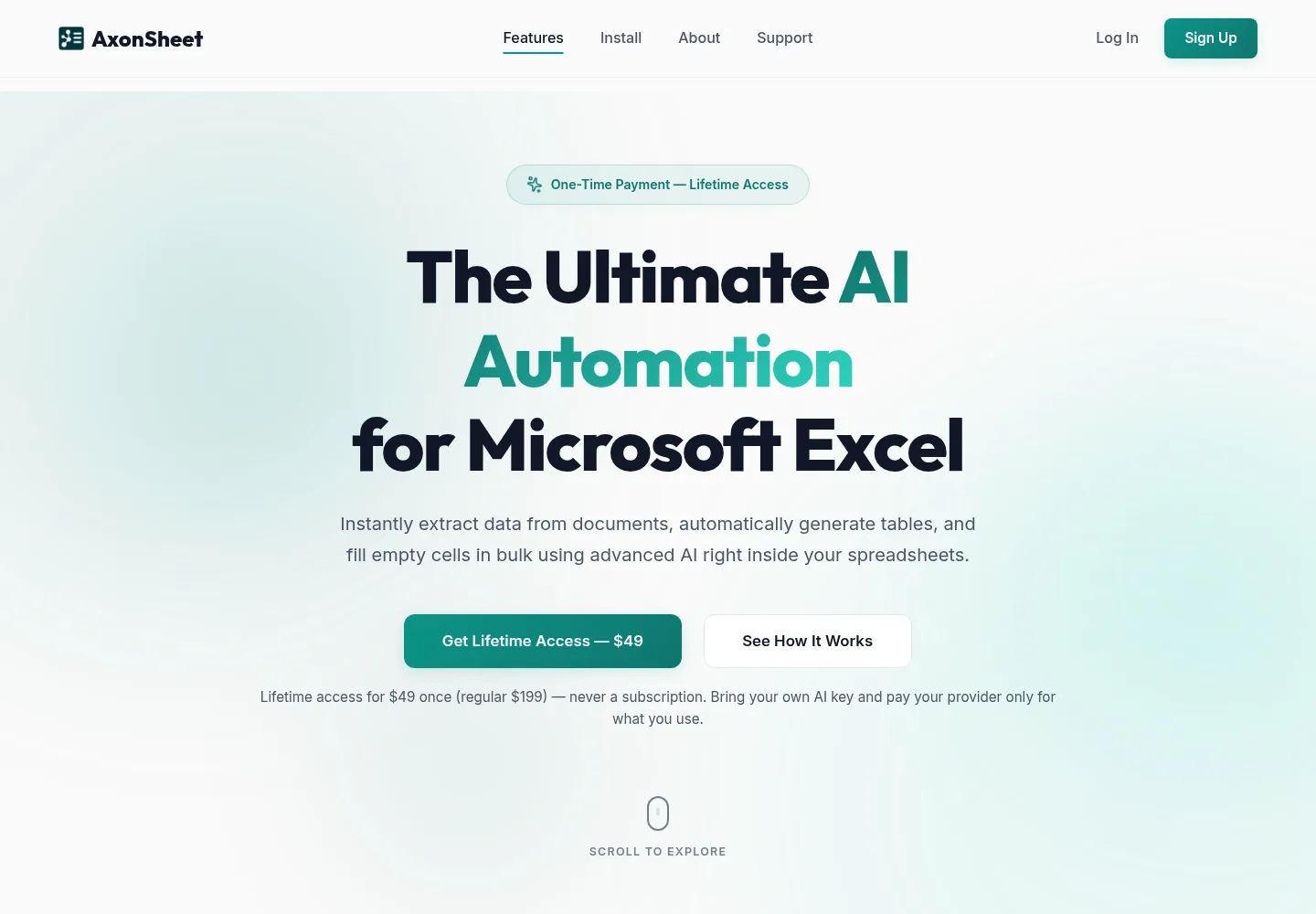
This listing has 1 image; no further gallery images exist.
What to know before choosing
Good fit
Excel users who extract document data, fill empty cells in bulk and audit sheets with AI.; Analysts who run deep-research agents and bulk transformations inside their spreadsheets.
Limits and trade-offs
AxonSheet needs the user's own LLM API key, so teams without an OpenAI, Anthropic, Groq or Gemini key must set one up first.; It works inside Microsoft Excel, so teams on other spreadsheet tools cannot use it.
Plans and free allowances
AxonSheet is sold as a one-time lifetime deal (USD 49, list USD 199) with a bring-your-own-key model; the official page shows no free plan or trial.
Official published documentation reviewed; not a product test
Dates: Last reviewed 2026-11-24. Last reviewed is the latest source or editorial review date; it is not a content-change date.
A closer look at AxonSheet
AxonSheet is an AI automation add-in for Microsoft Excel. It extracts data from Word or Markdown documents into clean rows and columns, fills empty cells in bulk from table context, runs a deep-research agent that fetches web data into sheets, audits selected cells for inconsistencies with actionable comments, and adds smart columns, rows and bulk cell edits from natural-language prompts. The model is bring-your-own-key: users supply an LLM API key and pay their provider only for what they use, while AxonSheet itself is sold as a one-time lifetime purchase.
Editorial guidance based on published documentation. The workflow below is a suggested starting point, not a measured product result.
When to choose AxonSheet
Excel users who turn messy documents into structured tables without manual copy-paste.
Analysts who fill, audit and extend large sheets with AI that understands table structure.
When to choose something else
Teams without an LLM API key, since AxonSheet requires the user's own OpenAI, Anthropic, Groq or Gemini key.
Users who do not work in Microsoft Excel, since AxonSheet is an Excel add-in.
A practical starting workflow
Install AxonSheet for Excel and connect your own LLM API key.
Upload a Word or Markdown document and let the Document Processor structure it into rows and columns.
Highlight missing data and prompt Smart Cell Filling, or run the Deep Research Agent for web data.
Audit the sheet with AI comments, add smart columns or rows, and apply bulk edits to selected cells.
Check before committing
The homepage price is a limited-time lifetime deal, so the $49 figure should be confirmed at checkout.
AI-filled cells and research results still deserve a human check before they feed decisions.
Common questions
What is AxonSheet?
AxonSheet is an AI automation add-in for Microsoft Excel: extract document data, generate tables, fill empty cells in bulk, research the web and audit sheets with AI.
The homepage offers lifetime access for $49 once (regular $199), with no subscription; users bring their own AI key and pay their provider only for what they use.
ChatCSV — Analysts who want to ask questions of CSV data in plain language.; Teams that explore spreadsheets conversationally instead of writing formulas.
Cellect — Mid-size real-estate developers that want underwriting, budgets, draws and payables in one platform.; Development teams that reconcile project finances across fund, build and book stages.
Alternatives to AxonSheet
Tools the catalogue itself links to AxonSheet: an editor lists them as related, an editorial comparison or switching guide covers the pair, or both are reviewed picks for the same task. Each reason below can be checked on the tool pages. This is not a quality ranking.
When this listing’s recorded facts changed, from what to what. Dates are the day (UTC) the change was recorded in the ByTask data, not the day the vendor changed anything. Only changes that can be traced in the data history appear here; a fact that has not changed shows nothing.
Recorded (UTC)
Price & plansPlan type: Price not verified → Paid
Price & plansPrice and plan wording changed
Links & sourcesOfficial sources on file: 1 re-checked

 Official site reference