A tool to query databases and generate dashboards without SQL.
At a glance
Free + paid · Source review 2026-11-24
Price & billing
A free plan is listed with free models forever and no credit card required. Pro is $20 per user/month billed monthly ($192 per user/year on annual billing) and Team is $50 per user/month ($480 per user/year); Enterprise is custom-priced.
Published-source facts and editorial guidance. No product test is implied. Confirm current conditions before purchase.
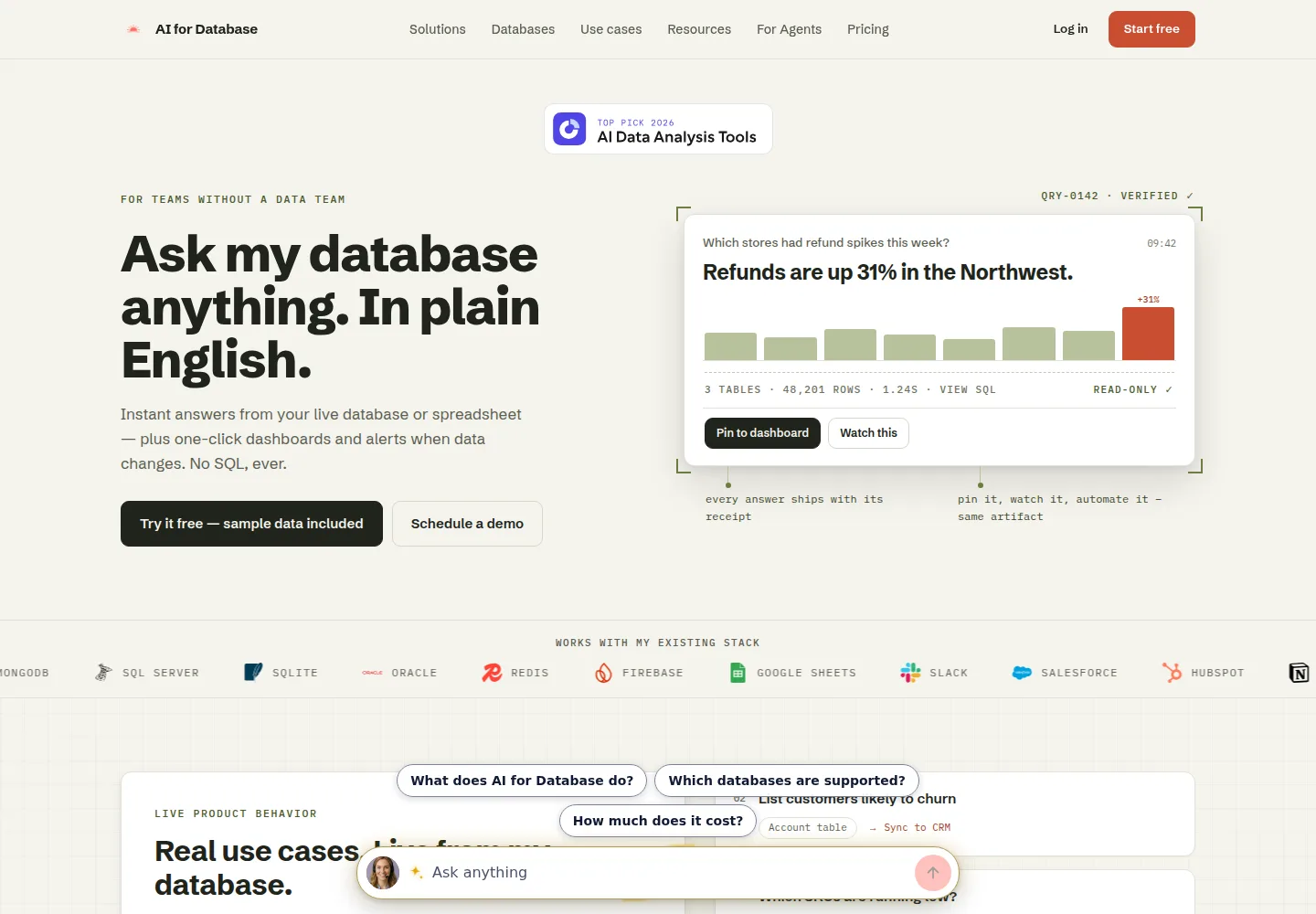
Official website; English-locale capture · Captured 2026-11-29 · Source ↗
This listing has 1 image; no further gallery images exist.
What to know before choosing
Good fit
Teams without a data team who need plain-English answers from a live database or spreadsheet.
Limits and trade-offs
AI answers and generated SQL need checking against source rows, and usage pauses when a per-user credit balance runs out.
Plans and free allowances
A free plan is listed with free models forever and no credit card required. Pro is $20 per user/month billed monthly ($192 per user/year on annual billing) and Team is $50 per user/month ($480 per user/year); Enterprise is custom-priced.
Official-site collection and source-backed editorial review
Dates: Last reviewed 2026-11-24. Last reviewed is the latest source or editorial review date; it is not a content-change date.
A closer look at AI for Database
AI for Database lets teams ask a live database or spreadsheet questions in plain English and get answers without writing SQL. Answers can be turned into one-click dashboards and scheduled reports, and workflows can send alerts to Slack, email, or a webhook when data changes. Queries are described as read-only, with self-hosted deployment available and optional approval controls for outbound actions.
Editorial guidance based on published documentation. The workflow below is a suggested starting point, not a measured product result.
When to choose AI for Database
Sales, operations, and product teams without a dedicated data team who need quick answers from live operational data.
Teams that want to turn recurring questions into shareable dashboards, scheduled reports, and data-change alerts.
When to choose something else
Teams that need deep, hand-written SQL modeling or a full business-intelligence platform with complex governed semantic layers.
Users who do not have a connectable database or spreadsheet and only want a one-off answer from a pasted table.
A practical starting workflow
Connect a live database or spreadsheet and confirm read-only access for initial questions.
Ask the question in plain English and inspect the returned table, chart, and SQL.
Turn a useful answer into a dashboard or scheduled report, or set a workflow alert for the data change.
Check before committing
AI-generated answers and SQL should be checked against source rows before acting on them, especially for financial or customer decisions.
Credits are per user and usage pauses when a balance runs out, so heavy or team-wide use needs a credit budget check.
Pricing and feature availability may change; confirm current terms on the official website before committing.
Common questions
Do I need to write SQL to use AI for Database?
No. The official site says users ask in plain English, the tool writes and runs the query, and returns the answer with the rows and the query it used.
Alemia AI — Analysts who want to connect or upload data and ask plain-English questions for charts, reports and recommendations.
AlphaResearch — Investors who research stocks through filings, transcripts, and press releases.
Product details from official sources
AI for Database lets business teams ask questions of connected databases or spreadsheets in plain language. Answers can become charts, dashboards, scheduled reports, or workflows that send alerts and trigger webhooks. The published pricing funds a separate, non-expiring usage balance for each user. Pro is listed at $20 per user per month, and AI usage pauses when that user's credits run out.
Capabilities and conditions
Queries live databases and spreadsheets using plain-language questions. Source ↗
Pro is listed at $20 per user per month, billed monthly, funding $20 of user credits. Source ↗
AI usage pauses when the credit balance is exhausted. Source ↗
Price and free allowance
See the sourced plan statements above; confirm currency, billing period and checkout eligibility on the vendor site.
Published-source profile · collected 2026-11-24. Automated collection followed by editorial review. These are vendor-published claims, not hands-on product test results.
Alternatives to AI for Database
Tools the catalogue itself links to AI for Database: an editor lists them as related, an editorial comparison or switching guide covers the pair, or both are reviewed picks for the same task. Each reason below can be checked on the tool pages. This is not a quality ranking.
When this listing’s recorded facts changed, from what to what. Dates are the day (UTC) the change was recorded in the ByTask data, not the day the vendor changed anything. Only changes that can be traced in the data history appear here; a fact that has not changed shows nothing.

 Official site reference