Published-source facts and editorial guidance. No product test is implied. Confirm current conditions before purchase.
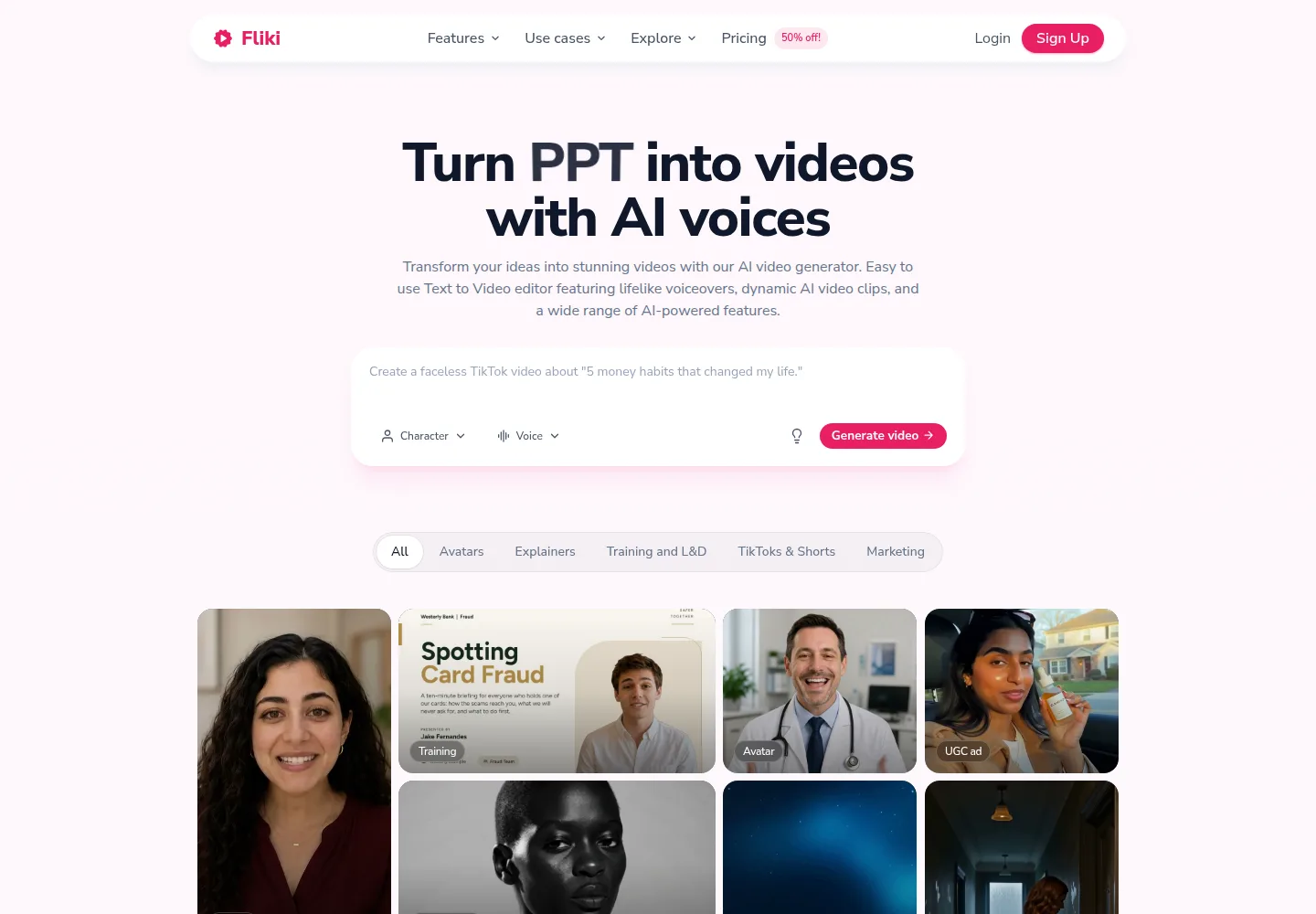
Official website; English-locale capture · Captured 2026-11-29 · Source ↗
This listing has 1 image; no further gallery images exist.
What to know before choosing
Good fit
Good fit: 1) creators making commentary/knowledge shorts who need lots of multilingual voiceover
Limits and trade-offs
Credit trap: the pricing page advertises minutes, but AI video is actually billed per second (up to 6 credits/sec) — Standard's 180 credits only covers about 30 seconds of top-tier model video
Official published documentation reviewed; not a product test
Dates: Last reviewed 2026-11-24. Last reviewed is the latest source or editorial review date; it is not a content-change date.
A closer look at Fliki
Fliki is a script-to-narrated-video tool: paste your copy and it automatically matches AI voiceover (2,500+ voices, 80+ languages), subtitles, and stock images/video — a narrated or explainer video in minutes, from $28/month for Standard.
Editorial guidance based on published documentation. The workflow below is a suggested starting point, not a measured product result.
When to choose Fliki
Good fit: 1) creators making commentary/knowledge shorts who need lots of multilingual voiceover
2) light users who don't want to learn editing — finish the script, get the video
3) outbound/cross-border teams that need to dub videos in 80+ languages fast.
When to choose something else
Not for: 1) anyone after cinematic AI visuals — Fliki's strength is voiceover
visuals are mostly stock montages
2) heavy AI-video users watching per-second cost — AI video clips burn credits per second (0.1–6 credits/sec), and Standard's 180 credits go fast
3) precise timeline editing work.
A practical starting workflow
Paste your script or drop a link: Fliki auto-segments and generates a storyboard script
Pick a voice: 2,500+ voices by language and tone; clone your own voice (paid plans)
Set the visuals: use the stock library or AI image/video generation to fill scenes (note: AI video burns credits per second)
Finalize the script before generating audio: every re-generate costs credits — finish edits first, then hit generate
Export 1080p (paid plans remove the watermark) and publish
Check before committing
Credit trap: the pricing page advertises minutes, but AI video is actually billed per second (up to 6 credits/sec) — Standard's 180 credits only covers about 30 seconds of top-tier model video
Edits cost credits too: changing voiceover or rewriting copy then re-generating burns credits — don't regenerate repeatedly before the script is locked
Free plan is 3 credits/month, 720p with watermark, non-commercial — enough to try the workflow once
Credits don't roll over: unused credits expire at month's end
Common questions
Is Fliki free?
There's a free plan: 3 credits a month, 720p with watermark, non-commercial — enough to run one full workflow. Real use starts at Standard $28/month.
CapCut is a timeline editor — you edit yourself. Fliki is script-driven: you write the copy and it does the voiceover, visuals, and subtitles to produce a finished video, with almost no manual editing.
Tools the catalogue itself links to Fliki: an editor lists them as related, an editorial comparison or switching guide covers the pair, or both are reviewed picks for the same task. Each reason below can be checked on the tool pages. This is not a quality ranking.
Build a prompt-led video draft with stock footage, narration, or a manual editing timeline.
Why it is listed Different category: Video (Fliki is Audio & Voice) · Covered in an editorial comparison with Fliki · Listed by editors as related to Fliki · Same pricing type: Free + paid
Why it is listed Different category: Video (Fliki is Audio & Voice) · Covered in an editorial comparison with Fliki · Listed by editors as related to Fliki · Same pricing type: Free + paid
Transform text into polished videos ; edit with AI.
Why it is listed Different category: Video (Fliki is Audio & Voice) · Covered in an editorial comparison with Fliki · Listed by editors as related to Fliki
When this listing’s recorded facts changed, from what to what. Dates are the day (UTC) the change was recorded in the ByTask data, not the day the vendor changed anything. Only changes that can be traced in the data history appear here; a fact that has not changed shows nothing.


 Official site reference


