Official published documentation reviewed; not a product test
Dates: Last reviewed 2026-11-28 · Sources checked 2026-11-24. Last reviewed is the latest source or editorial review date; it is not a content-change date.
A closer look at Cineocean AI
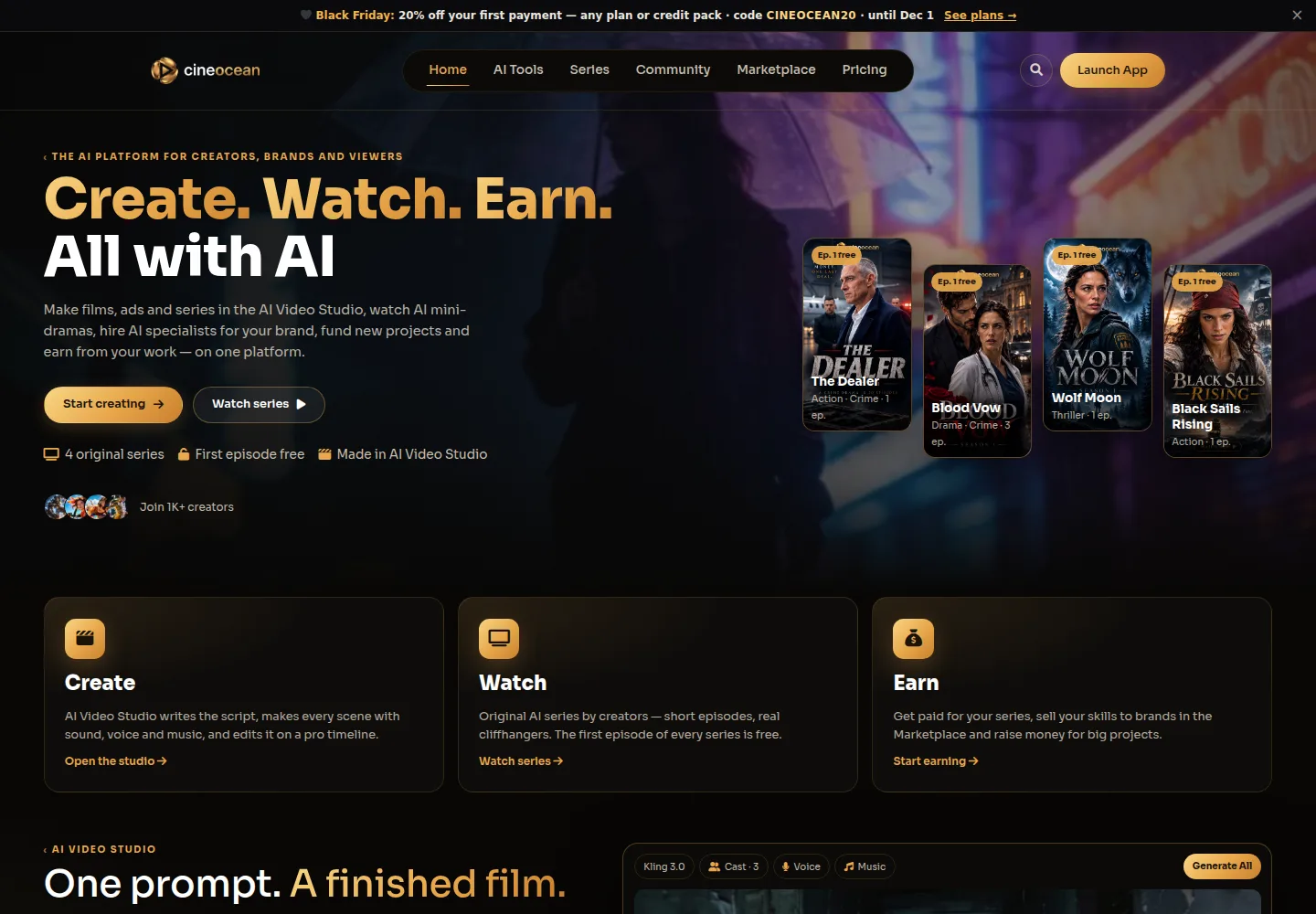
Cineocean is an AI film-studio platform — the directory files it under image, but its current positioning is video-first: Create, Watch and Earn on one platform. In the AI Video Studio you describe an idea (genre, length, format, mood) and press one button: the studio writes the script, splits it into scenes, generates every shot with sound using models such as Kling, Wan and Veo or a HeyGen presenter, adds the voice-over and music, and lays it all out on a professional timeline with overlay tracks, trimming, a razor tool and shortcuts. Auto captions can be styled and burned into the export, formats run 16:9, 9:16 and 1:1 at up to 4K, a Casting feature keeps up to 8 actors' faces consistent across shots, and a product photo can be placed into ad scenes. Finished work can be published as a series: the first episode of every series is free and viewers unlock later episodes with credits. Creators receive 50% of the credits viewers spend on their episodes plus a share of subscriptions by watch time, paid out in real money via Stripe, and can also sell services in a Marketplace or raise crowdfunding from fans. Pricing is credit-based: Basic is free with 15 credits on sign-up for non-commercial use; Standard is $15/month with 300 credits a month and commercial use; Premium is $50/month with 2,000 credits and Stealth mode, with yearly billing 20% cheaper. Individual generations start from 17 credits for a video, 5 credits for images and 1 credit for text.
Editorial guidance based on published documentation. The workflow below is a suggested starting point, not a measured product result.
When to choose Cineocean AI
Solo creators who want to produce episodic AI mini-dramas or series and sell episode unlocks without leaving the platform.
Brands and marketers who need ads or UGC-style spots — product photo placed in scenes, vertical and square formats, captions burned in — without a film crew.
Creators who want script, scenes, voices, music and timeline editing handled by one studio instead of chaining separate generators.
When to choose something else
Commercial work on the free Basic plan: Basic content is for personal, non-commercial use only; commercial rights come with Standard or Premium.
Anyone who wants generations kept private on a lower tier — Stealth mode is a Premium feature, and prompt-based images and videos are otherwise shared in the Community after a safety check.
Viewers expecting a subscription to unlock series episodes: subscriptions do not unlock episodes, which are paid for per episode with credits.
A practical starting workflow
Sign up and receive 15 free credits on the Basic plan.
Describe your idea in AI Video Studio — genre, length, format and mood — and let it write the script and storyboard.
Generate each scene (individually or with Generate All), adding voice-over and music, with casting and product references where needed.
Polish on the pro timeline: reorder and trim clips, add titles, set format and quality, and switch on auto captions for the export.
Export the film, or publish it as a series so viewers can unlock episodes while you earn through payouts, the Marketplace or crowdfunding.
Check before committing
The site's crowdfunding terms conflict: the homepage describes all-or-nothing funding with automatic refunds, while the pricing FAQ says the creator keeps what was raised even if the goal is not reached — check which applies before backing or launching a campaign.
Only episode unlocks paid with bought credits are paid out to creators; unlocks made with free bonus credits are shown separately and are not paid.
Creator earnings sit in a 30-day hold and can be withdrawn once they reach $25; creators are responsible for their own taxes.
The '1K+ creators' figure is the platform's own claim, stated on its homepage.
Every series episode passes moderation before publication, and exports are rendered one after another in a queue.
Common questions
What do Cineocean's plans cost and include?
Basic is free: you get 15 credits on sign-up and can buy more credits at any time, for non-commercial use. Standard ($15/month) adds 300 credits every month, commercial use and up to 100 series episodes a month. Premium ($50/month) adds 2,000 credits every month, commercial use, Stealth mode and unlimited series access. Yearly billing is 20% cheaper.
It depends on the tool and model: AI Videos start from 17 credits per generation, AI Images cost 5 credits (2 images per generation) and AI Texts 1 credit. The exact cost is shown before you generate.
With a paid plan (Standard or Premium) you may use your generations commercially — for ads, client work, monetized channels and resale. On the free Basic plan content is for personal, non-commercial use.
When a series qualifies for monetization, the creator receives 50% of the credits viewers spend on unlocking episodes, paid in real money via a connected Stripe account. Earnings become available after a 30-day hold and can be withdrawn once they reach $25.
Fliki — Good fit: 1) creators making commentary/knowledge shorts who need lots of multilingual voiceover
Kapwing — Small marketing teams and creators who want a collaborative browser editor for social video — captioning, repurposing, light AI generation — without desktop software or per-seat complexity.
Tools the catalogue itself links to Cineocean AI: an editor lists them as related, an editorial comparison or switching guide covers the pair, or both are reviewed picks for the same task. Each reason below can be checked on the tool pages. This is not a quality ranking.
Why it is listed Different category: Audio & Voice (Cineocean AI is Image & Design) · Listed by editors as related to Cineocean AI · Same pricing type: Free + paid
Why it is listed Different category: Video (Cineocean AI is Image & Design) · Listed by editors as related to Cineocean AI · Same pricing type: Free + paid
When this listing’s recorded facts changed, from what to what. Dates are the day (UTC) the change was recorded in the ByTask data, not the day the vendor changed anything. Only changes that can be traced in the data history appear here; a fact that has not changed shows nothing.


 Official site reference


