Official-site collection and source-backed editorial review
Dates: Last reviewed 2026-10-17. Last reviewed is the latest source or editorial review date; it is not a content-change date.
A closer look at Amazon Q
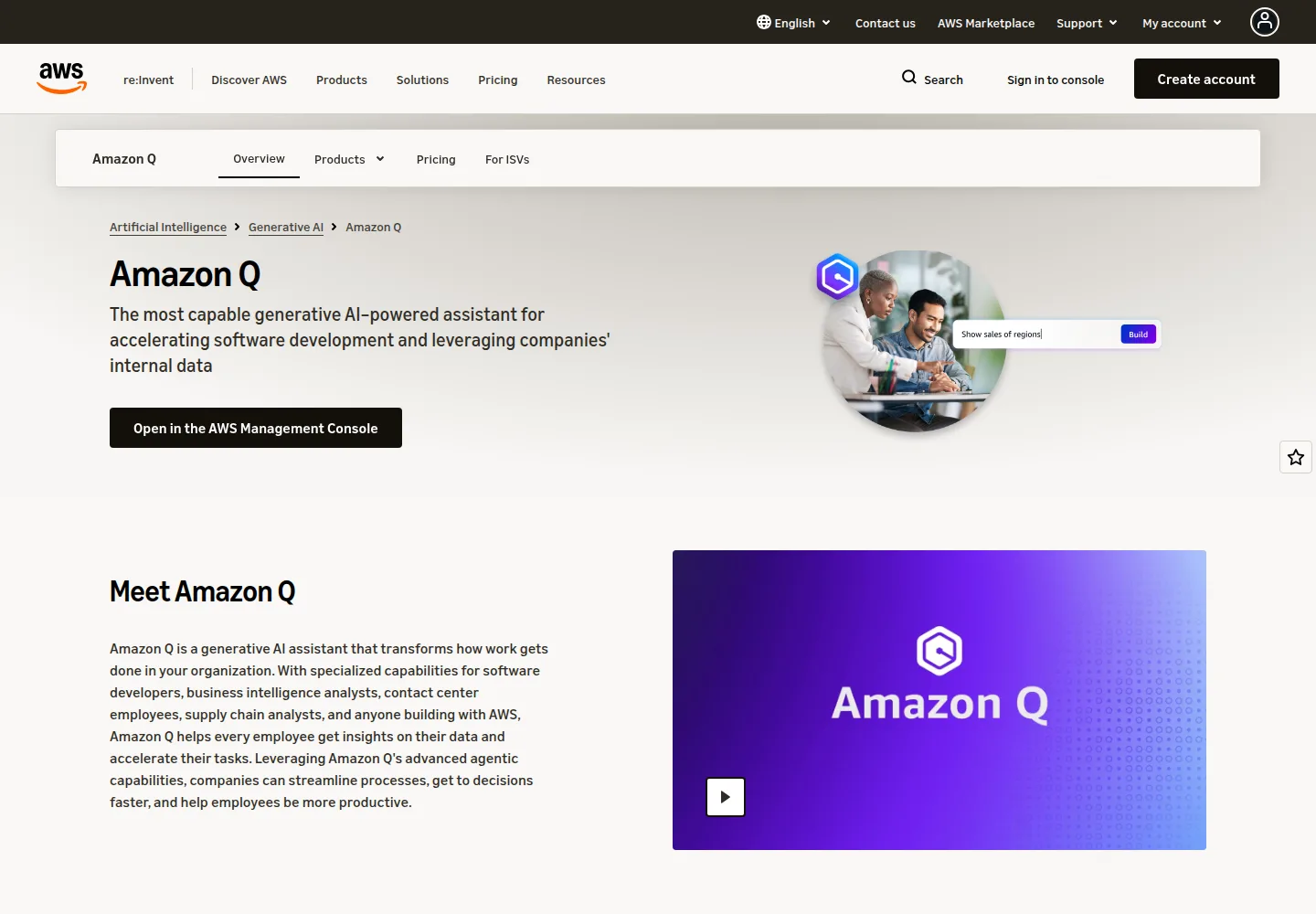
Amazon Q is AWS's generative AI assistant suite with separate developer and business offerings. Q Developer helps build, test, secure, operate, and modernize software, while Q Business connects company content and tools for permission-aware answers, content creation, and actions. AWS describes Amazon Quick Suite as 'the next evolution of Amazon Q Business' — an agentic teammate for research, insights and automation; existing Q Business customers can continue using their current service or use their existing Q index with Quick Suite (aws.amazon.com, verified 2026-10-18). Q Business itself is not described as shut down. AWS lists Q Business Lite and Pro subscriptions at per-user monthly rates and offers a free tier for Q Developer; other integrated services are priced separately.
Editorial guidance based on published documentation. The workflow below is a suggested starting point, not a measured product result.
When to choose Amazon Q
An AWS team wants coding assistance inside the IDE and CLI.
A company needs permission-aware answers over its own connected content.
An organization wants one vendor for both developer and business AI assistants.
When to choose something else
The stack is not on AWS and the team wants a vendor-neutral assistant.
The requirement is a single fixed price with no per-user or capacity metering.
A practical starting workflow
Decide whether the need is Q Developer, Q Business, or both.
For Q Developer, install the IDE or CLI integration and try the free tier.
For Q Business, connect the company content sources and confirm permission mapping.
Test answers against known questions before rolling out to a team.
Budget for user subscriptions plus index capacity, not subscriptions alone.
Check before committing
Q Business charges for both user subscriptions and index capacity; budget for both.
Other integrated AWS services are priced separately from Q subscriptions.
AWS presents Quick Suite as the next evolution of Q Business, not a shutdown: existing Q Business customers can continue their current service per AWS (verified 2026-10-18). Do not describe Q Business as discontinued.
Common questions
What is Amazon Q?
A suite with separate developer and business offerings: Q Developer helps build, test, secure, operate, and modernize software, while Q Business connects company content and tools for permission-aware answers, content creation, and actions. AWS describes Amazon Quick Suite as the next evolution of Q Business — an agentic teammate for research, insights and automation; existing Q Business customers can continue their current service (aws.amazon.com, verified 2026-10-18).
Amazon Q is AWS's generative AI assistant suite with separate developer and business offerings. Q Developer helps build, test, secure, operate, and modernize software, while Q Business connects company content and tools for permission-aware answers, content creation, and actions. AWS lists Q Business Lite and Pro subscriptions at per-user monthly rates and offers a free tier for Q Developer; other integrated services are priced separately.
Amazon Q Business answers questions, solves problems, generates content, and can take actions on the user’s behalf. Source ↗
Amazon Q Business Lite is priced at $3 per user per month. Source ↗
Amazon Q Business Pro is priced at $20 per user per month. Source ↗
Amazon Q Developer has a free tier with IDE and CLI code suggestions. Source ↗
Amazon Q Business charges for both user subscriptions and index capacity. Source ↗
Price and free allowance
See the sourced plan statements above; confirm currency, billing period and checkout eligibility on the vendor site.
Published-source profile · collected 2026-10-17. Automated collection followed by editorial review. These are vendor-published claims, not hands-on product test results.
Alternatives to Amazon Q
Tools the catalogue itself links to Amazon Q: an editor lists them as related, an editorial comparison or switching guide covers the pair, or both are reviewed picks for the same task. Each reason below can be checked on the tool pages. This is not a quality ranking.
When this listing’s recorded facts changed, from what to what. Dates are the day (UTC) the change was recorded in the ByTask data, not the day the vendor changed anything. Only changes that can be traced in the data history appear here; a fact that has not changed shows nothing.

 Official site reference


