A free plan is offered with a monthly character allowance and no credit card required to try text to speech and voice cloning; paid plans unlock higher limits, MP3 downloads, team seats, and commercial licensing. No specific paid plan prices are stated on the homepage reviewed, so check the pricing page before subscribing.
A free plan is offered with a monthly character allowance and no credit card required to try text to speech and voice cloning; paid plans unlock higher limits, MP3 downloads, team seats, and commercial licensing.
Published-source facts and editorial guidance. No product test is implied. Confirm current conditions before purchase.
Official website; English-locale capture · Captured 2026-11-29 · Source ↗
This listing has 1 image; no further gallery images exist.
What to know before choosing
Good fit
Creators and training teams who need lifelike multilingual voiceovers in the browser.
Limits and trade-offs
The free plan carries a monthly character allowance, and MP3 downloads, team seats, and commercial licensing require a paid plan. The clips and video editor features are labeled beta.
Plans and free allowances
A free plan is offered with a monthly character allowance and no credit card required to try text to speech and voice cloning; paid plans unlock higher limits, MP3 downloads, team seats, and commercial licensing. No specific paid plan prices are stated on the homepage reviewed, so check the pricing page before subscribing.
Official-site collection and source-backed editorial review
Dates: Last reviewed 2026-10-31 · Sources checked 2026-10-17. Last reviewed is the latest source or editorial review date; it is not a content-change date.
A closer look at Acoust
Acoust is a browser-based AI voice generator and text-to-speech platform with over 200 voices across more than 40 languages. It offers voice cloning from a 10-second recording, custom voices from text prompts, AI translation, a built-in video editor, and a beta tool that turns long videos into captioned shorts. Generated audio can be downloaded as MP3, and the platform targets social content, training, e-learning, and explainer videos.
Editorial guidance based on published documentation. The workflow below is a suggested starting point, not a measured product result.
When to choose Acoust
Social and marketing creators who need lifelike voiceovers for YouTube, TikTok, Instagram Reels, or tutorials.
Training and e-learning teams that need consistent voices across languages, roles, and regions.
Users who want to clone their own voice from a short sample and narrate content in multiple languages.
When to choose something else
Creators who need a standalone professional video editor rather than the platform's built-in editor and beta clips tool.
Users who need guaranteed commercial licensing on the free plan, since the homepage ties commercial licensing to paid plans.
A practical starting workflow
Write or upload a script, document, or .docx file.
Pick a voice, or clone a voice from a 10-second recording, and adjust tone, style, and emotion.
Generate the voiceover and, if needed, assemble it in the built-in video editor.
Download the audio as MP3 or publish the finished video.
Check before committing
Free plan users get a monthly character allowance and paid plans unlock higher limits, MP3 downloads, team seats, and commercial licensing, so check the allowance before starting a long project.
The clips and video editor features are labeled beta, so their behavior may change.
Pricing and feature availability may change; confirm current terms on the official website before committing.
Common questions
How many voices and languages does Acoust offer?
Over 200 voices across more than 40 languages, with cloned voices that work across languages.
Yes, it offers a free plan with a monthly character allowance and free trials of voice cloning with no credit card required; paid plans unlock higher limits, MP3 downloads, team seats, and commercial licensing.
1forAll — Creators who need voices, images, and videos from one pay-as-you-go platform.
A.V. Mapping — Filmmakers and video creators who need AI-matched, licensed music for their footage.
Product details from official sources
Acoust combines text-to-speech, voice cloning, translation, and video tools for narration, training, social content, and business audio. Users can clone a voice from a short recording and adjust voice expression. Its free Personal plan is for trying the service: it lists 10,000 credits but excludes audio exports and commercial use. Paid plans add commercial rights and larger voice-generation allowances; video editing and clips are marked beta.
Capabilities and conditions
Clones a voice from a ten-second recording for text-to-speech projects. Source ↗
Offers controls for pauses, pitch, speed, emphasis, and other speech-expression settings. Source ↗
The free Personal plan includes 10,000 credits and approximately ten minutes of AI voices. Source ↗
The free plan excludes audio exports and commercial use. Source ↗
See the sourced plan statements above; confirm currency, billing period and checkout eligibility on the vendor site.
Published-source profile · collected 2026-10-17. Automated collection followed by editorial review. These are vendor-published claims, not hands-on product test results.
Alternatives to Acoust
Tools the catalogue itself links to Acoust: an editor lists them as related, an editorial comparison or switching guide covers the pair, or both are reviewed picks for the same task. Each reason below can be checked on the tool pages. This is not a quality ranking.
When this listing’s recorded facts changed, from what to what. Dates are the day (UTC) the change was recorded in the ByTask data, not the day the vendor changed anything. Only changes that can be traced in the data history appear here; a fact that has not changed shows nothing.

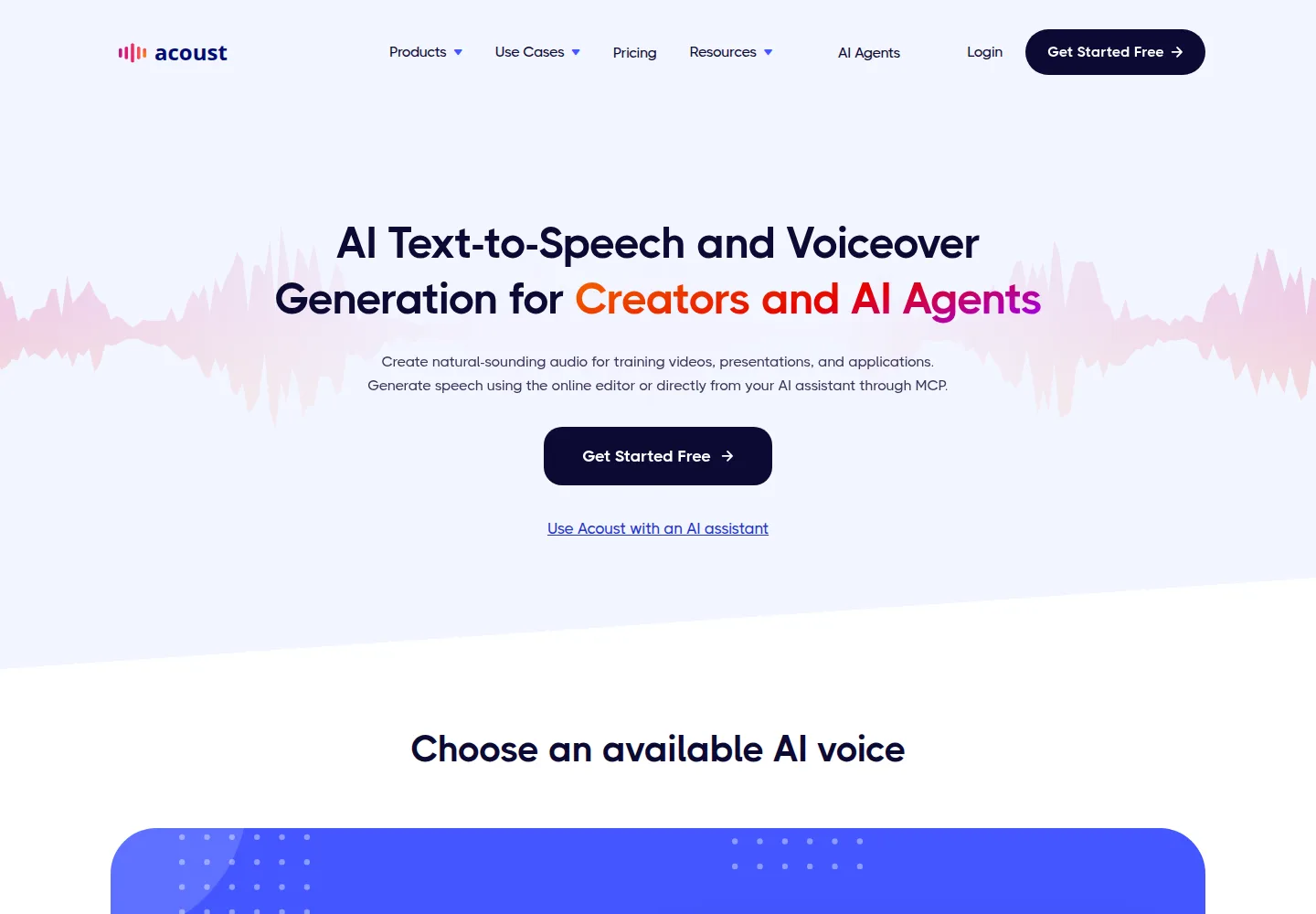
 Official site reference