A tool to generate custom 3D models from text or image inputs.
At a glance
Price not confirmed · Source review 2026-10-17
Price & billing
Free credits are offered to try selected tools with no credit card required. Basic is $12 per month billed annually at $144 with 1,000 credits per month; Studio is $23 per month billed annually at $276 with 3,500 credits per month; Pro is $139 per month billed annually at $1668 with 18,000 credits per month and 3 team seats included.
Published-source facts and editorial guidance. No product test is implied. Confirm current conditions before purchase.
Official website; English-locale capture · Captured 2026-11-29 · Source ↗
This listing has 1 image; no further gallery images exist.
What to know before choosing
Good fit
Game developers and creators who need fast text- or image-to-3D models across several engines.
Limits and trade-offs
Generation is credit-based at 25-35 credits per 3D generation, so costs scale with model choice and settings. Highest-quality generations take 2-4 minutes rather than seconds.
Plans and free allowances
Free credits are offered to try selected tools with no credit card required. Basic is $12 per month billed annually at $144 with 1,000 credits per month; Studio is $23 per month billed annually at $276 with 3,500 credits per month; Pro is $139 per month billed annually at $1668 with 18,000 credits per month and 3 team seats included.
Official-site collection and source-backed editorial review
Dates: Last reviewed 2026-10-31 · Sources checked 2026-10-17. Last reviewed is the latest source or editorial review date; it is not a content-change date.
A closer look at 3D AI Studio
3D AI Studio generates production-ready 3D models from a text prompt or an image in seconds, with AI texturing, quad remeshing, and a node-based Flow workspace. It bundles its own Prism engines with Meshy, Tripo, Rodin, and Hunyuan, switchable per generation, and exports to GLB, FBX, OBJ, USDZ, STL, DAE, and BLEND. Models are commercially usable, and a REST API with pay-as-you-go credits is available for developers.
Editorial guidance based on published documentation. The workflow below is a suggested starting point, not a measured product result.
When to choose 3D AI Studio
Game developers and studios that need textured 3D assets quickly across several generation engines in one account.
Product designers and 3D printing users who need exports in standard formats such as STL, OBJ, and FBX.
Creators without modeling experience who want to start from a prompt or a reference image.
When to choose something else
Users who need fully manual modeling control rather than AI-generated geometry and textures.
Teams that need unlimited generation without watching a monthly credit balance.
Users who only need a single one-off model and do not want to learn credit costs per generation.
A practical starting workflow
Type a text prompt or upload a reference image, and pick a generation engine.
Generate the textured model, then refine it with AI texturing or quad remeshing if needed.
Export in the format for the target use, such as GLB for web, FBX for game engines, or STL for 3D printing.
Use the model commercially, or connect the REST API for programmatic generation.
Check before committing
Each 3D generation costs 25-35 credits depending on model and settings, so heavy users should budget credits rather than counting generations.
Highest-quality generations can take 2-4 minutes, while fast models typically finish in under 90 seconds, so turnaround varies by model choice.
Pricing and feature availability may change; confirm current terms on the official website before committing.
Common questions
What can I generate from?
Text prompts or images: text to 3D describes a model in words, while image to 3D converts photos, sketches, or illustrations into textured models.
3DAiLY — People who want a personal avatar, video, or 3D printed figurine from a single photo.
AcaDraw — Researchers and educators who need editable scientific figures from a text description.
Product details from official sources
3D AI Studio turns text descriptions or reference images into textured 3D models and includes tools for texturing, mesh cleanup, and creative workflows. It is aimed at uses such as games, printing, animation, and web or AR assets. The browser remeshing tool accepts GLB uploads. Access is credit-based, with signup credits, subscription allowances, and one-time credit purchases described on the captured pages.
The remeshing upload interface accepts GLB format only. Source ↗
A one-time purchase of 2,000 credits is listed at $34 without a subscription. Source ↗
One listed plan includes 1,000 credits per month. Source ↗
Price and free allowance
See the sourced plan statements above; confirm currency, billing period and checkout eligibility on the vendor site.
Published-source profile · collected 2026-10-17. Automated collection followed by editorial review. These are vendor-published claims, not hands-on product test results.
Alternatives to 3D AI Studio
Tools the catalogue itself links to 3D AI Studio: an editor lists them as related, an editorial comparison or switching guide covers the pair, or both are reviewed picks for the same task. Each reason below can be checked on the tool pages. This is not a quality ranking.
When this listing’s recorded facts changed, from what to what. Dates are the day (UTC) the change was recorded in the ByTask data, not the day the vendor changed anything. Only changes that can be traced in the data history appear here; a fact that has not changed shows nothing.
Recorded (UTC)
Price & plansPrice and plan wording changed
Review & statusReview level: Imported listing → Reviewed against official sources
Review & statusSources checked: not recorded → 2026-10-17


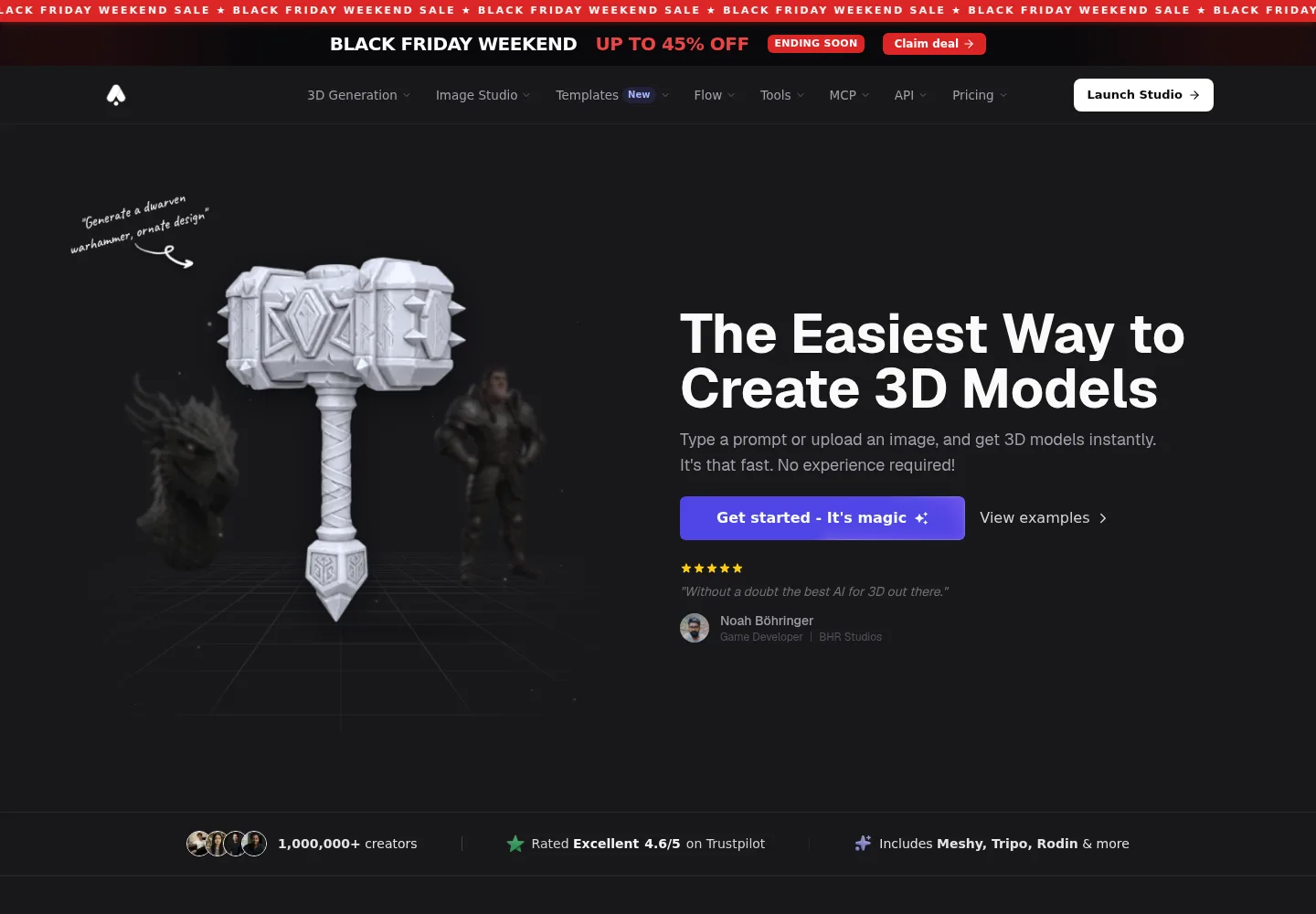
 Official site reference