Reels From Video is a free browser-based AI clip maker: open a long video file and it suggests up to three short clips (15, 30 or 60 seconds) based on visual cues such as scene changes and faces in frame, exportable in a centered 9:16 crop or the original frame. Everything runs on your device - no sign-up, no watermark, no credit limits and no upload.
Fit is editorial guidance, not a measured result.
Platforms
Access: not separately verified. Operating systems not separately verified.
Published-source facts and editorial guidance. No product test is implied. Confirm current conditions before purchase.
Official website; English-locale capture · Captured 2026-11-29 · Source ↗
This listing has 1 image; no further gallery images exist.
What to know before choosing
Good fit
Reels From Video is a free browser-based AI clip maker: open a long video file and it suggests up to three short clips (15, 30 or 60 seconds) based on visual cues such as scene changes and faces in frame, exportable in a centered 9:16 crop or the original frame. Everything runs on your device - no sign-up, no watermark, no credit limits and no upload.
Limits and trade-offs
The scan reads pictures, not speech: it adds no captions and a cut can begin mid-sentence.
Plans and free allowances
Free with no sign-up, no watermark and no credit limits.
Maker-submitted product description
Reviewed for publication 2026-11-27. This material was supplied with the submission; it is not a hands-on test or independent verification of every claim.
Reels From Video is a free browser-based tool for finding short clips in a local video. It samples the footage for scene changes and faces, then suggests up to three cuts to preview. Choose a 15-, 30-, or 60-second clip, keep the original aspect ratio or crop to vertical 9:16, and export with the original audio. Footage is processed on the device. The editor does not require an account and does not add a watermark.
Maker-reported pricing model: free. Pricing has not been independently verified. Confirm current plans on the official website.
Official-site collection and source-backed editorial review
Dates: Last reviewed 2026-11-29 · Sources checked 2026-11-28 · Catalogued 2026-11-27. Last reviewed is the latest source or editorial review date; it is not a content-change date.
A closer look at Reels From Video
Reels From Video is a free browser-based tool that turns long videos into short clips for Instagram Reels, YouTube Shorts, and TikTok. It suggests up to three clips based on visual cues, lets you preview the cuts, and lets you export them without signing up, buying credits, or adding a watermark. There is no account to create and no credit limit to watch: the published page states the free allowance has no credit limit, downloads are free with no watermark, and the clips are processed in your browser rather than uploaded to a server. That makes it one of the simplest routes from a long recording sitting on your device to a handful of short-form clips. The trade-offs are stated just as plainly on the same page, and they are real limits rather than fine print. You must start with a video file saved on your device — pasting a YouTube or Instagram link will not import anything. The scan reads pictures, not speech, so it chooses moments from what is visible on screen rather than from what is said. Because of that, a suggested cut can begin mid-sentence, and the tool adds no captions to the clips it makes. If your long video is visual — a demo, an event recording, a product walkthrough — those limits may cost you little. If the value of the footage is in the talking, expect to review every suggested cut yourself and to handle captions elsewhere.
Editorial guidance based on published documentation. The workflow below is a suggested starting point, not a measured product result.
When to choose Reels From Video
You have long videos saved on your device and want up to three short clips for Instagram Reels, YouTube Shorts, or TikTok without paying or creating an account.
Your footage is visual — demos, events, walkthroughs — so clips chosen from visual cues rather than speech are likely to land well.
You prefer processing that stays in your browser instead of uploading the full video to a third-party server.
When to choose something else
Your source video lives on YouTube or Instagram: pasting a link imports nothing, so you would need the file saved locally first.
You need captions on your short clips: the tool adds none, and its scan does not read speech.
Your content is speech-driven, such as interviews or talks: cuts are chosen from pictures, so a clip can begin mid-sentence.
A practical starting workflow
Open Reels From Video in your browser — no sign-up is required.
Load a long video file saved on your device; a pasted YouTube or Instagram link will not import anything.
Let the scan suggest up to three clips based on visual cues, then preview each cut.
Download the clips you want: exports are free, carry no watermark, and processing happens in your browser.
Check before committing
Local files only: you must start with a video saved on your device, and pasting a YouTube or Instagram link won't import anything.
The scan reads pictures, not speech, so a cut can begin mid-sentence.
It adds no captions, so any subtitles or on-screen text have to come from another tool.
It suggests up to three clips per video, so it is a quick shortlist rather than a full clipping library.
Common questions
Is Reels From Video really free?
Yes. The site describes a free allowance with no credit limit, free downloads with no watermark, and no account required.
Klap — Podcasters, YouTubers and agencies sitting on long-form back catalogs who want a steady stream of Shorts without manual editing — especially non-English channels, given the 52 caption languages.
Katto — Podcast, sports, interview, gaming, and trailer creators who want weeks of clips out of one long video.; Creators who want ranked clips rather than guessing, since every clip is scored on hook, flow, value, and trend.; Creators who post vertical short-form video and need reframing to 9:16 that follows the most important subject shot by shot.
BlitzReels — Creators who turn long recordings into branded, captioned short clips for TikTok, Reels, Shorts, and LinkedIn.
Reels From Video is a free browser-based AI clip maker: open a long video file and it suggests up to three short clips (15, 30 or 60 seconds) based on visual cues such as scene changes and faces in frame, exportable in a centered 9:16 crop or the original frame. Everything runs on your device - no sign-up, no watermark, no credit limits and no upload.
Capabilities and conditions
Turns long videos into short clips for Instagram Reels, YouTube Shorts, and TikTok. Source ↗
Free with no sign-up, no watermark and no credit limits. Source ↗
The scan reads pictures, not speech: it adds no captions and a cut can begin mid-sentence. Source ↗
Price and free allowance
See the sourced plan statements above; confirm currency, billing period and checkout eligibility on the vendor site.
Published-source profile · collected 2026-11-28. Automated collection followed by editorial review. These are vendor-published claims, not hands-on product test results.
Alternatives to Reels From Video
Tools the catalogue itself links to Reels From Video: an editor lists them as related, an editorial comparison or switching guide covers the pair, or both are reviewed picks for the same task. Each reason below can be checked on the tool pages. This is not a quality ranking.
When this listing’s recorded facts changed, from what to what. Dates are the day (UTC) the change was recorded in the ByTask data, not the day the vendor changed anything. Only changes that can be traced in the data history appear here; a fact that has not changed shows nothing.

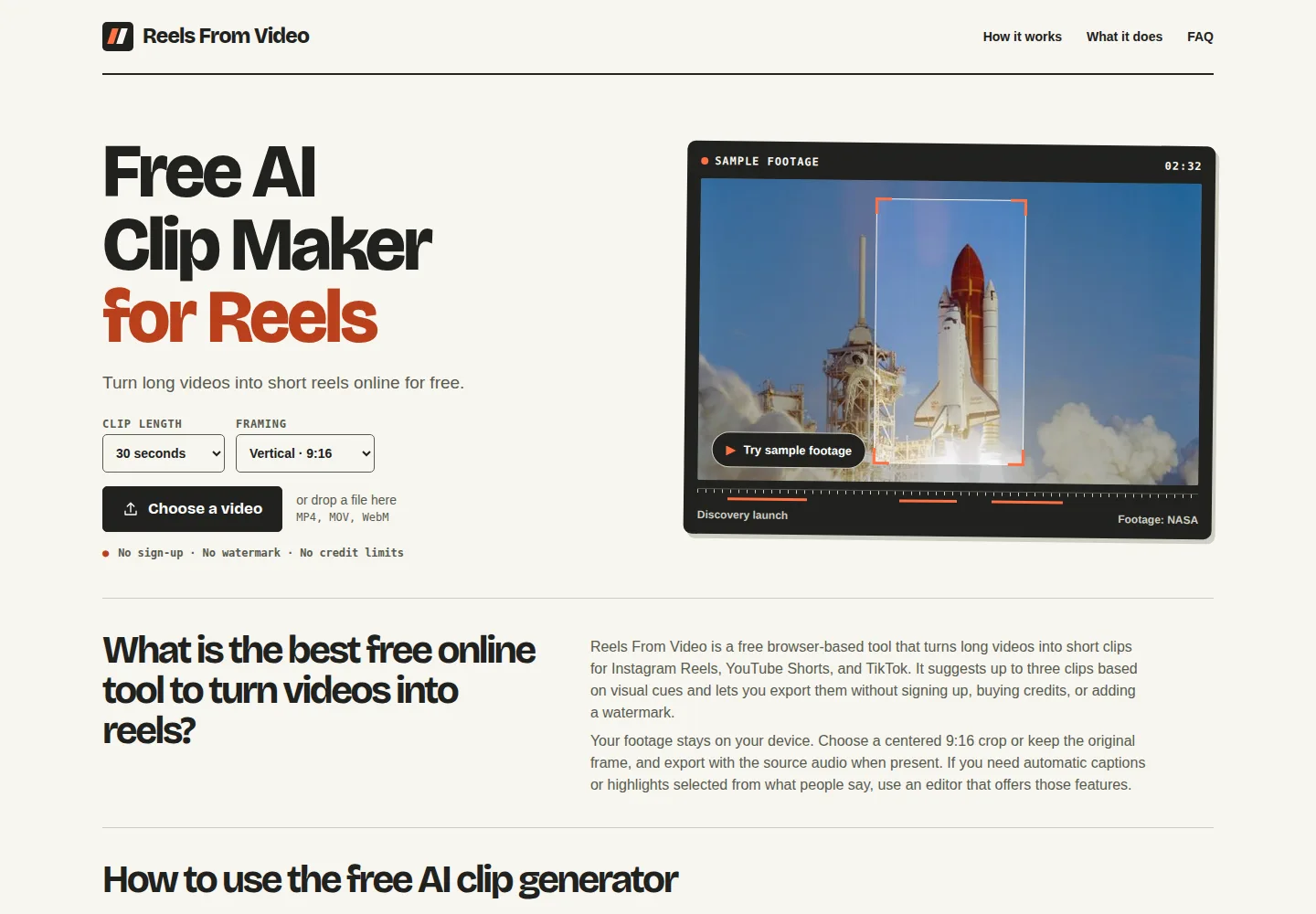
 Official site reference


