PDF Fan is a suite of online PDF tools in one place: organise (split, merge, delete, extract, reorder, insert pages), optimise (compress), convert to and from PDF (images, Word, Excel, PowerPoint, PNG, JPG, Markdown, calendar .ics), edit (rotate, crop), security and metadata tools, unlock PDF and OCR for scanned pages. Its public tools are free to use without creating an account, and they add no watermark.
Fit is editorial guidance, not a measured result.
Platforms
Access: not separately verified. Operating systems not separately verified.
Published-source facts and editorial guidance. No product test is implied. Confirm current conditions before purchase.
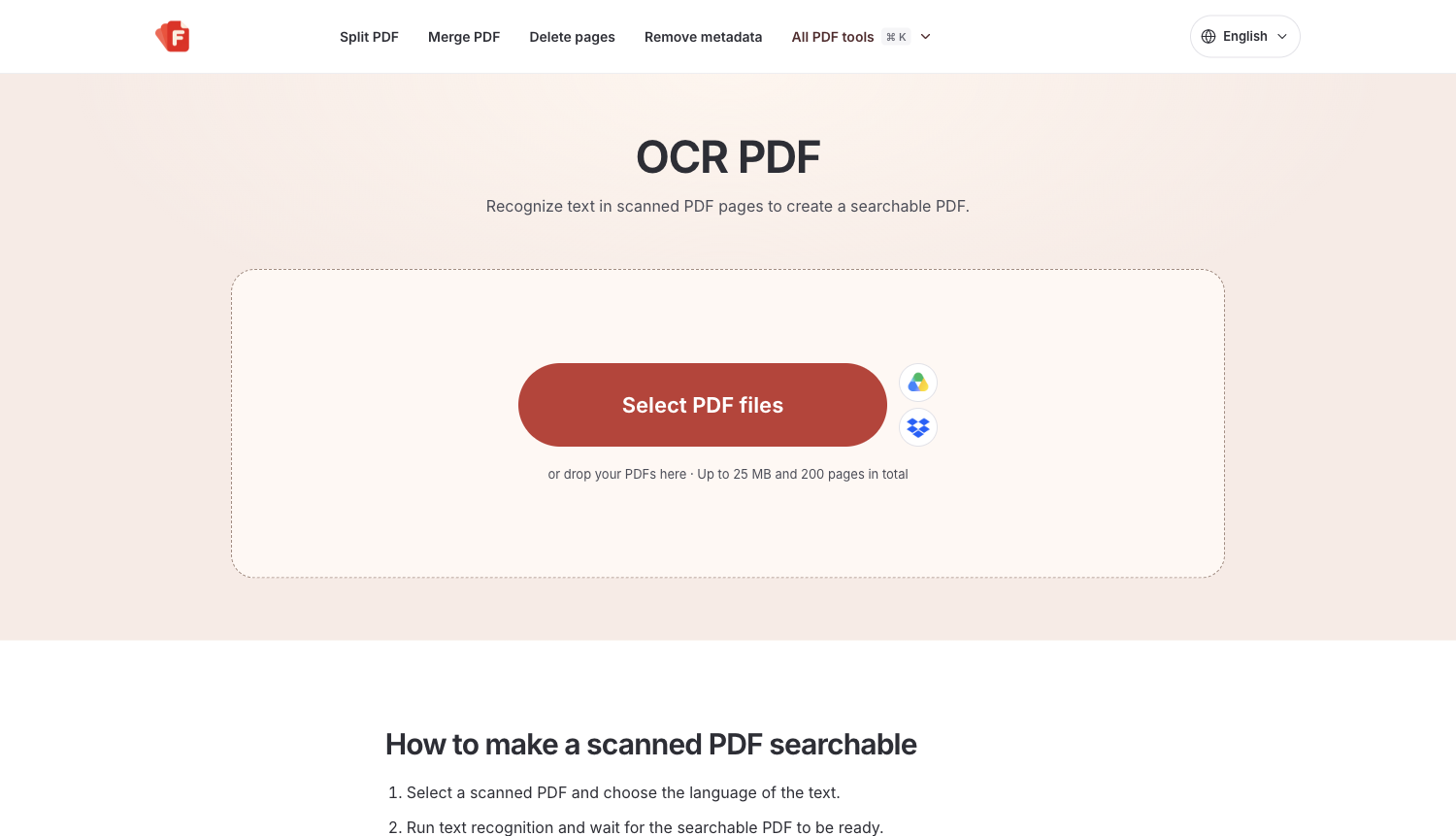
Maker-provided screenshot · Capture date not recorded · Asset reviewed 2026-11-19 · Source ↗
This listing has 1 image; no further gallery images exist.
What to know before choosing
Good fit
PDF Fan is a suite of online PDF tools in one place: organise (split, merge, delete, extract, reorder, insert pages), optimise (compress), convert to and from PDF (images, Word, Excel, PowerPoint, PNG, JPG, Markdown, calendar .ics), edit (rotate, crop), security and metadata tools, unlock PDF and OCR for scanned pages. Its public tools are free to use without creating an account, and they add no watermark.
Limits and trade-offs
Unlock PDF only removes password protection from a PDF you are authorized to unlock.
Plans and free allowances
Public tools are free to use without creating an account, and they add no watermark.
Maker-submitted product description
Reviewed for publication 2026-11-19. This material was supplied with the submission; it is not a hands-on test or independent verification of every claim.
PDF Fan is a free online PDF toolkit. Combine PDFs, split documents, reorder or extract pages, compress files, and convert Word documents and images to PDF. Export PDF pages to JPG or PNG. No account is required.
Maker-reported pricing model: free. Pricing has not been independently verified. Confirm current plans on the official website.
Official-site collection and source-backed editorial review
Dates: Last reviewed 2026-11-29 · Sources checked 2026-11-28 · Catalogued 2026-11-19. Last reviewed is the latest source or editorial review date; it is not a content-change date.
A closer look at PDF Fan
PDF Fan is an online PDF toolbox whose homepage is an index of single-purpose tools. The organise group covers splitting a PDF, merging PDFs, deleting pages, extracting pages, reordering pages and inserting pages. Optimisation is a single compress tool. Conversions into PDF come from images, Word, Excel and PowerPoint; conversions out of PDF go to calendar, PNG, JPG and Markdown. Editing covers rotate and crop. A security and metadata group offers removing PDF metadata, a PDF metadata editor and unlocking a PDF. The one intelligence tool is OCR, which recognises text in scanned PDF pages to create a searchable PDF. That list is the whole documented offer — the page names no chat, form-filling or signing tools — and the entry sticks to it. According to its own FAQ, PDF Fan's public tools are free to use without creating an account, and they add no watermark. It is best understood as a browser-based utility shelf for everyday PDF jobs: reshaping a document's pages, shrinking it, converting it in or out of PDF, cleaning its metadata, or making a scan searchable.
Editorial guidance based on published documentation. The workflow below is a suggested starting point, not a measured product result.
When to choose PDF Fan
You need an everyday PDF job done in the browser — merge, split, delete or reorder pages, or compress a file — without installing software.
You want to convert a Word, Excel, PowerPoint or image file into a PDF, or turn a PDF into PNG, JPG, Markdown or a calendar.
You have a scanned PDF that needs OCR so its text becomes searchable.
When to choose something else
You need to convert a PDF back into an editable Word document: the from-PDF converters listed are calendar, PNG, JPG and Markdown only.
You need to chat with a PDF, fill forms or sign documents: none of those tools appear in PDF Fan's index.
You need to edit the text content of a PDF page: the listed editing tools are rotate and crop.
A practical starting workflow
Open PDF Fan and pick the tool for the job from the index — organise, compress, convert, edit, security and metadata, or OCR.
Upload the PDF (or the source file, for conversions into PDF).
Run the tool and download the finished file — the public tools need no account and add no watermark.
Check before committing
Only the tools named in the index are documented; functions the page does not list — such as PDF-to-Word conversion, form filling or e-signing — should not be assumed to exist.
The free, no-account, no-watermark statement comes from PDF Fan's own FAQ about its public tools.
Common questions
Is PDF Fan free to use?
Yes — PDF Fan's FAQ states that its public tools are free to use without creating an account, and they add no watermark.
The listed from-PDF converters are PDF to calendar, PDF to PNG, PDF to JPG and PDF to Markdown. In the other direction, images, Word, Excel and PowerPoint files can be converted to PDF.
PDF Jetty — PDF Jetty is a completely free online PDF toolkit: 106 browser-based tools to edit, convert, sign, translate and transform PDFs and documents (Word, Excel, PowerPoint, images, EPUB and more), with AI that reads scans and photos into editable files. Everything is free - no sign-up, no trial, no subscription, no card - and most tools work entirely inside the browser.
pdftomd — pdftomd converts PDFs (plus Word and HTML) to Markdown for Obsidian, Notion and LLM workflows. Local conversion runs entirely in your browser - free, no account, files up to 50 MB and 500 pages, and it never spends cloud credits. Cloud mode adds OCR for scans: free accounts include 100 standard cloud conversions each month, 5 PDF exports per UTC day and 5 OCR pages after signup; Pro raises those limits, and a $5 OCR pack adds 500 OCR pages.
Markitdown Online — AI workflow builders converting documents to clean Markdown for RAG and prompts.
Product details from official sources
PDF Fan is a suite of online PDF tools in one place: organise (split, merge, delete, extract, reorder, insert pages), optimise (compress), convert to and from PDF (images, Word, Excel, PowerPoint, PNG, JPG, Markdown, calendar .ics), edit (rotate, crop), security and metadata tools, unlock PDF and OCR for scanned pages. Its public tools are free to use without creating an account, and they add no watermark.
Capabilities and conditions
Merge, split, crop and compress PDFs; convert Word, images and PDF pages, unlock files and OCR scanned text. Source ↗
Public tools are free to use without creating an account, and they add no watermark. Source ↗
OCR PDF: recognize text in scanned PDF pages to create a searchable PDF. Source ↗
Price and free allowance
See the sourced plan statements above; confirm currency, billing period and checkout eligibility on the vendor site.
Published-source profile · collected 2026-11-28. Automated collection followed by editorial review. These are vendor-published claims, not hands-on product test results.
Alternatives to PDF Fan
Tools the catalogue itself links to PDF Fan: an editor lists them as related, an editorial comparison or switching guide covers the pair, or both are reviewed picks for the same task. Each reason below can be checked on the tool pages. This is not a quality ranking.
When this listing’s recorded facts changed, from what to what. Dates are the day (UTC) the change was recorded in the ByTask data, not the day the vendor changed anything. Only changes that can be traced in the data history appear here; a fact that has not changed shows nothing.


 Maker-provided visual


