Published-source facts and editorial guidance. No product test is implied. Confirm current conditions before purchase.
Official website; English-locale capture · Captured 2026-11-29 · Source ↗
This listing has 1 image; no further gallery images exist.
What to know before choosing
Good fit
Design teams that want AI-assisted UI design, collaboration and prototyping in one tool.
Limits and trade-offs
The free Starter tier's monthly credit allowance is not stated in the vendor's pricing text, and annual prices are not shown, so only the $16/month Pro rate is verified.
Dates: Last reviewed 2026-11-27 · Sources checked 2026-11-24. Last reviewed is the latest source or editorial review date; it is not a content-change date.
A closer look at Motiff
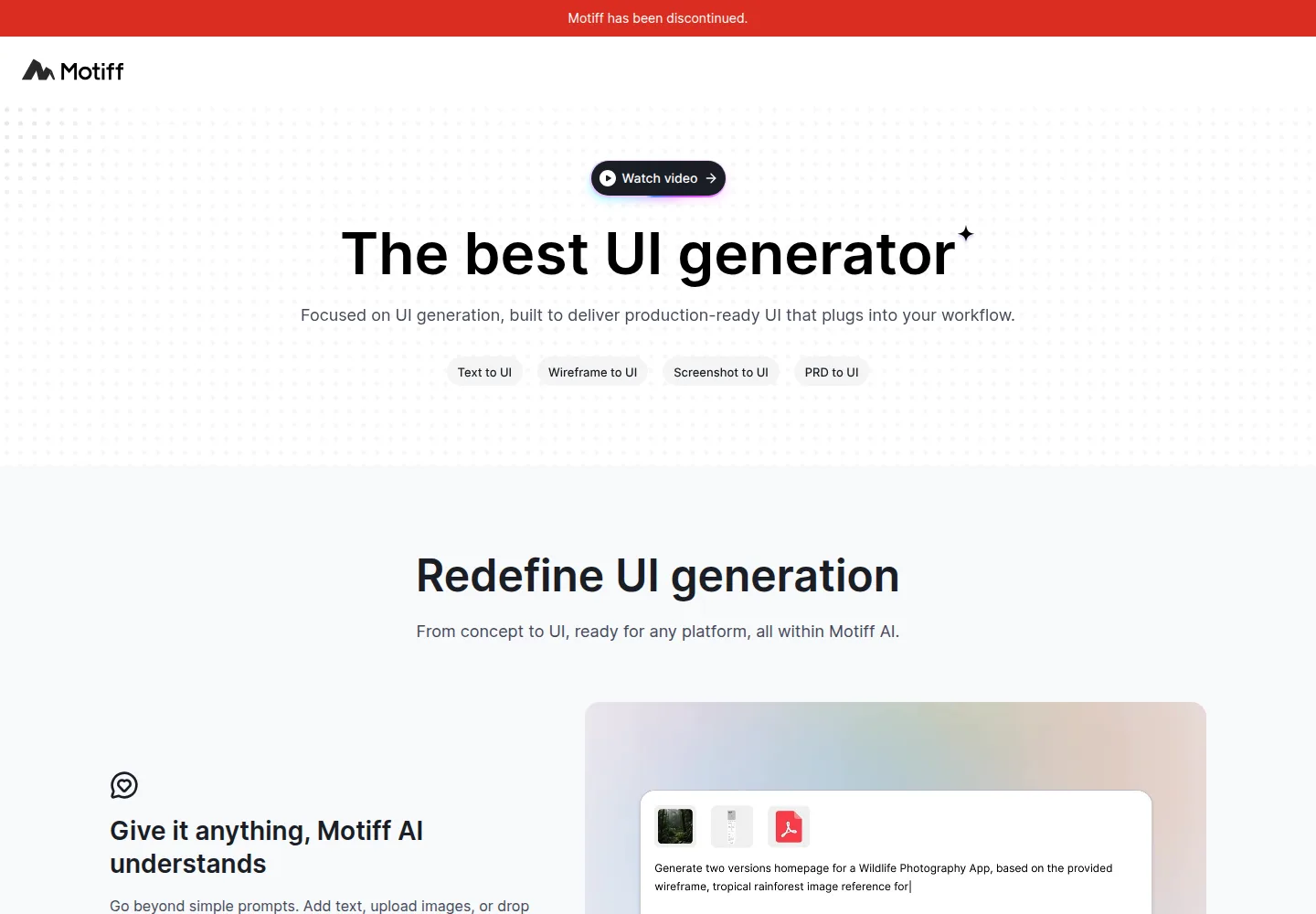
Motiff AI is a UI generator focused on turning whatever you have — a text prompt, a wireframe, a screenshot, or a PRD — into production-ready UI. It goes beyond simple prompts: you can add text, upload images, or drop in PDFs and markdown, and it interprets the full context behind every input so the UI starts from your real intent. Generated designs follow preset stylings such as Minimalist, Material Design, Ant Design, or shadcn/ui, and stay consistent across every layout and component. Refinement is element-level: select any element, describe the change, and Motiff refines the UI across every detail. When the design is ready, you can export it to your existing tools or produce clean React/HTML code with one click, so moving from design to build is seamless. The free Starter plan is aimed at hobby projects and first-time AI designers, with free trial credits per month, up to 10 UIs, and export as images (PNG, JPEG, WebP). Pro, at $16/month, is positioned for shipping real product UI: it adds a monthly credit allowance, lets you copy generated UI to Figma, export production-ready code (HTML, React), and download IDE-ready project ZIPs. Motiff says it measures quality with a comprehensive dataset spanning 6+ input modalities, 50+ industries, and 7+ workflows, with automated testing paired with daily expert review.
Editorial guidance based on published documentation. The workflow below is a suggested starting point, not a measured product result.
When to choose Motiff
Product teams who have PRDs, screenshots, or wireframes and need them turned into consistent UI fast
Designers who work in a preset design language (Material Design, Ant Design, shadcn/ui, Minimalist) and want generations to stay on-style
Developers on Pro who want to take generated UI straight into Figma or production-ready React/HTML code and IDE-ready project ZIPs
When to choose something else
Free-plan users who need code or Figma export — Starter exports images only (PNG, JPEG, WebP) and caps you at up to 10 UIs
Anyone who needs a general-purpose graphic design tool; Motiff is focused on UI generation for apps and product interfaces
Hobby users with more than a handful of projects a month, since Starter is limited to 10 UIs and a monthly pool of free trial credits
A practical starting workflow
Give it your starting material — a text prompt, a wireframe, a screenshot, or a PRD; you can also upload images or drop in PDFs and markdown
Choose a preset styling such as Minimalist, Material Design, Ant Design, or shadcn/ui so layouts and components stay consistent
Generate the UI from your concept, for any platform
Refine with precision: select an element, describe the change, and let Motiff update the UI across every detail
Export the design to your tools, or produce clean React/HTML code with one click (on Pro, also copy the UI to Figma or download an IDE-ready project ZIP)
Check before committing
The free Starter plan is limited to up to 10 UIs and image export only; copying to Figma, production-ready code export, and IDE-ready ZIPs are Pro features
Both plans run on monthly credits (free trial credits on Starter), so generation volume is metered rather than unlimited
The pricing page lists FAQ questions about an API and data use, but the reviewed text does not include their answers, so API availability is not confirmed here
Common questions
What does the free Starter plan include?
Starter is free and aimed at hobby projects or first-time AI designers: free trial credits per month, up to 10 UIs, and export as images (PNG, JPEG, WebP).
What does the Pro plan add, and what does it cost?
Pro costs $16/month and adds a monthly credit allowance, the ability to copy generated UI to Figma, export of production-ready code (HTML, React), and downloads of IDE-ready project ZIPs, on top of everything in the free plan.
Uizard — Founders, product managers, and marketers who need a clickable prototype for investors, customers, or developers without design skills. Great for early-stage validation where a quick visual beats a sl
Banani — Product teams that want high-fidelity, multi-screen UI prototypes from prompts with Figma and coding-agent handoff.
v0.dev — Developers and designers in the React/Next.js ecosystem who need high-quality UI fast — landing pages, dashboards, marketing sites. Ideal as a UI engine paired with your own backend, and for teams alr
Alternatives to Motiff
Tools the catalogue itself links to Motiff: an editor lists them as related, an editorial comparison or switching guide covers the pair, or both are reviewed picks for the same task. Each reason below can be checked on the tool pages. This is not a quality ranking.
When this listing’s recorded facts changed, from what to what. Dates are the day (UTC) the change was recorded in the ByTask data, not the day the vendor changed anything. Only changes that can be traced in the data history appear here; a fact that has not changed shows nothing.


 Official site reference

