Published-source facts and editorial guidance. No product test is implied. Confirm current conditions before purchase.
Official website; English-locale capture · Captured 2026-11-29 · Source ↗
This listing has 1 image; no further gallery images exist.
What to know before choosing
Good fit
Sellers and marketers who need professional product photos without a photo shoot.
Limits and trade-offs
Mokker AI is being folded into soona's AI Studio and new accounts are directed to soona, so treat it as a transitioning product; the free tier is a one-time set of 20 photos, and the listed paid rates are annual-billing prices.
Dates: Last reviewed 2026-11-27 · Sources checked 2026-11-24. Last reviewed is the latest source or editorial review date; it is not a content-change date.
A closer look at Mokker AI
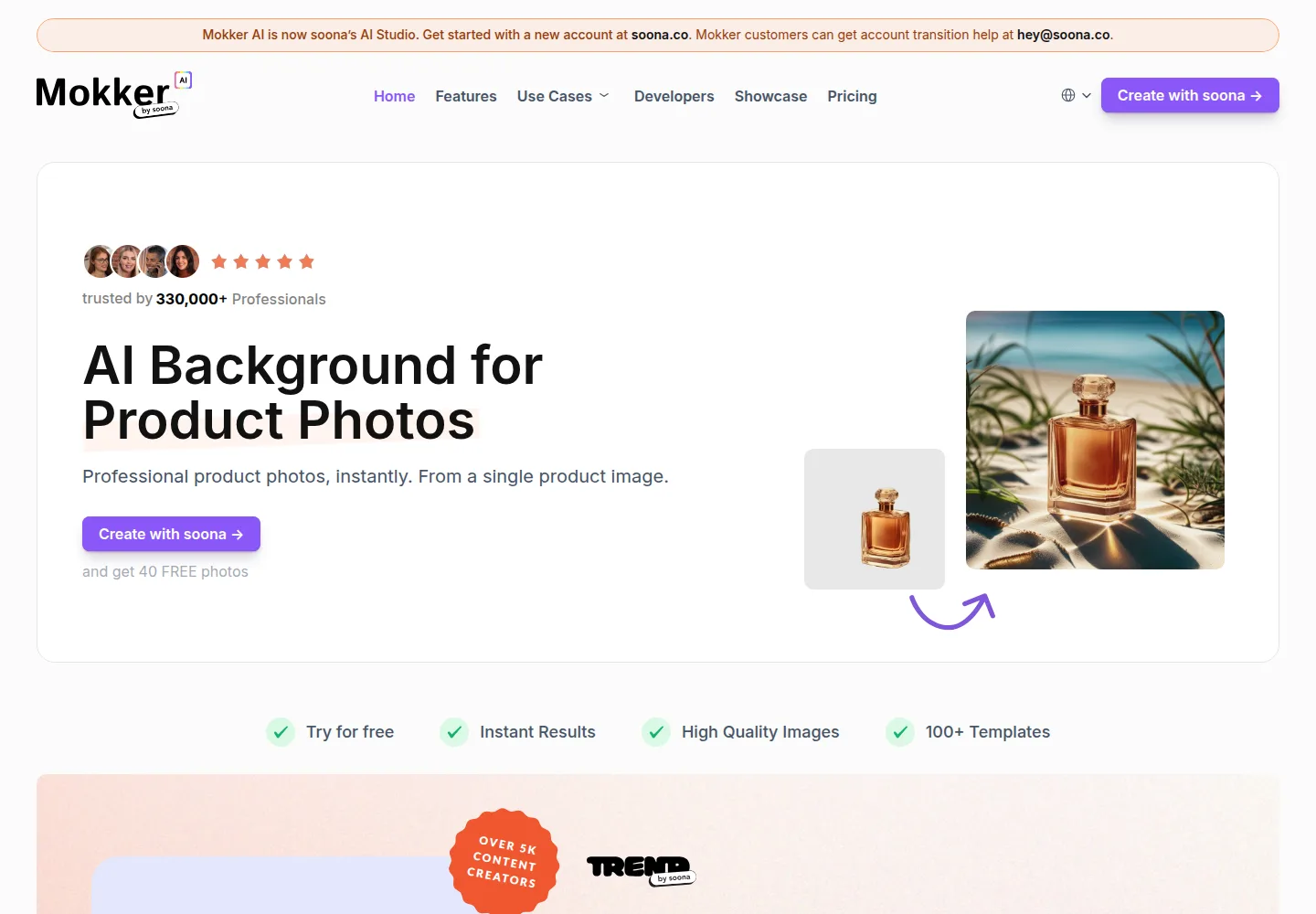
Mokker AI has become soona's AI Studio: the homepage announces that Mokker AI is now soona's AI Studio, new accounts start at soona.co, and existing Mokker customers can get account transition help from soona. The product itself is an AI background generator for product photos: upload a single product photo and the AI removes its background, you choose from 100+ templates drawn from various industries, and it produces professional product photography instantly. A moodboard feature lets you upload your own photos as inspiration, and the AI tries to understand their style and apply it to the final output. Product Replace takes a photo you have already taken and swaps in a different product, which keeps a set of product shots consistent. A resize feature produces the same creative in every format you need, from website banners to Stories, and color control lets you set the exact colors of your AI photos — down to a hex value — so output stays on brand. The results are aimed at website and online-shop content, social media imagery, and high-resolution print-ready marketing materials. Pricing is per photo volume on annual billing: a free test gives 20 photos once with full studio access and all templates; Starter is $13/month with 500 photos a month, high-quality export and custom prompts; Team is $29 per user/month with unlimited photos and a team account with 3 seats; and Organization is $83.25 per user/month starting from 5 seats, adding a custom AI model (listed as coming soon) and priority support.
Editorial guidance based on published documentation. The workflow below is a suggested starting point, not a measured product result.
When to choose Mokker AI
An e-commerce seller or Etsy shop wants professional product photos from a single product image, without a photoshoot.
A brand team needs the same product shot in many formats and on-brand colors for web, social and print.
A marketer wants to reuse a photo's setting with a different product swapped in, via Product Replace and moodboard references.
When to choose something else
A photographer needs full manual control over lighting and set design rather than template-based generation.
A user needs video-first product content; Mokker's studio is built around still product photography.
A practical starting workflow
Upload a product photo; Mokker removes the background with AI.
Select a template from 100+ templates across industries, or upload moodboard photos as style reference.
Let the AI generate the product photography, then adjust with Product Replace, resize and color control as needed.
Use the results on your website or online shop, social media, or as high-resolution print-ready images.
Check before committing
Mokker AI is now soona's AI Studio: new accounts start at soona.co, and existing Mokker customers are directed to soona for account transition help — check which account and terms apply before buying volume.
The free tier is a one-time test of 20 photos, not a recurring monthly allowance; paid tiers are priced on annual billing (the page says annual pricing saves up to 35%).
The Organization tier's custom AI model is listed as coming soon, and headline counts on the page (such as photos already created) are the vendor's own figures.
Common questions
How does Mokker work?
Upload a product photo and Mokker removes the background with AI; choose from 100s of templates from various industries, adjust it if you like, and the AI creates your product photography.
On annual pricing, Starter is $13/month for 500 photos a month, Team is $29 per user/month for unlimited photos with a 3-seat team account, and Organization is $83.25 per user/month starting from 5 seats.
You upload your own photos as inspiration and Mokker's AI tries to understand their unique style and apply it to the final output; Product Replace similarly lets you swap a different product into a photo you have taken.
Tools the catalogue itself links to Mokker AI: an editor lists them as related, an editorial comparison or switching guide covers the pair, or both are reviewed picks for the same task. Each reason below can be checked on the tool pages. This is not a quality ranking.
When this listing’s recorded facts changed, from what to what. Dates are the day (UTC) the change was recorded in the ByTask data, not the day the vendor changed anything. Only changes that can be traced in the data history appear here; a fact that has not changed shows nothing.

 Official site reference


