Dates: Last reviewed 2026-11-27 · Sources checked 2026-11-24. Last reviewed is the latest source or editorial review date; it is not a content-change date.
A closer look at Mindrop
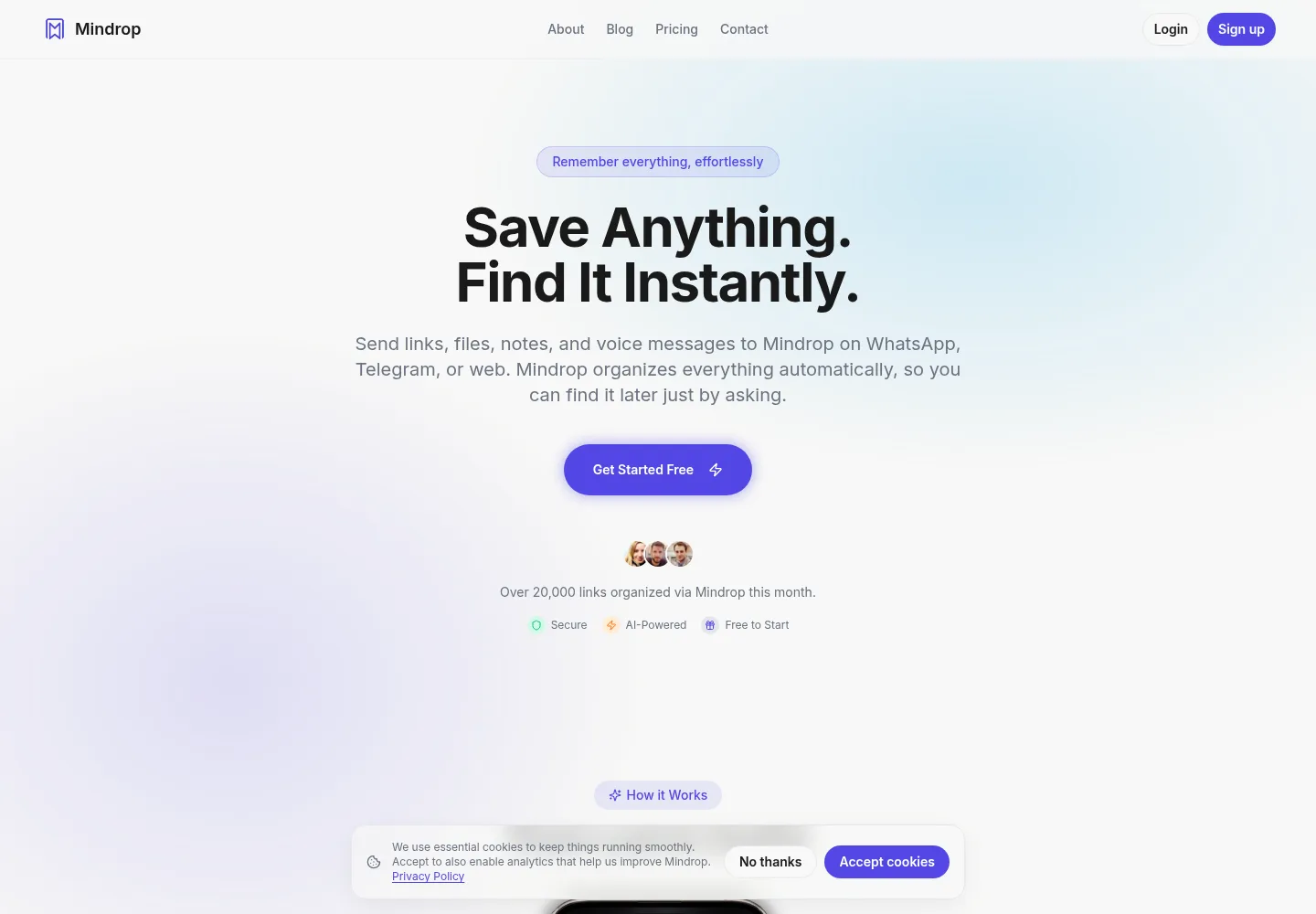
Mindrop is an AI-powered personal assistant for everything you save for later. Instead of another app or browser extension, it lives inside WhatsApp and Telegram: you forward links, files, notes, and voice messages to it, and it organizes everything automatically in the background, tagging, categorizing, and summarizing each item as it arrives. Instant summaries of articles and videos are delivered back into the chat, so you can decide in seconds what is worth your time. Retrieval is conversational: when you need something months later, you ask the assistant in plain language — the site's example is asking about the kale recipe you saved last month — and get the answer immediately instead of scrolling through bookmark lists. Items can carry reminders so they resurface at the right moment, and a feature called Drops groups similar content into smart spaces the AI creates for you, so there are no folders to maintain by hand. For heavier work, a web dashboard adds a visual workspace and more AI features for connecting ideas and conducting deep research across your full library. Mindrop states that the library is private and secure: it never sells your data, uses it for ads, or shares your history with third parties, your content is not used to train public models, and the assistant can only see the specific items you forward — never your other chats. You can delete individual items through the dashboard or request full account deletion. Mindrop is free to start, with Mindrop Plus and Deep Thinker plans for higher volume, more powerful AI abilities, and advanced workspace features.
Editorial guidance based on published documentation. The workflow below is a suggested starting point, not a measured product result.
When to choose Mindrop
A heavy saver whose bookmarks and read-later lists have become a graveyard, and who wants to retrieve things by asking instead of filing them.
Someone who lives in WhatsApp or Telegram and wants capture to happen there, with no new app or extension to install.
A reader who wants instant summaries of saved articles and videos in chat to triage what deserves a full read.
When to choose something else
A team that needs shared, collaborative knowledge management: Mindrop is a personal library, and its privacy pitch is built around a single owner.
Anyone who wants manual folder hierarchies and full organizational control — Mindrop's Drops are created by the AI, deliberately replacing manual sorting.
Anyone unwilling to route personal saves through a third-party service connected to their messaging account.
A practical starting workflow
Forward a link, file, video, note, or voice message to Mindrop on WhatsApp, Telegram, or the web.
Let the assistant tag, categorize, and summarize the item in the background; read the instant summary in chat to decide if it merits more time.
Set a reminder on anything that should resurface at a specific moment.
When you need something back, ask the assistant in plain language; open the web dashboard when you want the visual workspace or deep research across the whole library.
Check before committing
The 'Over 20,000 links organized via Mindrop this month' figure is the vendor's own homepage claim, not independently verified.
The reviewed homepage names the Plus and Deep Thinker plans but publishes no prices or volume limits for them, so upgrade costs have to be checked with the vendor.
Privacy assurances (no data sale, no training on your content, access only to forwarded items) are the vendor's own statements in its FAQ.
Common questions
What exactly is Mindrop?
Mindrop is an AI-powered personal assistant for your links, files, and thoughts. It bridges the gap between 'saving for later' and actually 'remembering' by working inside messaging apps like WhatsApp or Telegram, so you can save everything without downloading a new app.
No. Mindrop works inside WhatsApp and Telegram, so there is nothing new to install. For deep research and visual organization, the Mindrop Dashboard is available in any web browser.
Website links, YouTube videos, PDFs, documents, and posts from social media networks. The assistant processes content in the background so it is ready when you need it.
No, according to Mindrop's FAQ: your personal data is never used to train public models, and Mindrop only has access to the specific links, files, or messages you choose to forward to it — it cannot see your other WhatsApp conversations.
Mindrop is free to start: the Free plan covers the core features of the assistant. Mindrop Plus and Deep Thinker plans add higher volume, more powerful AI abilities, and advanced workspace features.
Mymind — Designers, writers, marketers, researchers, developers and creatives who want one private place for everything.
Stacks — People who want one place to save and organize everything
Cerebro — Readers turning saved videos, articles and books into searchable knowledge
Alternatives to Mindrop
Tools the catalogue itself links to Mindrop: an editor lists them as related, an editorial comparison or switching guide covers the pair, or both are reviewed picks for the same task. Each reason below can be checked on the tool pages. This is not a quality ranking.
When this listing’s recorded facts changed, from what to what. Dates are the day (UTC) the change was recorded in the ByTask data, not the day the vendor changed anything. Only changes that can be traced in the data history appear here; a fact that has not changed shows nothing.

 Official site reference


