Game studios and creative teams that want image, video, and 3D generation in one harness with consistent style.; Teams that want to compare models, such as Gemini image models, FLUX.1, GPT Image, and Seedance video models, without switching tools.; Creators who need prompt edits, upscaling, expansion, layer splits, camera moves, lip sync, and subtitles in one workflow.
Fit is editorial guidance, not a measured result.
Platforms
Access: not separately verified. Operating systems not separately verified.
Published-source facts and editorial guidance. No product test is implied. Confirm current conditions before purchase.
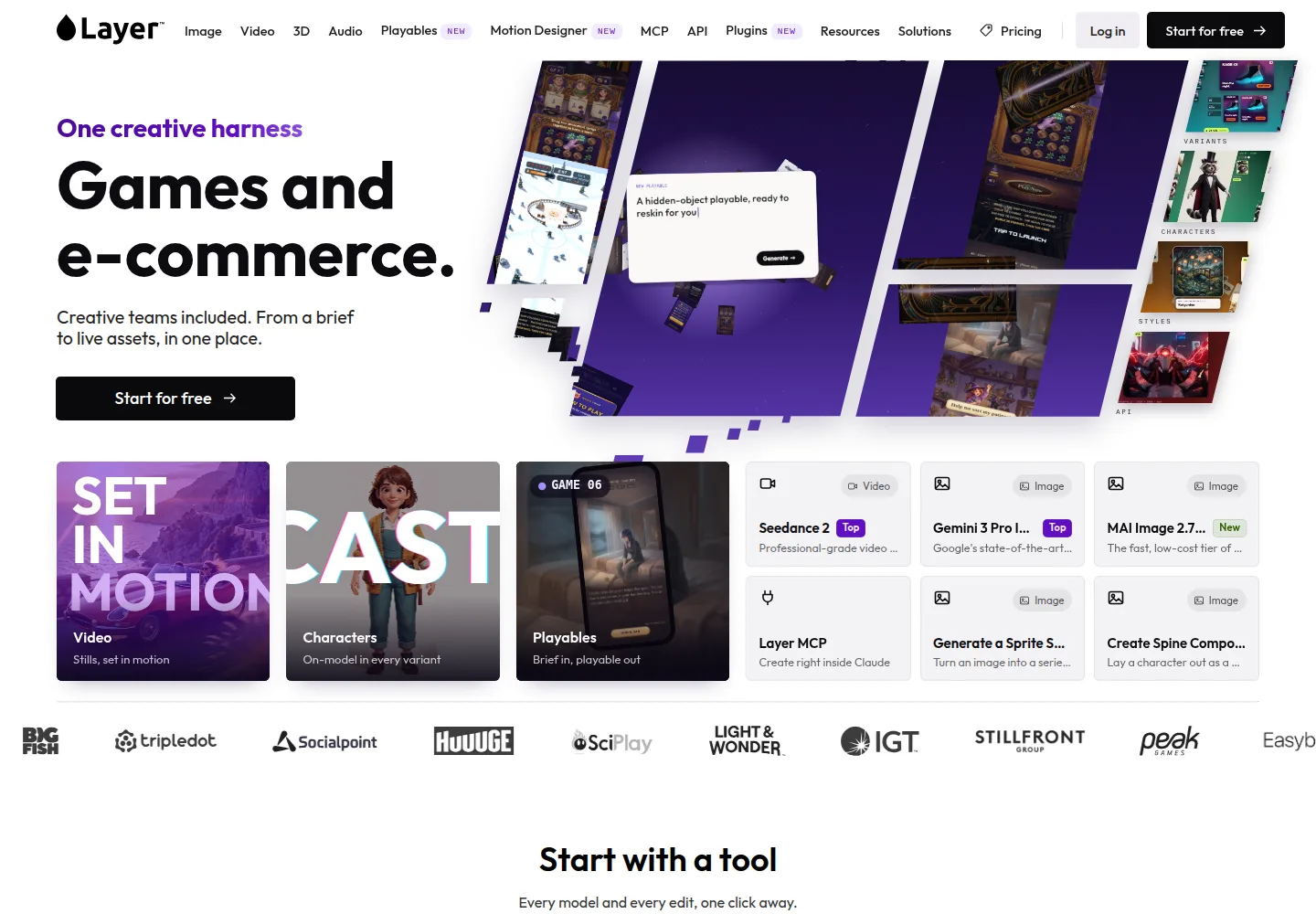
Official website; English-locale capture · Captured 2026-11-29 · Source ↗
This listing has 1 image; no further gallery images exist.
What to know before choosing
Good fit
Game studios and creative teams that want image, video, and 3D generation in one harness with consistent style.; Teams that want to compare models, such as Gemini image models, FLUX.1, GPT Image, and Seedance video models, without switching tools.; Creators who need prompt edits, upscaling, expansion, layer splits, camera moves, lip sync, and subtitles in one workflow.
Limits and trade-offs
Users who want one fixed model with no choices: Layer’s premise is a harness across 132 image models and 175 video models.; Users expecting free image or video generation: seats are $0, but creation itself is paid usage-based, so generation is not free.; Users who need a fixed monthly cost: usage-based pricing means cost follows what is created, not a flat monthly fee.
Plans and free allowances
Subscription (entry) USD 10/month; Additional Creative Units USD 60/use
Official published documentation reviewed; not a product test
Dates: Last reviewed 2026-11-24. Last reviewed is the latest source or editorial review date; it is not a content-change date.
A closer look at Layer AI
Layer is a creative harness for teams: image creation from a prompt or reference with prompt editing, background removal, upscaling to 4x, expansion, recoloring, layer splitting, and camera and lighting changes; video creation, extension, reframing, lip sync, and motion transfer; and 3D asset creation, retexturing, remeshing, rigging, and UV unwrapping, across 132 image models and 175 video models.
Editorial guidance based on published documentation. The workflow below is a suggested starting point, not a measured product result.
When to choose Layer AI
Game studios and creative teams that want image, video, and 3D generation in one harness with consistent style.
Teams that want to compare models, such as Gemini image models, FLUX.1, GPT Image, and Seedance video models, without switching tools.
Creators who need prompt edits, upscaling, expansion, layer splits, camera moves, lip sync, and subtitles in one workflow.
When to choose something else
Users who want one fixed model with no choices: Layer’s premise is a harness across 132 image models and 175 video models.
Users expecting free image or video generation: seats are $0, but creation itself is paid usage-based, so generation is not free.
Users who need a fixed monthly cost: usage-based pricing means cost follows what is created, not a flat monthly fee.
A practical starting workflow
Describe the change or prompt, or start from a reference image, video, or still.
Generate, edit, upscale, expand, recolor, or split into layers, then extend, reframe, or add lip sync and subtitles for video.
Keep style consistent across a cast, set, or campaign, and export the finished image, video, or 3D asset.
Check before committing
Model counts and the $0-per-seat figure are homepage and pricing-page statements; per-model usage rates are not asserted as a single price.
The pricing page is framed for game studios; other team types are described from the homepage harness positioning, not a separate pricing page.
Common questions
What is Layer?
A creative harness for teams of all sizes, covering image, video, and 3D creation with many models behind one workflow.
Images from a prompt or reference, marketing videos and trailers, clips from a prompt or still, and textured 3D meshes from one image, among the listed tools.
Doodle Dash — Anyone wanting a quick, free demo of an in-browser neural network guessing doodles.
Ludo — Game developers wanting AI-generated sprites and assets
Alternatives to Layer AI
Tools the catalogue itself links to Layer AI: an editor lists them as related, an editorial comparison or switching guide covers the pair, or both are reviewed picks for the same task. Each reason below can be checked on the tool pages. This is not a quality ranking.
When this listing’s recorded facts changed, from what to what. Dates are the day (UTC) the change was recorded in the ByTask data, not the day the vendor changed anything. Only changes that can be traced in the data history appear here; a fact that has not changed shows nothing.
Recorded (UTC)
Price & plansPlan type: Price not verified → Paid
Price & plansPrice and plan wording changed
Links & sourcesOfficial sources on file: 1 re-checked


 Official site reference


