Official published documentation reviewed; not a product test
Dates: Last reviewed 2026-11-24. Last reviewed is the latest source or editorial review date; it is not a content-change date.
A closer look at Erayaha.AI
Contract review inside Word and Google Docs. Sales teams that review contracts inside Word or Google Docs and want renewal, price-rise and liability risks flagged.
Editorial guidance based on published documentation. The workflow below is a suggested starting point, not a measured product result.
When to choose Erayaha.AI
A sales team reviewing contracts in Word or Google Docs
A reviewer who wants renewal and price-rise risks flagged before signing
When to choose something else
A user who reviews contracts outside Word or Google Docs
A free user who needs more than 5 full reviews a month without paying
A practical starting workflow
Open a contract in Word or Google Docs
Run the review and read the flagged risks
Fix the terms before signing
Check before committing
The free tier caps at 5 full reviews a month and 50,000 characters per document
Enterprise requires at least 15 seats
Common questions
What does Erayaha do?
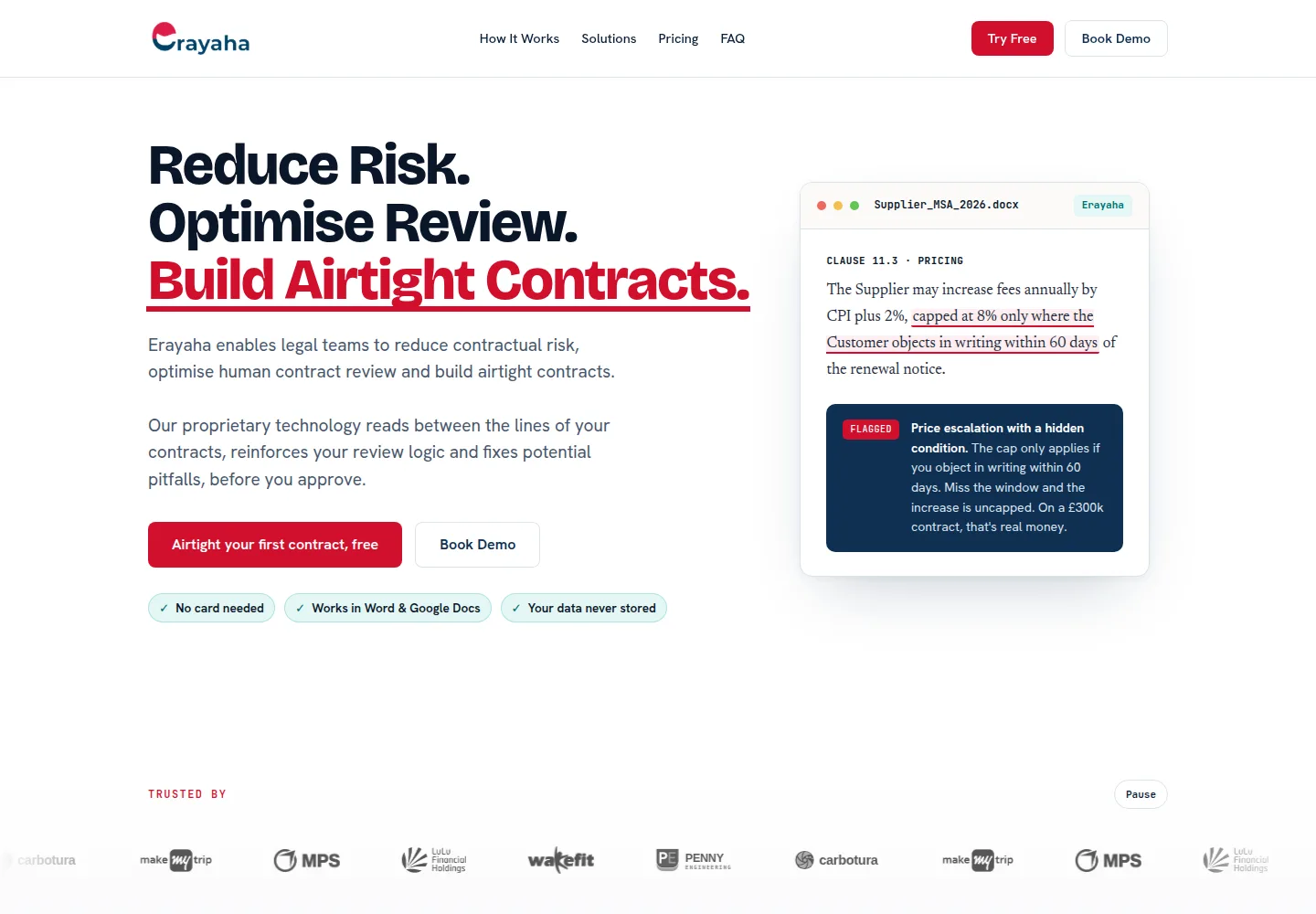
Erayaha reviews contracts inside Word and Google Docs, flagging automatic renewals, price rises, one-sided liability, missing definitions, contradictions and reversed logic.
The fresh pricing page lists a $0 forever trial with 5 full reviews a month, Individual at $79 per seat per month, Business at $299 per month and Enterprise custom; the currency is not named, so the contract stays unknown.
ChatGPT — Turning a brief or source files into structured drafts, explanations, and working documents.
Claude — Working through source material, developing structured drafts, and iterating on code or documents.
Alternatives to Erayaha.AI
Tools the catalogue itself links to Erayaha.AI: an editor lists them as related, an editorial comparison or switching guide covers the pair, or both are reviewed picks for the same task. Each reason below can be checked on the tool pages. This is not a quality ranking.
When this listing’s recorded facts changed, from what to what. Dates are the day (UTC) the change was recorded in the ByTask data, not the day the vendor changed anything. Only changes that can be traced in the data history appear here; a fact that has not changed shows nothing.


 Official site reference


