Consumers who want routine legal-adjacent tasks handled cheaply: disputing a parking ticket, fighting a bank fee, canceling a hard-to-cancel subscription, or generating a basic agreement without payin
Fit is editorial guidance, not a measured result.
Platforms
Access: not separately verified. Operating systems not separately verified.
Published-source facts and editorial guidance. No product test is implied. Confirm current conditions before purchase.
Official website; English-locale capture · Captured 2026-11-29 · Source ↗
This listing has 1 image; no further gallery images exist.
What to know before choosing
Good fit
Consumers who want routine legal-adjacent tasks handled cheaply: disputing a parking ticket, fighting a bank fee, canceling a hard-to-cancel subscription, or generating a basic agreement without payin
Limits and trade-offs
DoNotPay is not a law firm and using it does not create an attorney-client relationship. In 2025 the FTC finalized an order requiring DoNotPay to pay $193,000 and stop claiming its AI could substitute
Plans and free allowances
Flat $36 per year per multiple third-party sources; no mid-year cancellation reported. Prices as of Oct 2026; confirm at checkout.
Official published documentation reviewed; not a product test
Dates: Last reviewed 2026-10-24. Last reviewed is the latest source or editorial review date; it is not a content-change date.
A closer look at DoNotPay
DoNotPay calls itself the world's first robot lawyer: a consumer service that automates everyday legal-adjacent tasks such as appealing parking tickets, disputing fees, canceling subscriptions, and generating letters and basic agreements. It charges a flat annual fee far below a lawyer's hourly rate, but it is not a law firm and its AI outputs are not legal advice.
Editorial guidance based on published documentation. The workflow below is a suggested starting point, not a measured product result.
When to choose DoNotPay
Consumers who want routine legal-adjacent tasks handled cheaply: disputing a parking ticket, fighting a bank fee, canceling a hard-to-cancel subscription, or generating a basic agreement without paying a lawyer's hourly rate.
Consumers who want letters and forms drafted or submitted on their behalf for a flat annual fee far below a lawyer's hourly rate.
When to choose something else
Not for anything where the stakes are high, criminal matters, immigration, or cases already in court
those need a licensed attorney. Also a poor fit if you expect guaranteed outcomes, since the service automates tasks but cannot promise results.
A practical starting workflow
Subscribe for the annual fee and describe your problem in plain language.
Pick the matching workflow, such as disputing a ticket or canceling a service.
Let DoNotPay draft or submit the letters and forms on your behalf.
Track the outcome and escalate to a human lawyer if the stakes rise.
Check before committing
DoNotPay is not a law firm and using it does not create an attorney-client relationship. In 2025 the FTC finalized an order requiring DoNotPay to pay $193,000 and stop claiming its AI could substitute for a human lawyer without evidence. User reviews are mixed, with complaints about results not matching promises and difficulty canceling. AI-generated legal content can be confidently wrong; verify anything that affects your rights with a licensed attorney.
Pricing and feature availability may change; confirm current terms on the official website before committing.
Common questions
How much does DoNotPay cost?
DoNotPay charges a flat $36 per year, with no mid-year cancellation according to user reports. Check the checkout page for current terms before subscribing.
No. DoNotPay is not a law firm, and the FTC has barred it from claiming its AI can substitute for a human lawyer. It provides legal information and task automation, not legal advice.
Its best-known uses are appealing parking tickets, disputing bank fees, canceling subscriptions, and generating standard letters and agreements. Results vary by task and jurisdiction.
AI Lawyer — Consumers who need a fast first read on a legal question
Legaliser — Small businesses and individuals who need plain-English contract creation, review and signing.
VIDUR — AI-assisted Indian tax and corporate law research, advisory and drafting with verified references.
Alternatives to DoNotPay
Tools the catalogue itself links to DoNotPay: an editor lists them as related, an editorial comparison or switching guide covers the pair, or both are reviewed picks for the same task. Each reason below can be checked on the tool pages. This is not a quality ranking.
When this listing’s recorded facts changed, from what to what. Dates are the day (UTC) the change was recorded in the ByTask data, not the day the vendor changed anything. Only changes that can be traced in the data history appear here; a fact that has not changed shows nothing.


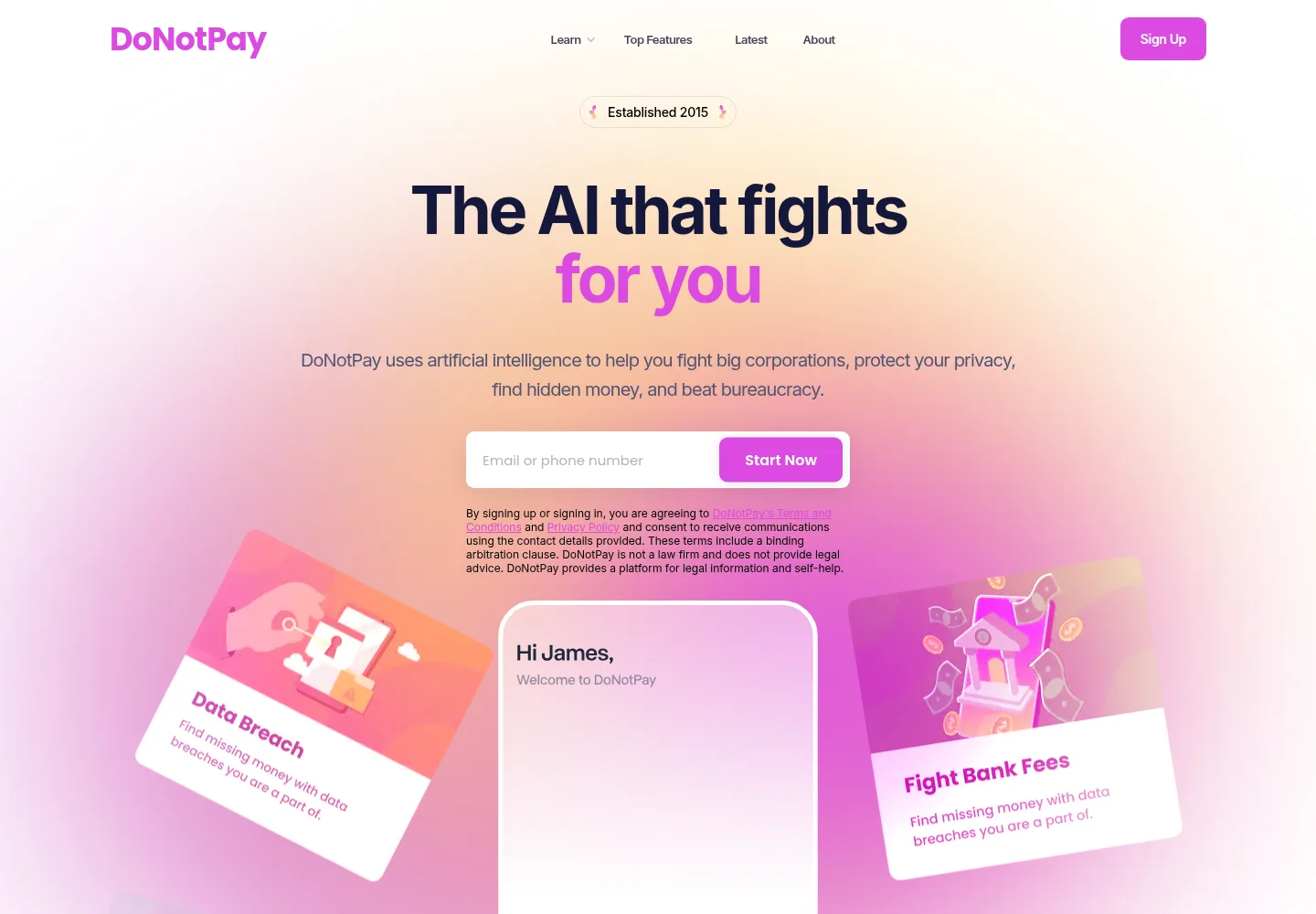
 Official site reference


