DocTranslator is an AI document translator for PPTX, DOCX, PDF, XLSX and more, translating to and from over 100 languages while preserving the original layout, styles, tables, charts and images exactly, with batch processing and files auto-deleted after processing (default 24 hours) and never used for training. The homepage publishes no pricing, plans or free allowance, so the pricing model is unverified from public evidence.
Fit is editorial guidance, not a measured result.
Platforms
Access: not separately verified. Operating systems not separately verified.
Published-source facts and editorial guidance. No product test is implied. Confirm current conditions before purchase.
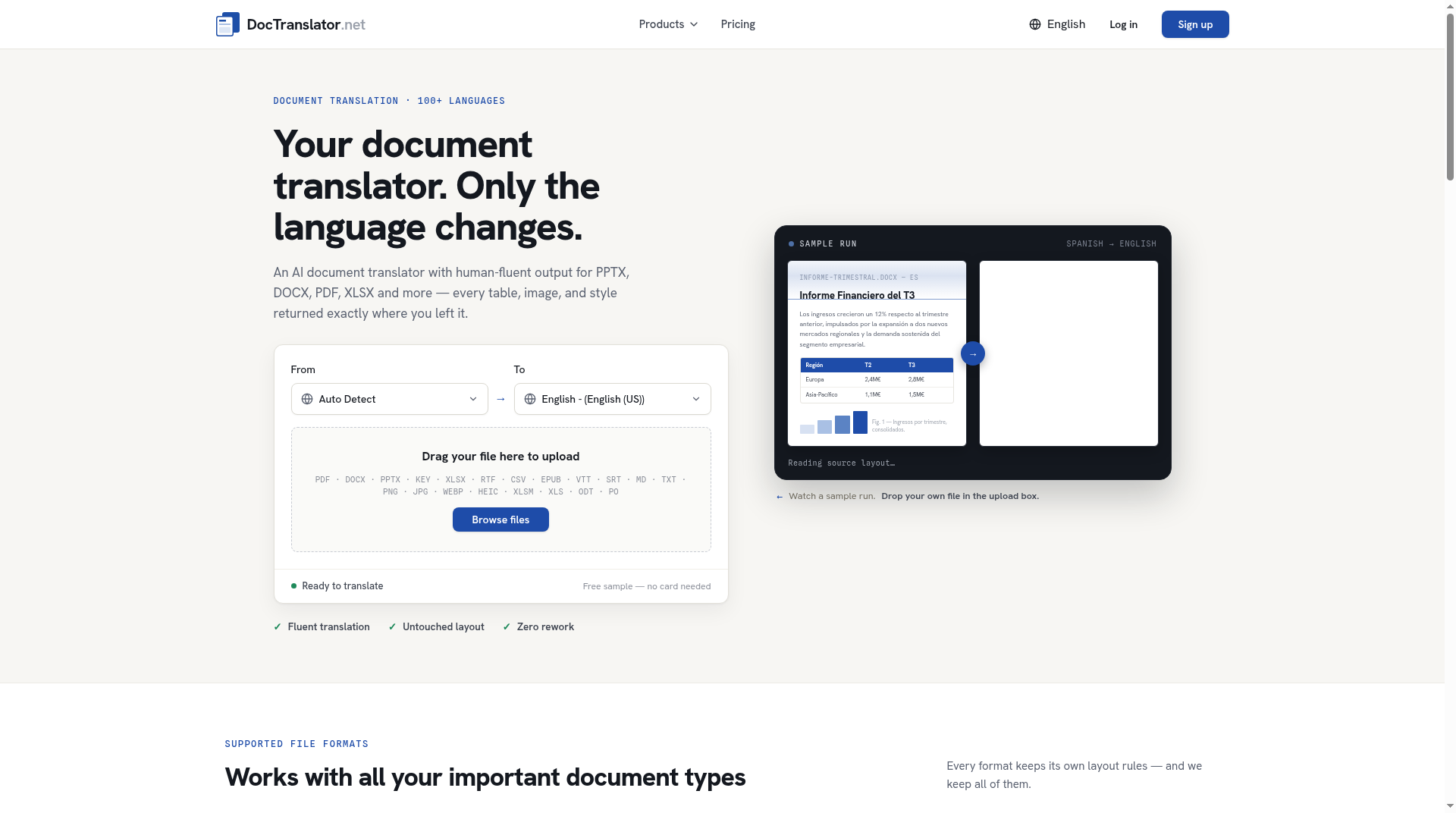
Maker-provided screenshot · Capture date not recorded · Asset reviewed 2026-11-20 · Source ↗
This listing has 1 image; no further gallery images exist.
What to know before choosing
Good fit
DocTranslator is an AI document translator for PPTX, DOCX, PDF, XLSX and more, translating to and from over 100 languages while preserving the original layout, styles, tables, charts and images exactly, with batch processing and files auto-deleted after processing (default 24 hours) and never used for training. The homepage publishes no pricing, plans or free allowance, so the pricing model is unverified from public evidence.
Limits and trade-offs
Secure & private: auto-deleted after processing (default 24h), never used to train models.
Plans and free allowances
Price and free limits not verified. Confirm current vendor terms.
Maker-submitted product description
Reviewed for publication 2026-11-20. This material was supplied with the submission; it is not a hands-on test or independent verification of every claim.
DocTranslator is an AI document translator for PDF, Word, PowerPoint and Excel files, built for business reports, academic research, legal documents, cross-border e-commerce and customer support teams. It translates into 100+ languages, including right-to-left scripts, without losing the layout: tables, charts, images and styles stay exactly where they were. It also supports OCR for scanned documents and images, plus batch processing for many files at once. Every new user gets a free sample translation with no card needed, and files are encrypted in transit and at rest and auto-deleted after processing.
Maker-reported pricing model: trial. Pricing has not been independently verified. Confirm current plans on the official website.
Official-site collection and source-backed editorial review
Dates: Last reviewed 2026-11-29 · Sources checked 2026-11-28 · Catalogued 2026-11-20. Last reviewed is the latest source or editorial review date; it is not a content-change date.
A closer look at DocTranslator
DocTranslator translates whole documents while keeping their formatting intact — its own pitch is that only the language changes. It translates documents in 100+ languages with what it describes as human-fluent output, and it works on PPTX, DOCX, PDF, XLSX and more: every table, image and style is returned exactly where you left it, and the service states that it preserves the original layout, styles and formatting of your documents. Batch processing lets you translate multiple documents at once. Its security posture is stated plainly on the page: TLS/SSL encryption in transit, AES-256 encryption at rest, files auto-deleted after processing (default 24 hours), and documents are never used to train its models. That combination — office-document formats, layout preservation and a stated deletion policy — is the whole offer: you hand over a finished document and get the same document back in another language, rather than pasting text into a general translator and rebuilding the formatting yourself. It is a document tool, not a live conversation or speech translator, and its reviewed page publishes no prices, so cost has to be checked on the site itself.
Editorial guidance based on published documentation. The workflow below is a suggested starting point, not a measured product result.
When to choose DocTranslator
Anyone translating finished documents (PPTX, DOCX, PDF, XLSX) who needs tables, images and styles to stay exactly in place
Privacy-conscious users: the service states TLS/SSL in transit, AES-256 at rest, auto-deletion after processing (default 24h) and no training on your documents
When to choose something else
Anyone who needs live speech or meeting translation — DocTranslator processes documents, not conversations
Anyone whose material is text inside images rather than document files — that is an image-translation task, not this tool's stated job
A practical starting workflow
Upload a document in a supported format (PPTX, DOCX, PDF, XLSX and more)
Choose the target language from 100+ languages
Run the translation — or use batch processing to translate multiple documents at once
Download the translated document with its original layout, tables, images and styles preserved
Check before committing
Files are auto-deleted after processing by default (24 hours), so keep your own copies of originals and download results promptly
The reviewed page publishes no pricing or free allowance — check the site's current terms before relying on it for paid work
Common questions
Which file formats does it translate?
PPTX, DOCX, PDF, XLSX and more, with every table, image and style returned exactly where you left it and the original layout and formatting preserved.
The site states TLS/SSL encryption in transit, AES-256 encryption at rest, auto-deletion after processing (default 24h), and that documents are never used to train its models.
Linnk AI — Linnk AI translates whole documents - PDF, Word, PowerPoint, Excel, EPUB, subtitles, images and 40+ more formats - into 154 languages and dialects with tables, fonts and layout intact, reading scans and handwriting directly; it also summarizes and converts files. Without a plan you get a free preview of the first 3 pages with no signup, and summarization has its own free quota; paid plans (Essential, Professional, Premium, Volume) raise file-size and page limits, but their prices are not published on the homepage.
Machine Translation — Professionals, marketers and businesses who want one trusted translation from 22 AI models, with quality scores and side-by-side comparisons.
ImageTranslate.AI — Manga and comic readers who want speech bubbles translated while the original art style stays intact.; E-commerce, document and menu translators who need image text converted in bulk.
Product details from official sources
DocTranslator is an AI document translator for PPTX, DOCX, PDF, XLSX and more, translating to and from over 100 languages while preserving the original layout, styles, tables, charts and images exactly, with batch processing and files auto-deleted after processing (default 24 hours) and never used for training. The homepage publishes no pricing, plans or free allowance, so the pricing model is unverified from public evidence.
Capabilities and conditions
An AI document translator with human-fluent output; every table, image, and style returned exactly where you left it. Source ↗
Preserves formatting: tables, charts, headers, footers, and images stay exactly where they belong. Source ↗
Secure & private: auto-deleted after processing (default 24h), never used to train models. Source ↗
Price and free allowance
Price and free limits not verified. Check the current vendor plans before signing up; this listing does not imply the product is free.
Published-source profile · collected 2026-11-28. Automated collection followed by editorial review. These are vendor-published claims, not hands-on product test results.
Alternatives to DocTranslator
Tools the catalogue itself links to DocTranslator: an editor lists them as related, an editorial comparison or switching guide covers the pair, or both are reviewed picks for the same task. Each reason below can be checked on the tool pages. This is not a quality ranking.
AI document translator & summarizer for 50+ formats. Read PDFs, contracts, and slides in 154 languages & dialects, layout intact. Free preview, no signup.
Why it is listed Same category: Translation · Listed by editors as related to DocTranslator
When this listing’s recorded facts changed, from what to what. Dates are the day (UTC) the change was recorded in the ByTask data, not the day the vendor changed anything. Only changes that can be traced in the data history appear here; a fact that has not changed shows nothing.
Recorded (UTC)
Price & plansPlan type: Trial available → Price not verified


 Maker-provided visual


