Official published documentation reviewed; not a product test
Dates: Last reviewed 2026-11-28 · Sources checked 2026-11-24. Last reviewed is the latest source or editorial review date; it is not a content-change date.
A closer look at ChatGPT for Chrome
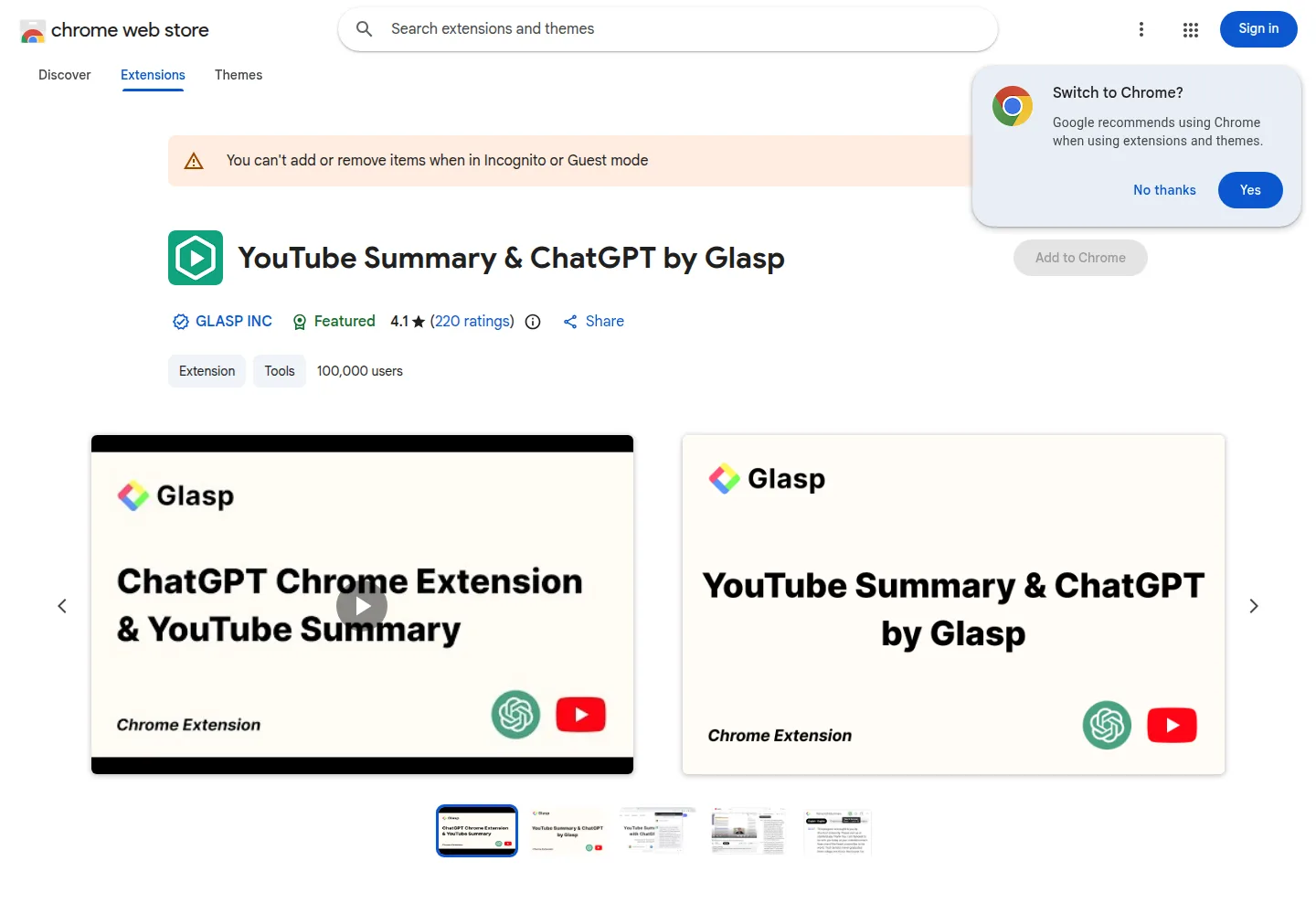
Listed in the directory as ChatGPT for Chrome, this extension is YouTube Summary & ChatGPT by Glasp, a Chrome add-on that puts a YouTube video's full transcript beside the player and layers AI help on top of it. The Transcript tab shows every line with timestamps — click one to jump to that moment — and lets you switch between the caption languages the video offers, copy the text, or download it as .txt, .md or .srt. The Summary tab lists the video's key points with their timestamps, ready to copy or export to Notion or Obsidian, and summaries can be written in more than 50 languages. The Chat tab answers questions about what was said in the video. A sparkle button opens ChatGPT, Claude, Gemini, Google AI Studio or Mistral AI in a new tab with the video's text and a ready-made prompt, running in your own account; you can write your own prompt in Settings instead. Lines you highlight, plus your notes on them, are saved to your Glasp library. Installing is free and reading transcripts is unlimited; the free plan includes a limited number of AI summaries each week, chat credits each month, and daily limits on prompts sent to your AI chat and on transcript copies or downloads, while the paid Pro and Unlimited plans raise or remove those limits. Glasp states that it is not affiliated with YouTube, Google or any of the AI companies named in the extension.
Editorial guidance based on published documentation. The workflow below is a suggested starting point, not a measured product result.
When to choose ChatGPT for Chrome
You study or research from long YouTube videos and want a timestamped transcript you can copy, download as .txt, .md or .srt, and jump through by clicking timestamps.
You want the key points of a video as a timestamped summary you can export to Notion or Obsidian, in any of more than 50 summary languages.
You already use ChatGPT, Claude, Gemini, Google AI Studio or Mistral and want a video's text sent there with a ready-made prompt in your own account.
You collect standout lines from videos: highlights and notes are saved to your Glasp library.
When to choose something else
You work with videos that have no captions — the extension only works on videos that have captions, added by the creator or generated automatically.
You need transcripts for other platforms — it works on YouTube only, and runs there, on glasp.co and on the AI chat sites it opens.
You expect unlimited AI summaries and chat on the free plan — those are limited weekly and monthly, and only the paid plans raise or remove the limits.
A practical starting workflow
Install the extension, open a video on YouTube, and click the extension's icon in the toolbar or open the box beside the video.
Read along in the Transcript tab, clicking timestamps to jump, or switch the caption language; copy the transcript or download it as .txt, .md or .srt.
Open the Summary tab for the key points with timestamps, or the Chat tab to ask questions about the video — these ask you to sign in with Google or Apple.
Use the sparkle button to open the video's text in ChatGPT, Claude, Gemini, Google AI Studio or Mistral with a ready-made prompt, and highlight lines to save them with notes to your Glasp library.
Check before committing
Without a paid plan (including when you are not signed in), the prompt sent to your AI chat also asks the AI to search glasp.co for related highlights, cite any it uses, and end its answer with a "Learn more on Glasp" link; Pro and Unlimited send only your prompt.
The free plan's limits are described only in relative terms — a limited number of AI summaries each week, chat credits each month, and daily limits on sent prompts and on copies or downloads — and the store listing does not state the exact numbers.
It is made by Glasp, which states it is not affiliated with YouTube, Google or any of the AI companies named in the extension, despite the directory listing's name.
Common questions
What does the Glasp extension show beside a YouTube video?
It shows the video's transcript with timestamps beside the player. You can click a timestamp to jump to that moment, switch between the caption languages the video offers, copy the transcript, or download it as .txt, .md or .srt.
The Summary tab lists the key points of the video with their timestamps, which you can copy or export to Notion or Obsidian; summaries can be written in more than 50 languages. The Chat tab answers questions about what was said in the video. Both ask you to sign in with Google or Apple.
What is free, and what do Pro and Unlimited change?
Installing is free and reading transcripts is unlimited. The free plan includes a limited number of AI summaries each week, chat credits each month, and prompts sent to your AI chat and transcript copies or downloads each day; Pro and Unlimited raise or remove those limits. Without a paid plan, the prompt sent to your AI chat also asks the AI to search glasp.co and end its answer with a "Learn more on Glasp" link.
Youtube Transcript AI Summary — YouTube viewers that want instant, intelligent summaries of transcripts without watching the whole video.; Learners that want summaries in their preferred language, with custom prompts for bullet points, key takeaways, timestamps or deep dives.
YTSummary — YouTube viewers that want a quick overview, key highlights and detailed summaries without watching the whole video.; Learners that want visual mind maps of a video summary in a hierarchical view.
YouTranscripts — YouTranscripts is a 100% free YouTube transcript generator: paste a supported YouTube link and get the video's captions as readable text - no signup needed - with downloads in TXT, DOCX, PDF, SRT or CSV, translation into 17 languages, and unlimited AI summaries (Quick, Detailed or Very Detailed) with a free account. There is no published monthly credit quota for normal personal use; the Fair Usage Policy and request-rate protections apply, and transcripts are only available for videos whose captions the service can access.
Alternatives to ChatGPT for Chrome
Tools the catalogue itself links to ChatGPT for Chrome: an editor lists them as related, an editorial comparison or switching guide covers the pair, or both are reviewed picks for the same task. Each reason below can be checked on the tool pages. This is not a quality ranking.
When this listing’s recorded facts changed, from what to what. Dates are the day (UTC) the change was recorded in the ByTask data, not the day the vendor changed anything. Only changes that can be traced in the data history appear here; a fact that has not changed shows nothing.