Turns topics, scripts, or PDFs into narrated whiteboard videos.
At a glance
Paid · Source review 2026-11-24
Price & billing
Sign-up includes 2 free credits (no credit card required, limited-time offer; 1 credit is about 1 minute of video). Paid plans are shown at annual billing: Starter $23/month ($276/year, 15 credits/month), Plus $55/month ($660/year, 40 credits/month), Pro $95/month ($1,140/year, 75 credits/month) and Studio $199/month (160 credits/month). Top-ups on paid plans cost $2 per credit with a $10 minimum.
Published-source facts and editorial guidance. No product test is implied. Confirm current conditions before purchase.
Official website; English-locale capture · Captured 2026-11-29 · Source ↗
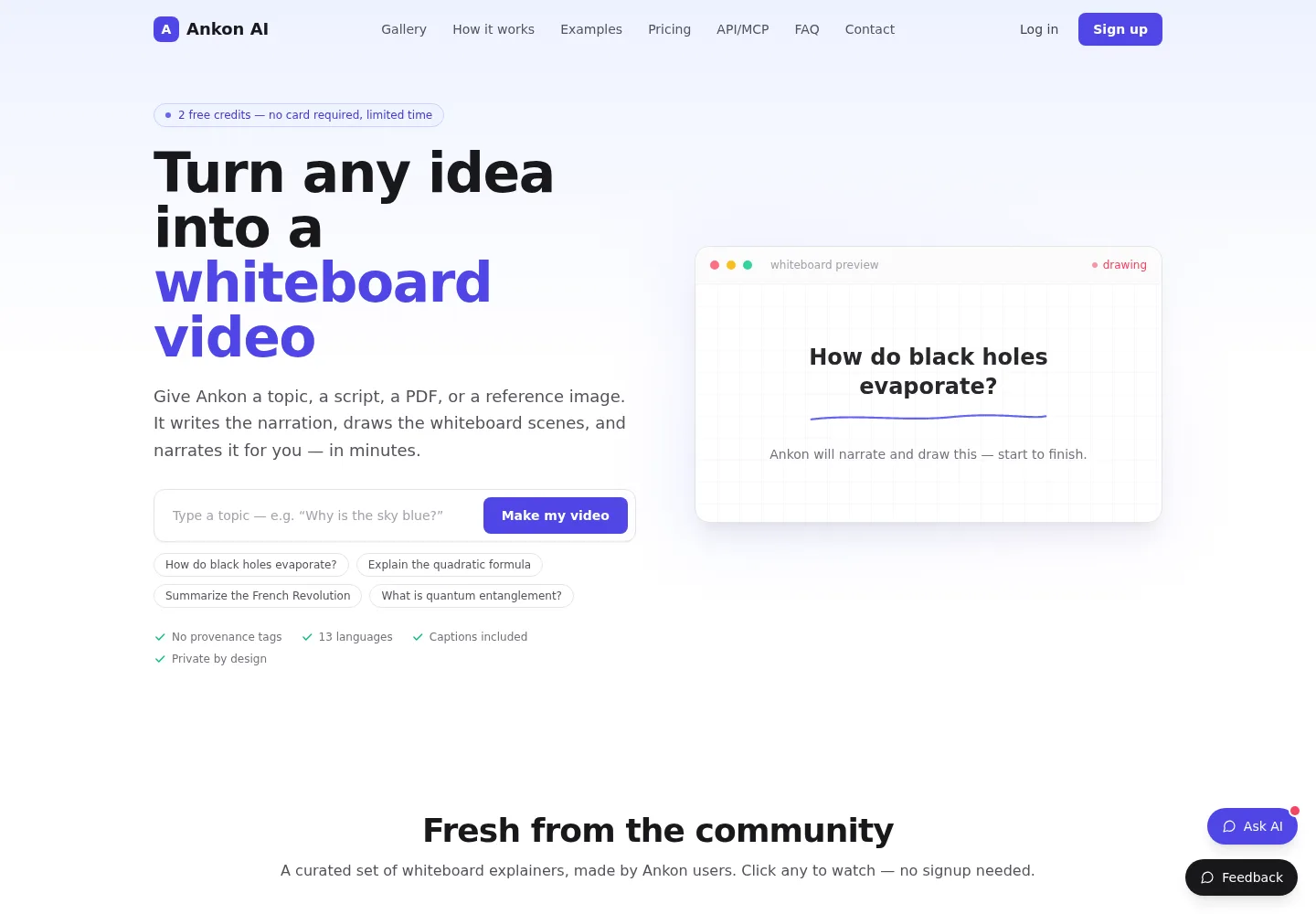
This listing has 1 image; no further gallery images exist.
What to know before choosing
Good fit
Newsletter creators and bloggers who want to repurpose written posts into short narrated videos.
Limits and trade-offs
Pricing is by credit with a 2-credit minimum per video, and Enhance doubles the base cost, so longer or enhanced videos cost more than the headline plan suggests.
Plans and free allowances
Sign-up includes 2 free credits (no credit card required, limited-time offer; 1 credit is about 1 minute of video). Paid plans are shown at annual billing: Starter $23/month ($276/year, 15 credits/month), Plus $55/month ($660/year, 40 credits/month), Pro $95/month ($1,140/year, 75 credits/month) and Studio $199/month (160 credits/month). Top-ups on paid plans cost $2 per credit with a $10 minimum.
Official-site collection and source-backed editorial review
Dates: Last reviewed 2026-11-24. Last reviewed is the latest source or editorial review date; it is not a content-change date.
A closer look at Ankon AI
Ankon AI turns a topic, script, PDF or reference image into a narrated whiteboard explainer video in minutes. It writes the narration, draws ink-reveal whiteboard scenes in time with the voiceover, adds word-by-word burned-in captions plus an SRT file, and provides publish-ready title, description and chapter timestamps. Videos come in 13 languages, vertical or landscape, with optional voice cloning on higher plans.
Editorial guidance based on published documentation. The workflow below is a suggested starting point, not a measured product result.
When to choose Ankon AI
Newsletter creators and bloggers who want to repurpose written posts into short narrated videos for LinkedIn, TikTok and YouTube.
Course instructors turning lecture notes into narrated, captioned video modules.
Micro-SaaS founders who need a clean how-it-works explainer for a landing page without an animator.
When to choose something else
Editors who need manual frame-by-frame whiteboard drawing, since Ankon generates narration, scenes and captions automatically.
Creators who need talking-head avatar videos, since Ankon makes whiteboard explainers rather than avatar videos.
A practical starting workflow
Give Ankon a topic, paste a script, or upload a PDF or reference image.
Pick a language, voice and orientation, vertical or landscape.
Let Ankon write the narration, draw the whiteboard scenes and add captions.
Download the MP4 with burned-in captions and SRT, plus title, description and chapters, and publish it.
Check before committing
Pricing is by credit, with 1 credit equal to about 1 minute of finished video, a 2-credit minimum per video, and Enhance doubling the base cost plus 1 extra credit for fact-checking, so longer or enhanced videos cost more than the headline plan suggests.
The FAQ states paid plans start at $29 a month, while the pricing table lists Starter at $23 a month, so the checkout price should be confirmed before subscribing.
Pricing and feature availability may change; confirm current terms on the official website before committing.
Common questions
How does Ankon AI pricing work?
One credit equals about 1 minute of finished video, with a 2-credit minimum per video, and failed renders are refunded automatically.
13 languages with male and female voices: English (US and UK), Spanish, French, Hindi, Italian, Japanese, Chinese, Portuguese (Brazilian), German, Arabic, Korean and Dutch.
Yes. Recording a 10-second clip lets it narrate in your voice across languages, with a native recording option per language, and the clip can be deleted at any time.
Adori Labs — Content creators and marketers turning written content into shareable videos
Aicut — Faceless channel creators who want to post a story video every day without filming or manual editing.
Clippie AI — Faceless YouTube creators who want trending templates without hours of editing.
Product details from official sources
Ankon AI turns a topic, script, PDF, or reference image into a narrated whiteboard explainer, with illustrated scenes, captions, and publishing metadata. Outputs include MP4 and SRT files in vertical or landscape formats. Its developer API runs asynchronous jobs and bills by video minutes with a two-credit minimum. No-key OAuth currently works only with the listed Claude apps; other clients require a different authentication route.
Capabilities and conditions
Turns a topic, script, PDF, or reference image into narrated whiteboard video. Source ↗
Supplies downloadable MP4 video, SRT subtitles, and title, description, and chapter metadata. Source ↗
Offers vertical 9:16 and landscape 16:9 output formats. Source ↗
API billing uses one credit per minute, with a two-credit minimum and top-ups from $2 per credit. Source ↗
The no-key OAuth flow currently completes only from Claude Code, Claude.ai, and Claude Desktop. Source ↗
Price and free allowance
See the sourced plan statements above; confirm currency, billing period and checkout eligibility on the vendor site.
Published-source profile · collected 2026-11-24. Automated collection followed by editorial review. These are vendor-published claims, not hands-on product test results.
Alternatives to Ankon AI
Tools the catalogue itself links to Ankon AI: an editor lists them as related, an editorial comparison or switching guide covers the pair, or both are reviewed picks for the same task. Each reason below can be checked on the tool pages. This is not a quality ranking.
When this listing’s recorded facts changed, from what to what. Dates are the day (UTC) the change was recorded in the ByTask data, not the day the vendor changed anything. Only changes that can be traced in the data history appear here; a fact that has not changed shows nothing.
Recorded (UTC)
Price & plansPlan type: Price not verified → Paid
Price & plansPrice and plan wording changed
Links & sourcesOfficial sources on file: 1 re-checked

 Official site reference