Turn simple scripts into polished animated clips fast.
At a glance
Free + paid · Source review 2026-11-24
Price & billing
A Free plan lets users export with watermarks for non-commercial use, with sign-up and daily check-in credits. Paid plans are Beginner $16/month (3,000 credits), Creator $26/month (6,000), Master $58/month (16,000) and Master Pro $166/month (50,000); subscribers can also buy top-up credits valid for one year.
Published-source facts and editorial guidance. No product test is implied. Confirm current conditions before purchase.
Official website; English-locale capture · Captured 2026-11-29 · Source ↗
This listing has 1 image; no further gallery images exist.
What to know before choosing
Good fit
Creators turning scripts, prompts, images, or audio into animated clips with style presets and commercial export on paid plans.
Limits and trade-offs
Free exports are watermarked and non-commercial only, plan credits do not roll over, and subscriptions are non-refundable.
Plans and free allowances
A Free plan lets users export with watermarks for non-commercial use, with sign-up and daily check-in credits. Paid plans are Beginner $16/month (3,000 credits), Creator $26/month (6,000), Master $58/month (16,000) and Master Pro $166/month (50,000); subscribers can also buy top-up credits valid for one year.
Official-site collection and source-backed editorial review
Dates: Last reviewed 2026-11-24. Last reviewed is the latest source or editorial review date; it is not a content-change date.
A closer look at Anijam
Anijam AI is an animation agent that turns a text prompt, full script, still image, or audio track into an animated clip without building scenes by hand. It routes input through text-to-animation, script-to-animation, image-to-animation, and audio-to-animation workflows, with style presets such as Ghibli, Minecraft blocks, 3D cinematic, and flat cartoon, and bundles dozens of image and video models behind per-second credit math. Free exports are watermarked and non-commercial, while paid plans add watermark-free, commercial exports and higher resolutions.
Editorial guidance based on published documentation. The workflow below is a suggested starting point, not a measured product result.
When to choose Anijam
Creators who want to turn a text prompt, full script, still image, or audio track into an animated clip without building scenes by hand.
Storytellers who want style presets such as Ghibli, Minecraft blocks, 3D cinematic, or flat cartoon, with character consistency across scenes.
Creators who need commercial use rights and watermark-free exports on a paid plan, including higher resolutions on Creator and above.
When to choose something else
Users who want free commercial exports, since free exports are watermarked and non-commercial only.
Users who expect refunds if they change their mind, since Anijam states subscriptions are non-refundable.
Users who want a simple flat-rate video tool without credit math, since costs vary by model, resolution, and seconds.
A practical starting workflow
Choose your input: a text prompt, a full script, a still image, or an audio track.
Pick a style preset and let Anijam route the input through the matching animation workflow.
Review the animated clip and adjust scenes, styles, or models as needed.
Export it, noting that free exports carry watermarks and paid plans export watermark-free for commercial use.
Check before committing
Anijam subscriptions are non-refundable, and cancellation only takes effect at the end of the current billing cycle with no rollover of remaining credits.
Pricing and feature availability may change; confirm current terms on the official website before committing.
Free exports carry watermarks and are for non-commercial use only, so commercial projects need a paid plan.
The pricing table shows monthly figures but does not state in the extracted text whether they are monthly or annual billing, while independent reviewers report the lower figure as annual billing, so confirm the billing period at checkout.
Common questions
What do Anijam's paid plans cost?
The pricing table lists Beginner at $16 per month with 3,000 credits, Creator at $26 with 6,000, Master at $58 with 16,000, and Master Pro at $166 with 50,000 credits, with per-second credit costs that vary by video model and resolution.
Free users download and export with watermarks, and free-plan outputs are for non-commercial use only. Paid subscribers get watermark-free downloads and commercial use rights.
No. Plan credits are granted at the start of each billing cycle and are valid for that cycle only; unused plan credits do not roll over. Top-up credits, available to subscribers only, can roll over for up to 365 days.
Astorie — Creative teams making cinematic AI videos with 100+ models in node-based canvas workflows.
10Zebra — Video teams that plan and produce around a shared, collaborative storyboard with vetted open AI video models.
BeatSync PRO — Windows creators with an NVIDIA GPU who want AI clips assembled into beat-synced music videos automatically.
Product details from official sources
Anijam is a video-creation workspace for stories, animation, social clips, and product advertising. Product images, scripts, or other references can become scenes with AI avatars, multilingual voiceovers, and lip sync, then be arranged on a canvas and timeline. The pricing page describes credit-based subscriptions with export and concurrency limits. Its displayed Beginner rate is tied to annual billing, and credit top-ups are available only to subscribers.
Capabilities and conditions
The AI Video Agent can draft a product script from an idea and campaign goals. Source ↗
Product-video generation supports AI avatars, voiceovers in over thirty languages, and lip sync. Source ↗
A canvas and timeline editor support scene arrangement, pacing changes, and lip-sync refinement. Source ↗
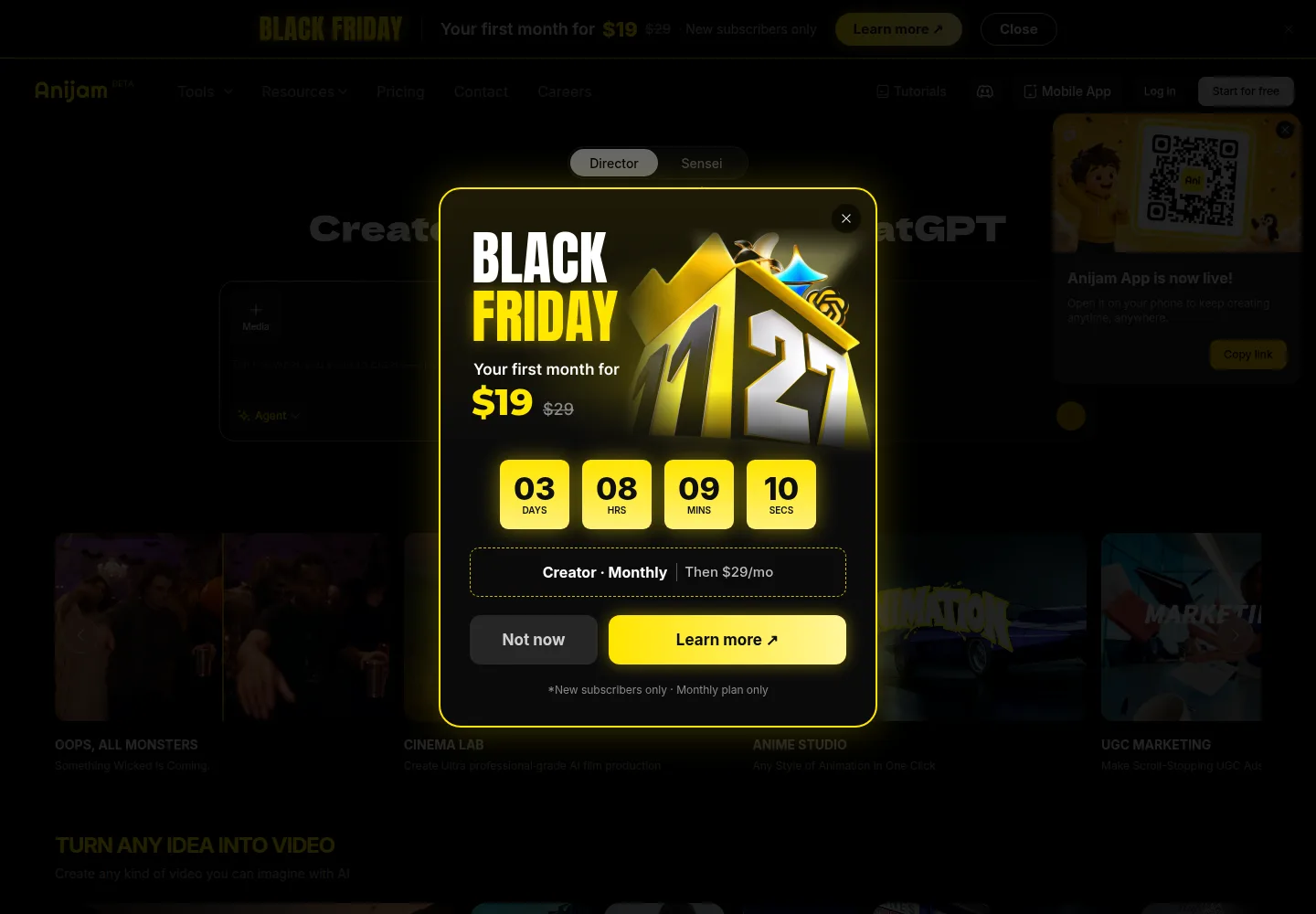
Paid plans run from Beginner at $16 per month to Master Pro at $166 per month. Source ↗
Credit top-ups are restricted to subscribers, and purchased credits last one year. Source ↗
Price and free allowance
See the sourced plan statements above; confirm currency, billing period and checkout eligibility on the vendor site.
Published-source profile · collected 2026-11-24. Automated collection followed by editorial review. These are vendor-published claims, not hands-on product test results.
Alternatives to Anijam
Tools the catalogue itself links to Anijam: an editor lists them as related, an editorial comparison or switching guide covers the pair, or both are reviewed picks for the same task. Each reason below can be checked on the tool pages. This is not a quality ranking.
When this listing’s recorded facts changed, from what to what. Dates are the day (UTC) the change was recorded in the ByTask data, not the day the vendor changed anything. Only changes that can be traced in the data history appear here; a fact that has not changed shows nothing.

 Official site reference