The all-in-one AI video studio: build full videos with voiceovers from a script, image, or clip, plus AI dubbing, translation, and interactive avatars.
At a glance
Free + paid · Source review 2026-10-20
Price & billing
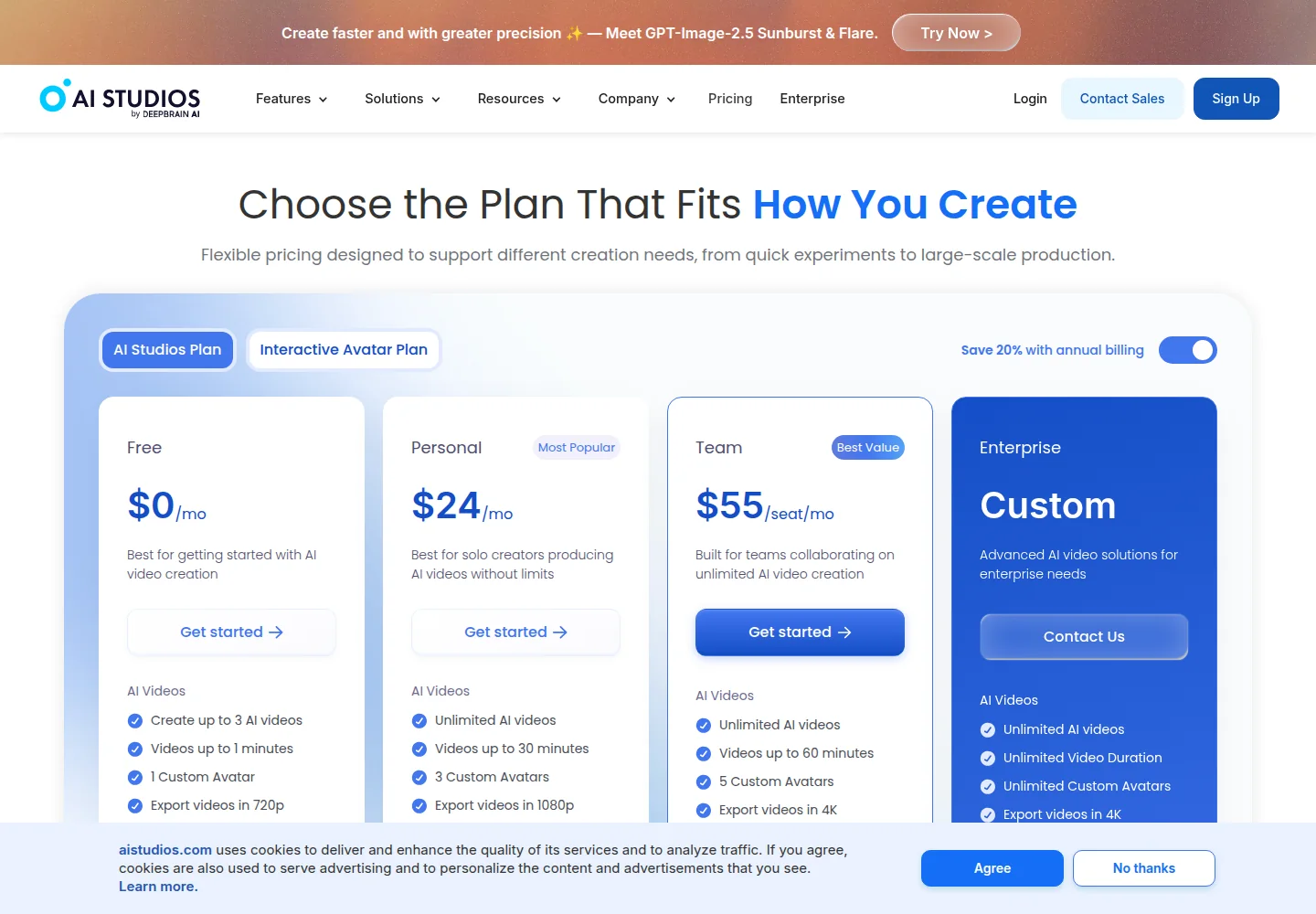
Free plan at $0 per month with 16 one-time generative credits and 1 priority video per month. In the annual-billing view, Personal is $24 per month (50 priority videos per month, 120 minutes of AI Dubbing per month, 720 generative credits per year). Team is $55 per seat per month in the annual-billing view (150 priority videos per month, 240 minutes of AI Dubbing per month, 1,800 generative credits per year per seat, shared across the team). Enterprise is custom, and add-ons for additional generative credits are available.
Creators and teams that want an all-in-one AI video studio: generate videos from a script, image, or clip, with AI dubbing and translation, interactive avatars, and voiceovers.
Fit is editorial guidance, not a measured result.
Platforms
Access: not separately verified. Operating systems not separately verified.
Creators and teams that want an all-in-one AI video studio: generate videos from a script, image, or clip, with AI dubbing and translation, interactive avatars, and voiceovers.
Limits and trade-offs
Generative features run on credits that each tool consumes differently: the free plan's 16 generative credits are one-time, not monthly. Dubbing minutes and priority videos are capped per plan (120 dubbing minutes per month on Personal, 240 on Team), and Team credits are per seat and shared across the team.
Plans and free allowances
Free plan at $0 per month with 16 one-time generative credits and 1 priority video per month. In the annual-billing view, Personal is $24 per month (50 priority videos per month, 120 minutes of AI Dubbing per month, 720 generative credits per year). Team is $55 per seat per month in the annual-billing view (150 priority videos per month, 240 minutes of AI Dubbing per month, 1,800 generative credits per year per seat, shared across the team). Enterprise is custom, and add-ons for additional generative credits are available.
Official-site collection and source-backed editorial review
Dates: Last reviewed 2026-10-21 · Sources checked 2026-10-20. Last reviewed is the latest source or editorial review date; it is not a content-change date.
A closer look at AI Studios
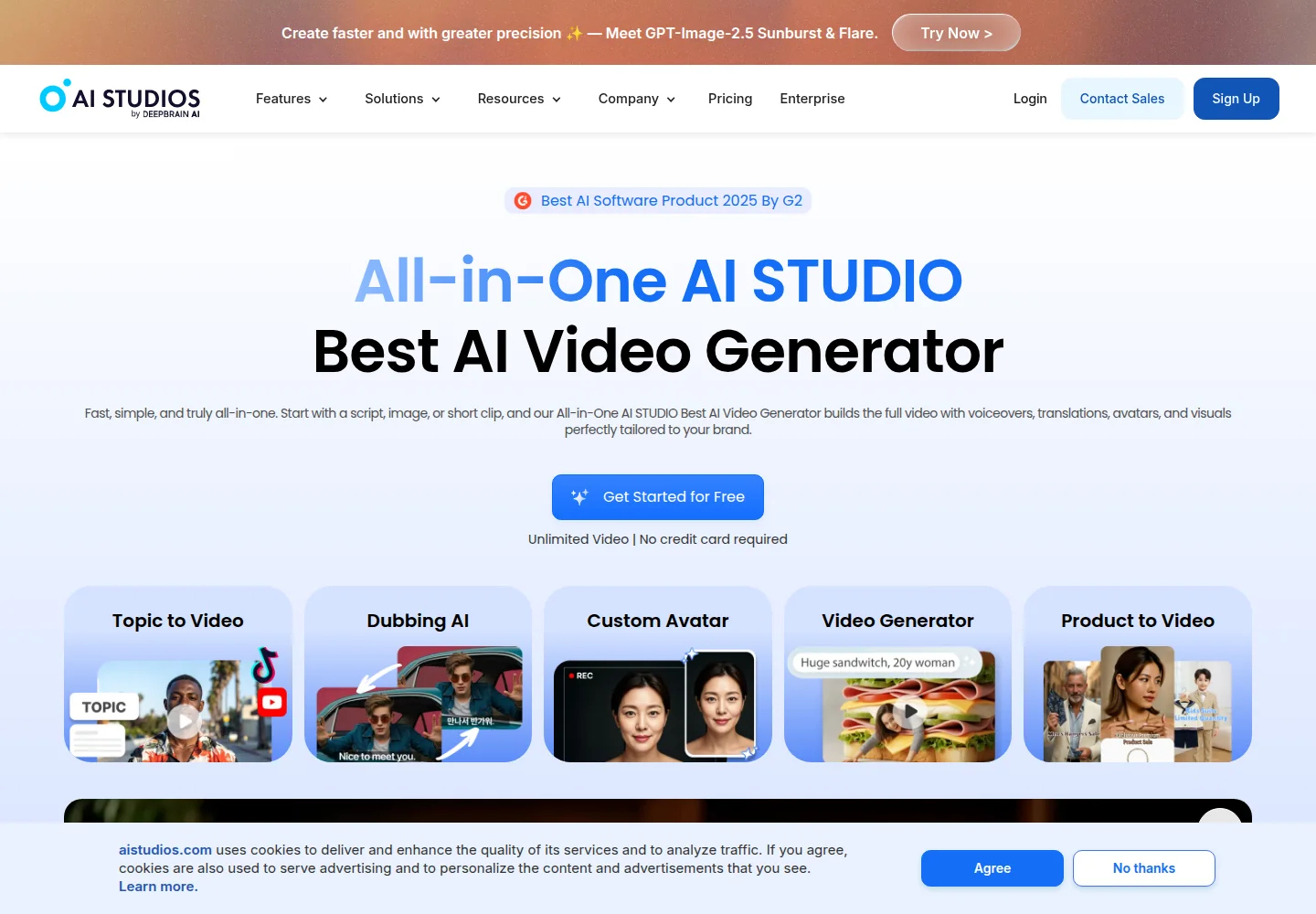
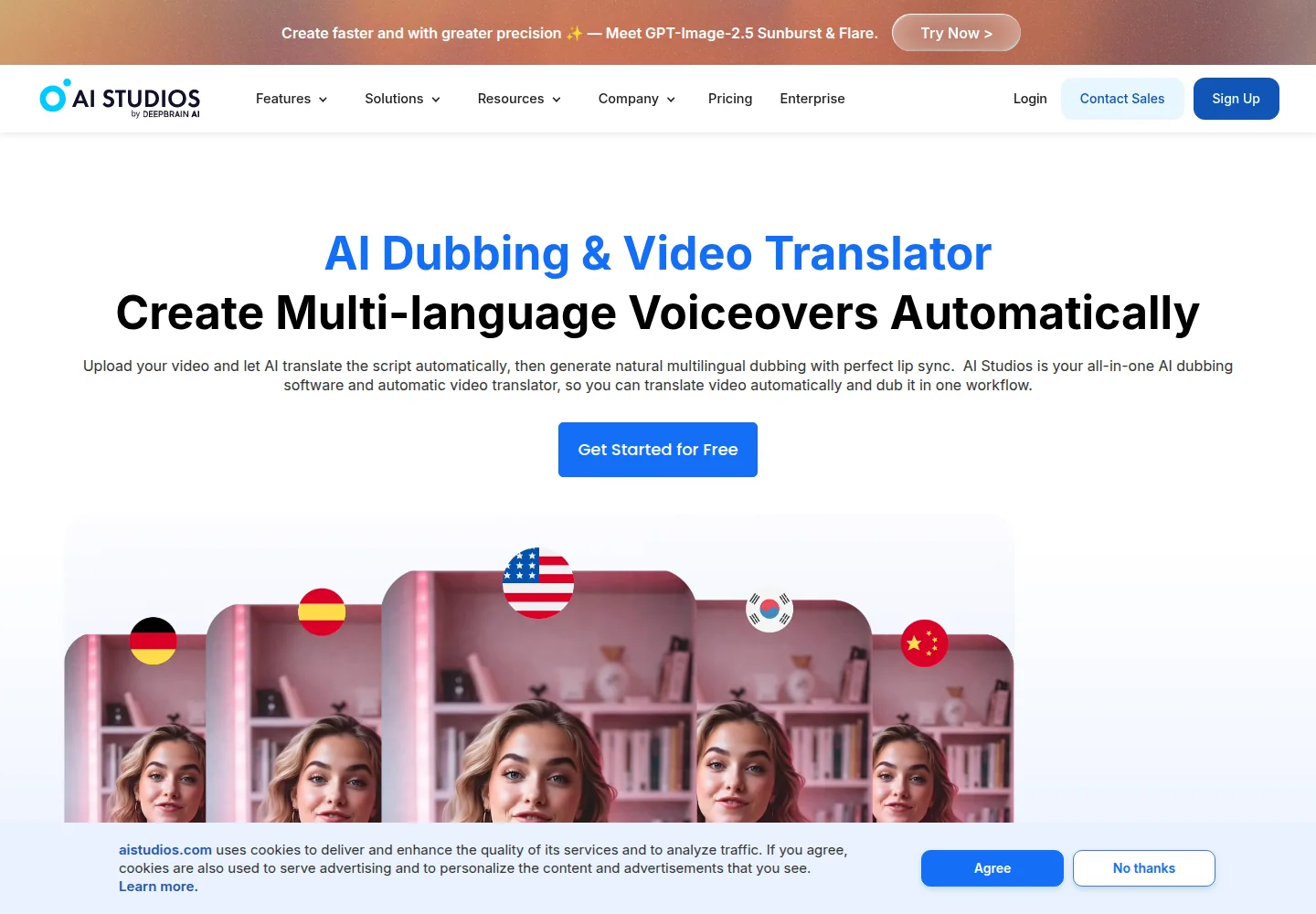
AI Studios (by DeepBrain AI) is an all-in-one AI video generator: start with a script, image, or short clip and it builds the full video with voiceovers, and it engages users in real time through AI-powered conversational avatars. A headline feature is AI dubbing: upload once, translate your video automatically, and generate multilingual dubbing with AI lip sync. The vendor positions it for video creation without advanced editing skills, with generative credits used only for select features like AI images, generative video, and product and custom avatar creation.
Editorial guidance based on published documentation. The workflow below is a suggested starting point, not a measured product result.
When to choose AI Studios
Creators and marketers producing avatar-led videos every week
Teams localizing videos with AI dubbing and lip sync into many languages
Businesses that want interactive conversational avatars, not just static videos
When to choose something else
Editors who need a full timeline NLE for bespoke productions
Users who expect the free plan's one-time credits to fund ongoing production
A practical starting workflow
Get started for free and create a free video from a script, image, or clip
Add voiceovers or an interactive avatar, and test AI dubbing quality with trial credits
Move to Personal for 50 priority videos and 120 dubbing minutes per month
Scale to Team for shared per-seat credits and 240 dubbing minutes, or Enterprise for scale
Check before committing
Free generative credits are a one-time 16, not a monthly allowance
Dubbing minutes are a hard monthly cap per plan
Each generative tool consumes credits differently, so budgeting needs a test run
The $24 Personal and $55/seat Team prices were captured with annual billing enabled; monthly checkout prices were not verified.
This entry reviews official published material; no authenticated hands-on product test was performed.
Common questions
How much does AI Studios cost?
The Free plan is $0 with 16 one-time generative credits and capped video/dubbing use. On the reviewed annual-billing offer, Personal is $24 per month and Team $55 per seat per month. Personal lists 120 dubbing minutes/month and 720 generative credits/year; Team lists 240 minutes/month and 1,800 credits/year per seat, shared across the team.
Yes. AI Studios offers a free plan with limited credits so new users can try core features, create short AI videos, generate AI images, and test AI dubbing; no credit card is required to start.
AI Studios is an all-in-one AI video generator and dubbing platform: it builds full videos with voiceovers from a script, image, or clip, and translates videos with multilingual AI dubbing and lip sync.
HeyGen — Short presenter-led explainers, training introductions, or localized narration when an avatar is a suitable stand-in for the speaker.
Atlabs — Creators and marketers who want to produce avatar videos, product ads, and social videos fast in one creative suite, with consistent characters, voiceovers, and full editing control.
Colossyan — Training and enablement teams producing multilingual video courses with AI avatars, interactivity, and SCORM export to an LMS.
AI Studios is a cloud video-creation suite for individuals and teams, combining script-to-video, AI avatars, text-to-speech, dubbing, translation, and video editing. Users can start with text, documents, URLs, or images and add avatars, voiceovers, visuals, or AI-generated clips. The official pricing page lists a limited free plan and paid plans that increase video length, export resolution, credits, and dubbing capacity.
Capabilities and conditions
AI Studios turns scripts, documents, or URLs into videos with avatars, visuals, and narration. Source ↗
The site lists more than 2,000 ready-to-use avatars and over 150 text-to-speech languages. Source ↗
The Veo 3.1 page says a topic or keyword can produce a full video with avatars, voices, and script. Source ↗
The Free plan has a $0 monthly price and permits three AI videos up to one minute each. Source ↗
The Free plan lists one custom avatar and one priority video per month. Source ↗
Price and free allowance
See the sourced plan statements above; confirm currency, billing period and checkout eligibility on the vendor site.
Published-source profile · collected 2026-10-17. Automated collection followed by editorial review. These are vendor-published claims, not hands-on product test results.
Alternatives to AI Studios
Tools the catalogue itself links to AI Studios: an editor lists them as related, an editorial comparison or switching guide covers the pair, or both are reviewed picks for the same task. Each reason below can be checked on the tool pages. This is not a quality ranking.
When this listing’s recorded facts changed, from what to what. Dates are the day (UTC) the change was recorded in the ByTask data, not the day the vendor changed anything. Only changes that can be traced in the data history appear here; a fact that has not changed shows nothing.


 Official site reference


