A no-code platform to create AI workflows through drag-and-drop interfaces.
At a glance
Free + paid · Source review 2026-11-24
Price & billing
A free plan is listed with 1 seat, 100 MB storage, 1 agent, and 1 ActionFlow. Starter, Pro, and Scale are paid plans (monthly or yearly) and Enterprise is custom; paid plan amounts are not displayed on the official pricing page.
Published-source facts and editorial guidance. No product test is implied. Confirm current conditions before purchase.
Official website; English-locale capture · Captured 2026-11-29 · Source ↗
This listing has 1 image; no further gallery images exist.
What to know before choosing
Good fit
Teams that want visual AI workflows and agents without assembling a stack
Limits and trade-offs
The captured homepage text names plans but does not show plan prices or limits; check the official pricing page before purchase.
Plans and free allowances
A free plan is listed with 1 seat, 100 MB storage, 1 agent, and 1 ActionFlow. Starter, Pro, and Scale are paid plans (monthly or yearly) and Enterprise is custom; paid plan amounts are not displayed on the official pricing page.
Official-site collection and source-backed editorial review
Dates: Last reviewed 2026-11-24. Last reviewed is the latest source or editorial review date; it is not a content-change date.
A closer look at ActionFlows
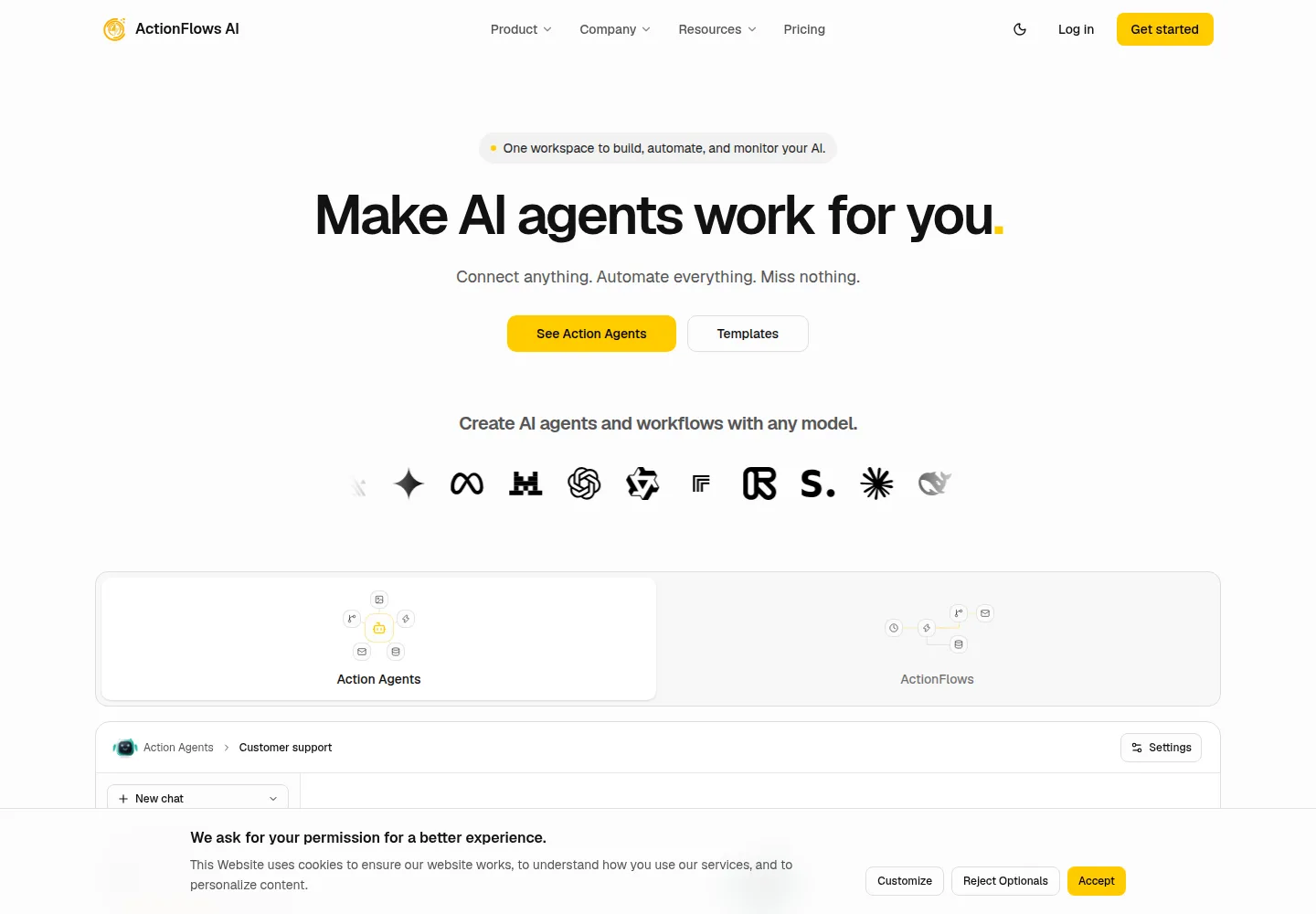
ActionFlows is a product for AI workflows and agents: an ActionFlow is a graph of models, apps, and logic drawn on a visual canvas, and an agent is an assistant configured in Studio that chats, calls allowed tools, and keeps the thread. It supports schedules, webhooks, and API runs, connects to tools such as Slack and GitHub and to MCP servers, and adds organization credentials, PII redaction, and moderation on agent output. Plans named on the homepage start at Free, with Starter, Pro, and Scale for larger teams.
Editorial guidance based on published documentation. The workflow below is a suggested starting point, not a measured product result.
When to choose ActionFlows
Operators, founders, and engineers who run model calls and handoffs without building a stack
Teams that automate copy-paste work and follow-ups as visible workflows
Builders who want agents on Slack, Discord, Teams, or their own site
When to choose something else
Users who want a single fixed chatbot with no workflow or agent configuration
Users who need more than one agent and one workflow, or included AI-run credits, on the free plan
A practical starting workflow
Create a free account, and open a template or a blank canvas
Draw an ActionFlow graph of models, apps, conditions, loops, and approval steps, or configure an agent in Studio
Connect models, integrations, and MCP servers, and attach skills
Run it from the playground, a schedule, a webhook, or the API, and review run history
Check before committing
Vendor claims on the official page are not guarantees; actual results, quality and availability must be tested in the product.
Prices and features may change after this review; recheck the official site before purchase or signup.
Common questions
What is an ActionFlow?
It is a graph you draw and run: models, apps, and logic connected so outputs flow from one node to the next.
Cospace — Teams that want one self-hosted workspace for files, chat, projects, no-code apps, and governed analytics.
easybits — Developers adding AI features to apps without building prompt chains and parsers.
Product details from official sources
ActionFlows lets operators, founders, and engineers build conversational agents and visual automation graphs using models, apps, and MCP tools. Workflows can include conditions, loops, approval steps, and reusable subflows. Paid tiers add capabilities such as API access, schedules, webhooks, and provider keys. The free plan permits one agent and one workflow but lists zero included credits, so a free account does not establish a funded AI-run allowance.
Capabilities and conditions
Builds visual workflows as graphs that you draw and run. Source ↗
Agents and workflows can call connected MCP servers as tools. Source ↗
The free plan allows one agent and one ActionFlow. Source ↗
The plan feature list includes scheduled ActionFlows, event triggers, and webhooks. Source ↗
The stated audience includes operators, founders, and engineers. Source ↗
Price and free allowance
See the sourced plan statements above; confirm currency, billing period and checkout eligibility on the vendor site.
Published-source profile · collected 2026-11-24. Automated collection followed by editorial review. These are vendor-published claims, not hands-on product test results.
Alternatives to ActionFlows
Tools the catalogue itself links to ActionFlows: an editor lists them as related, an editorial comparison or switching guide covers the pair, or both are reviewed picks for the same task. Each reason below can be checked on the tool pages. This is not a quality ranking.
When this listing’s recorded facts changed, from what to what. Dates are the day (UTC) the change was recorded in the ByTask data, not the day the vendor changed anything. Only changes that can be traced in the data history appear here; a fact that has not changed shows nothing.

 Official site reference