AI super assistant bundling 100+ models, agents, and app building in one subscription.
At a glance
Paid · Source review 2026-10-20
Price & billing
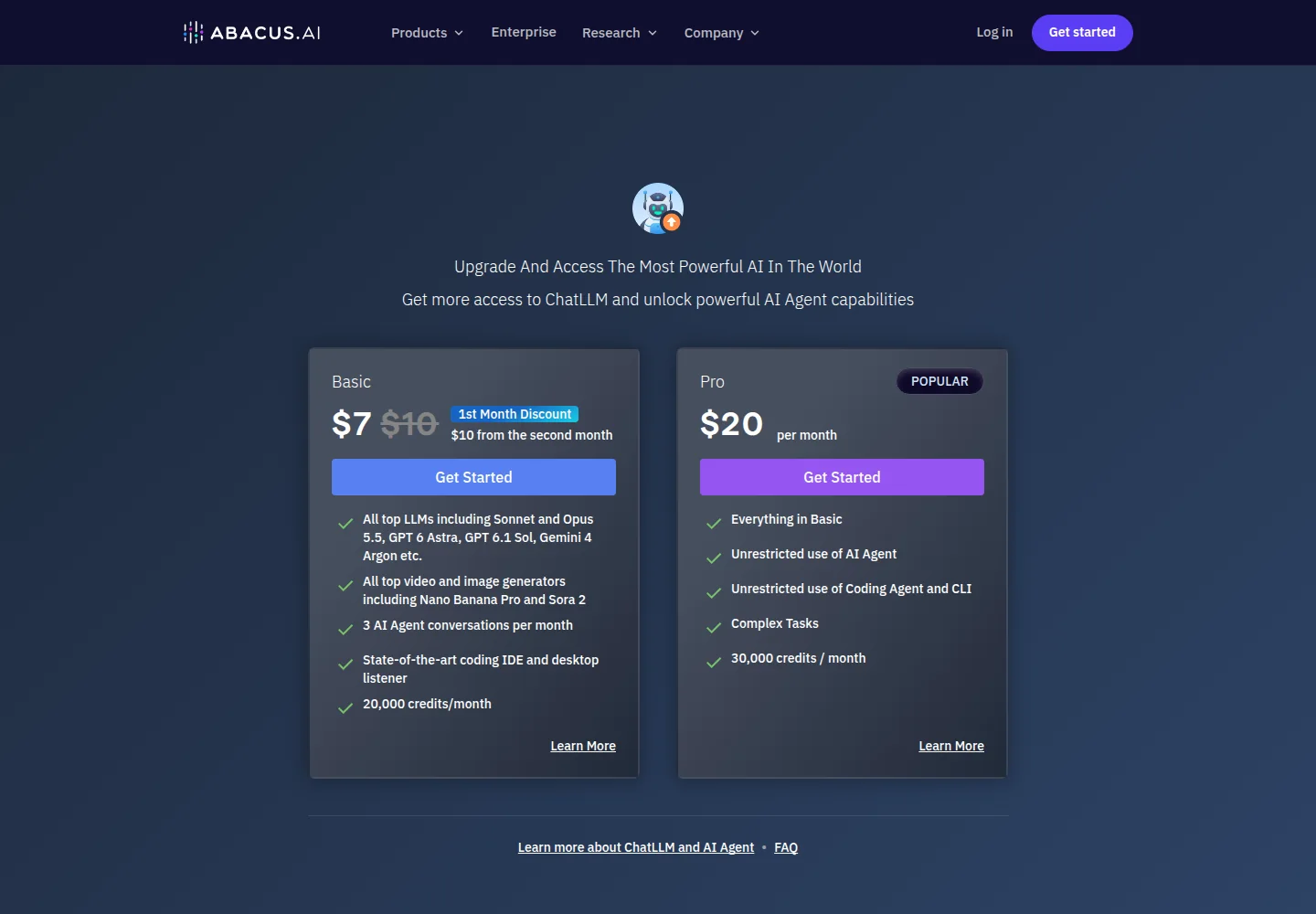
Basic is listed at $10/month with a $7 first-month discount and 20,000 credits/month; Pro is $20/month with 30,000 credits/month. No free plan is listed on the pricing page.
Professionals and teams who want one subscription covering chat with many models, document and data work, agents, and media creation.
Limits and trade-offs
Basic lists 3 AI Agent conversations and 20,000 credits per month. Pro advertises unrestricted agent access but still lists 30,000 credits per month; do not read unrestricted access as unlimited credits. Model availability changes.
Plans and free allowances
Basic is listed at $10/month with a $7 first-month discount and 20,000 credits/month; Pro is $20/month with 30,000 credits/month. No free plan is listed on the pricing page.
Official-site collection and source-backed editorial review
Dates: Last reviewed 2026-10-21 · Sources checked 2026-10-20. Last reviewed is the latest source or editorial review date; it is not a content-change date.
A closer look at Abacus.AI
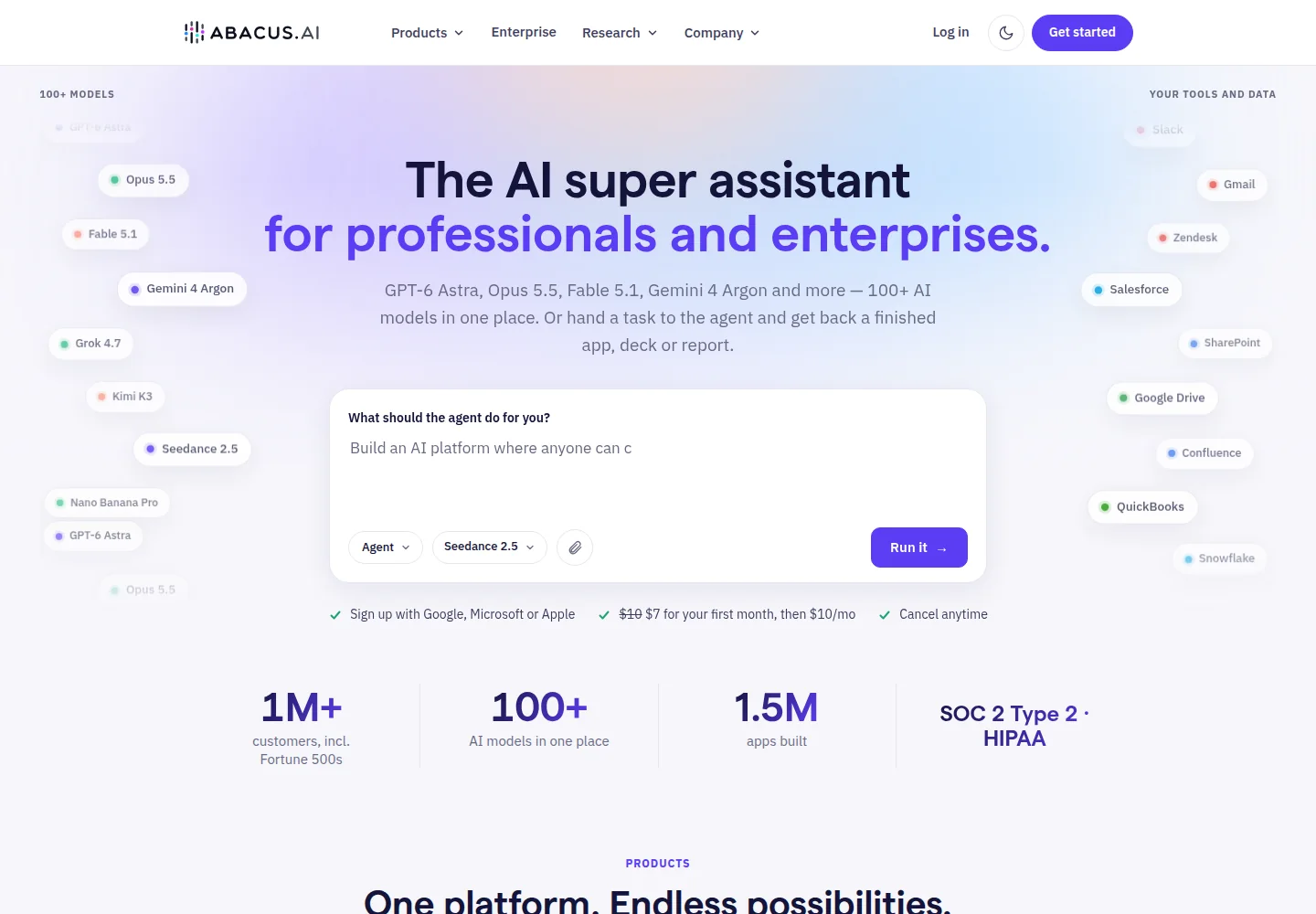
Abacus.AI offers ChatLLM, an AI super assistant that bundles access to 100+ models in one subscription, together with agents that can build full-stack apps, a Studio for documents, slides, images, and video, and tools for connecting internal systems such as Slack, Google Drive, and Confluence. The pricing page lists Basic at $10/month, discounted to $7 for the first month, with 20,000 credits/month, and Pro at $20/month with 30,000 credits/month. No free plan is listed on the captured pricing page.
Editorial guidance based on published documentation. The workflow below is a suggested starting point, not a measured product result.
When to choose Abacus.AI
A professional who would otherwise pay for several separate AI subscriptions wants chat, agents, and media tools in one plan.
A non-technical founder wants the agent to build a full-stack web or mobile app from a prompt.
A team wants an assistant that can connect to internal systems such as Google Drive, Slack, and Confluence.
When to choose something else
A user needs an ongoing free tier; the pricing page lists paid plans only, starting with a discounted first month.
Heavy agent or media workloads that require guaranteed unlimited consumption; both paid plans have published credit allowances.
A practical starting workflow
Sign up and choose Basic or Pro based on expected credit and agent use.
Pick a model or start a ChatLLM conversation with your documents or data attached.
Hand longer jobs, such as building an app or deck, to the agent and review its progress.
Refine outputs in Studio and export the finished document, slides, or app.
Monitor credit use and adjust the plan if agent conversations or media generation run out.
Check before committing
Credits and per-plan agent conversation limits apply, so heavy agent or media use can exhaust a Basic plan quickly.
The bundled model roster changes over time; a specific model named on the site today may not be available later.
This review covers published product information, not a hands-on test.
Common questions
How much does Abacus.AI ChatLLM cost?
The pricing page lists Basic at $10/month, discounted to $7 for the first month, with 20,000 credits/month, and Pro at $20/month with 30,000 credits/month. No free plan is listed.
The site says ChatLLM gives access to 100+ AI models in one assistant, including the named frontier models on its homepage, and can make slides, docs, apps, and videos in the same place.
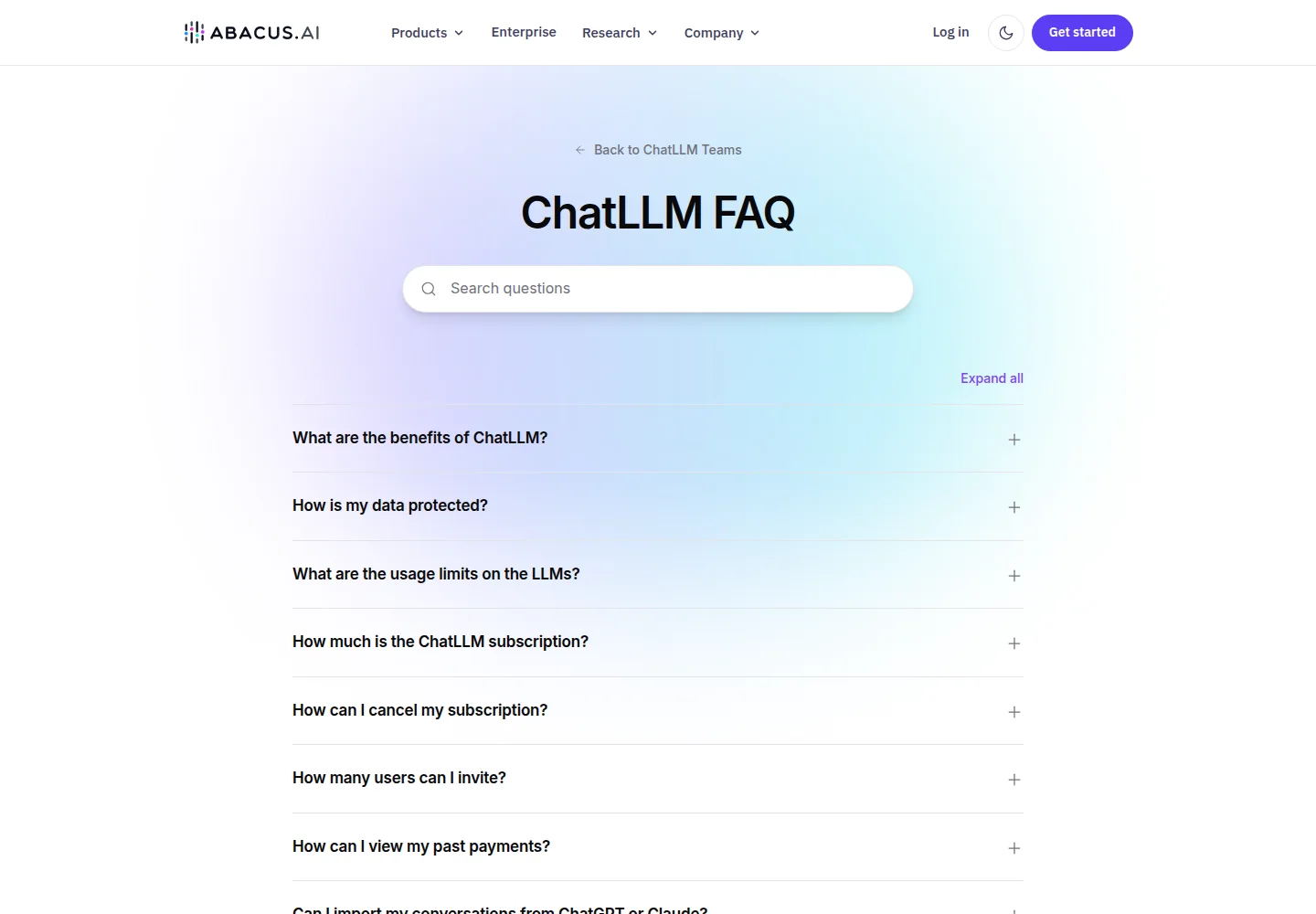
Abacus.AI offers ChatLLM and agent tools for professionals and teams, combining access to multiple models with document work, data analysis, app building, and presentation creation. Teams can connect internal systems and build assistants around their data. The FAQ lists ChatLLM at $10 per user monthly and describes rate limits triggered by large attachments. Media-generation access has additional tier-specific limits described in the FAQ.
Capabilities and conditions
Analyzes and summarizes uploaded documents including PDFs, Word files, PowerPoint, and images. Source ↗
Analyzes CSV and Excel uploads and generates charts. Source ↗
Teams can connect internal systems such as Google Drive, Slack, and Confluence. Source ↗
ChatLLM subscriptions are listed at $10 per user per month. Source ↗
Large attachments can trigger rate limits, after which the service may switch to another model. Source ↗
Price and free allowance
See the sourced plan statements above; confirm currency, billing period and checkout eligibility on the vendor site.
Published-source profile · collected 2026-10-17. Automated collection followed by editorial review. These are vendor-published claims, not hands-on product test results.
Alternatives to Abacus.AI
Tools the catalogue itself links to Abacus.AI: an editor lists them as related, an editorial comparison or switching guide covers the pair, or both are reviewed picks for the same task. Each reason below can be checked on the tool pages. This is not a quality ranking.
When this listing’s recorded facts changed, from what to what. Dates are the day (UTC) the change was recorded in the ByTask data, not the day the vendor changed anything. Only changes that can be traced in the data history appear here; a fact that has not changed shows nothing.
Recorded (UTC)
Price & plansPrice and plan wording changed
Links & sourcesOfficial sources on file: 2 added, 1 re-checked


 Official site reference